.svg)
Adding Items manually in Enpass
Enpass features dozens of well-organized templates that can be used to create new Items containing any kind of information, which are automatically grouped into clear categories.
Desktop
To add a new Item in Enpass for desktop:
-
Click New Item at the top of the Enpass window.
-
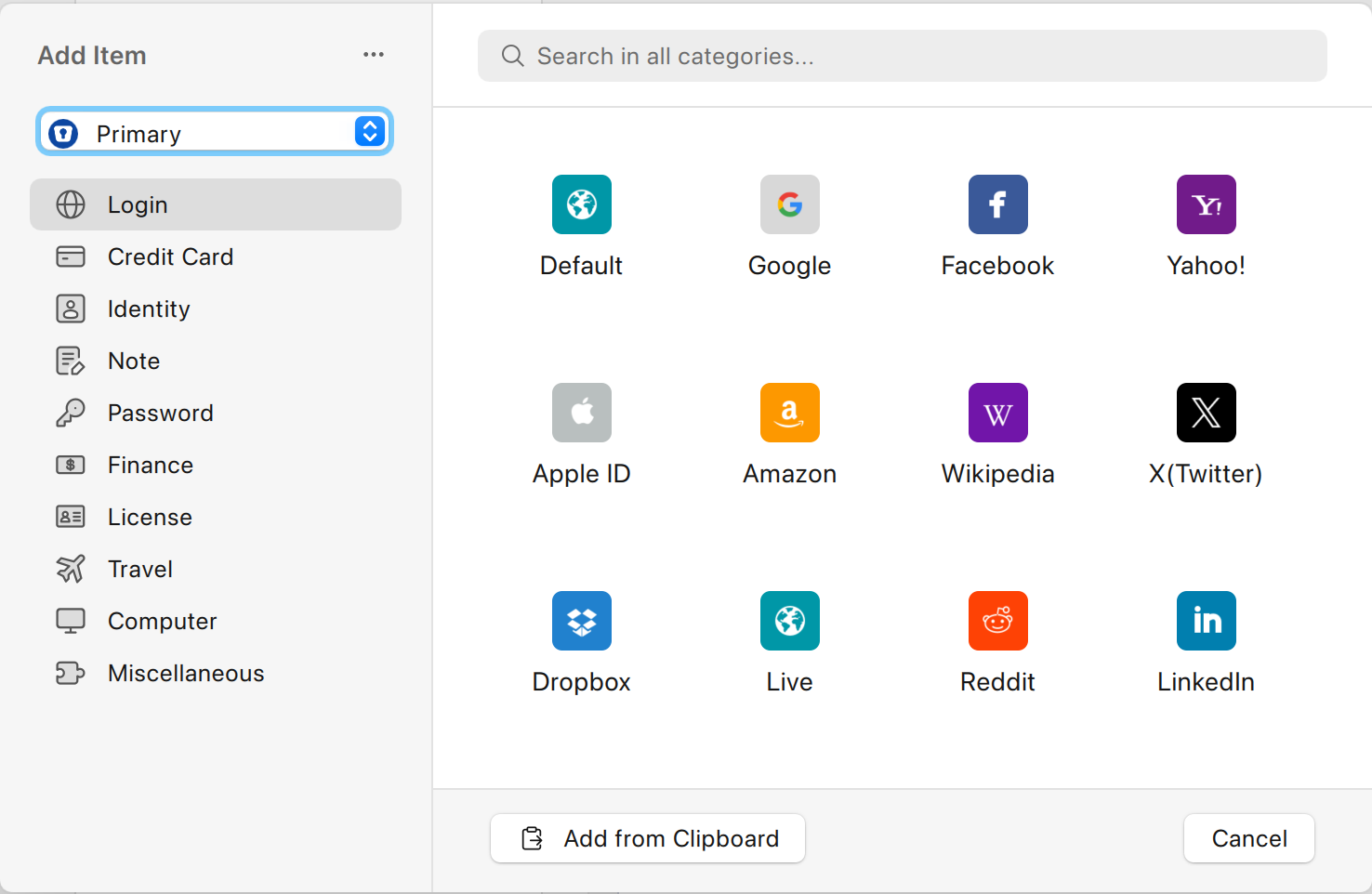
If you have multiple vaults, select a vault for your new Item.
-
Select a category and choose a template to use for your new Item.
-
Fill in your Item’s details in the form, and click Save.
Enpass Item forms are fully customizable. You can rearrange, rename, or add or remove fields to fit your needs. You can also create your own templates and your own categories.
iOS
To add a new Item in Enpass for iOS:
-
In the All Items view, tap

-
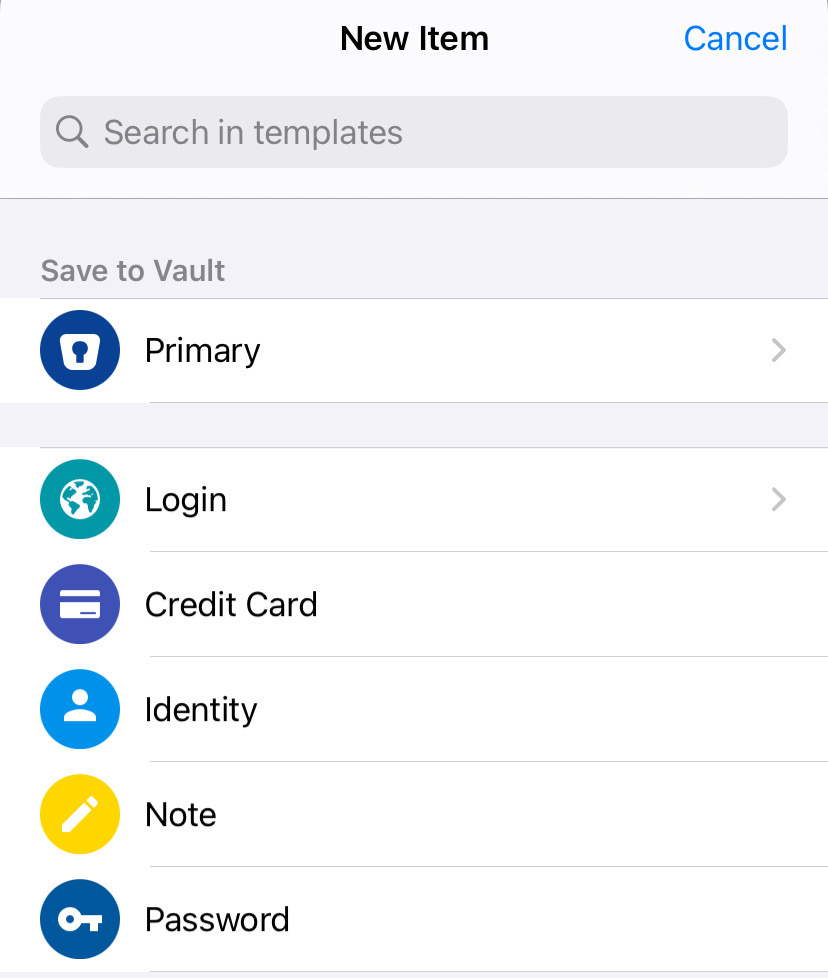
If you have more than one vault, select a vault for your new Item.
-
Select a category and choose a template to use for your new Item.
-
Fill in your details in the form, and tap Save.
Android
To add a new Item in Enpass for Android:
-
Tap the blue

-
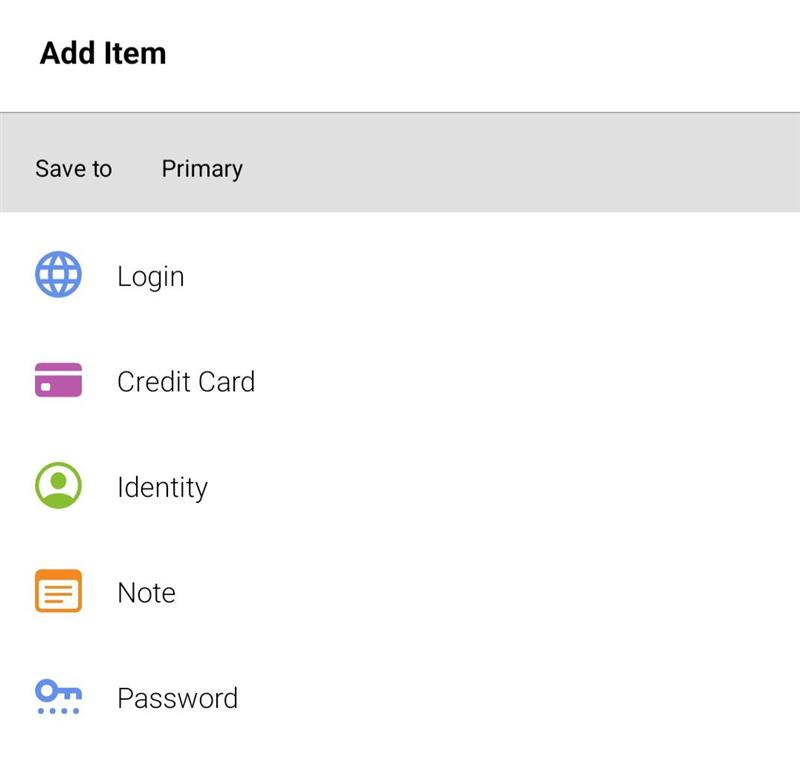
If you have more than one vault, select a vault for your new Item.
-
Select a category and choose a template to use for your new Item.
-
Fill in your details in the form, and tap Save.