.svg)
Creating and storing passkeys in Enpass
Once you’ve set up Enpass as your default password manager, Enpass can be used to manage passkeys and sync them between your devices, similarly to how Enpass manages passwords.
The experience will differ somewhat from site to site and app to app, but below are examples of the process.
Desktop
To create a passkey for logging into a site or app, in Enpass for desktop:
-
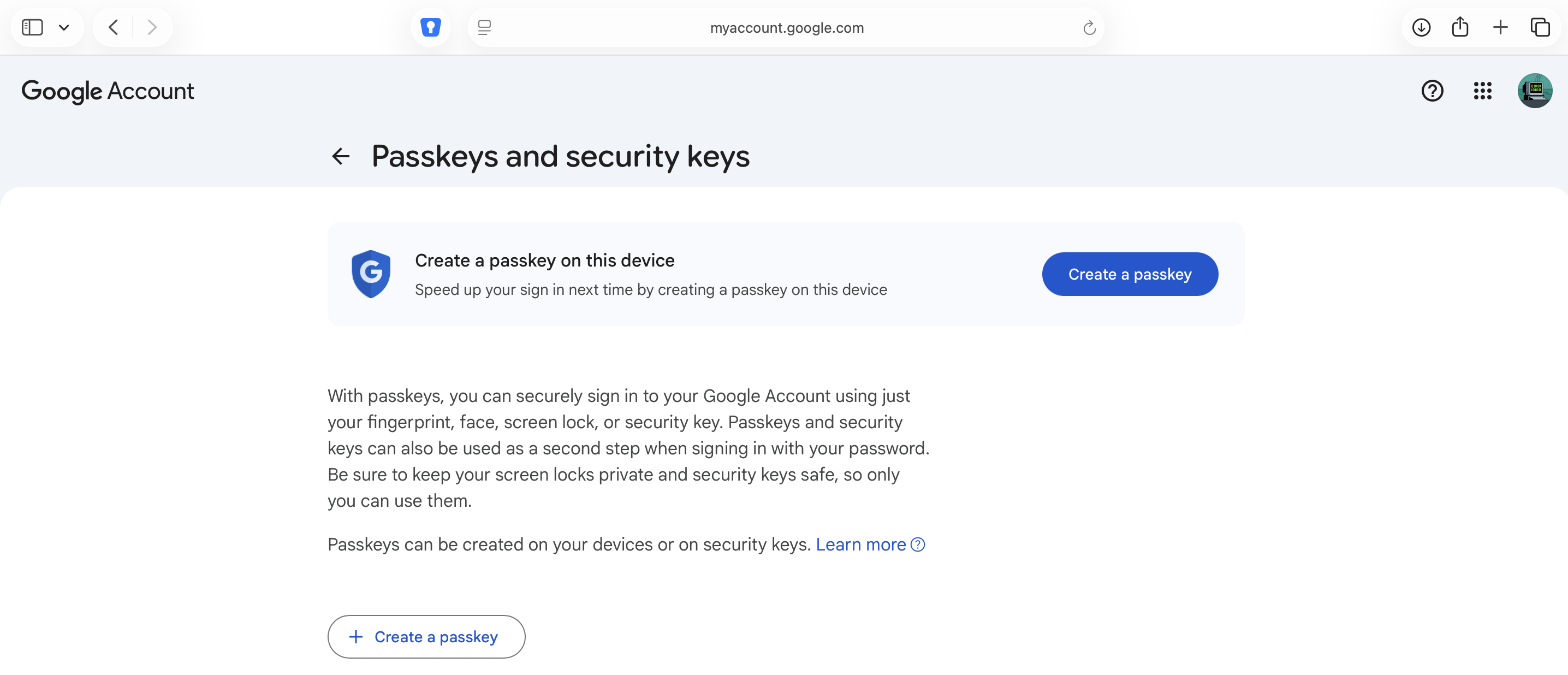
In the Account or Security area of your site or app find and select the option to create a passkey.
-
If you don’t find a passkey option, the site you’ve chosen may not yet support passkeys.
-
-
Follow the prompts from your site or app.
-
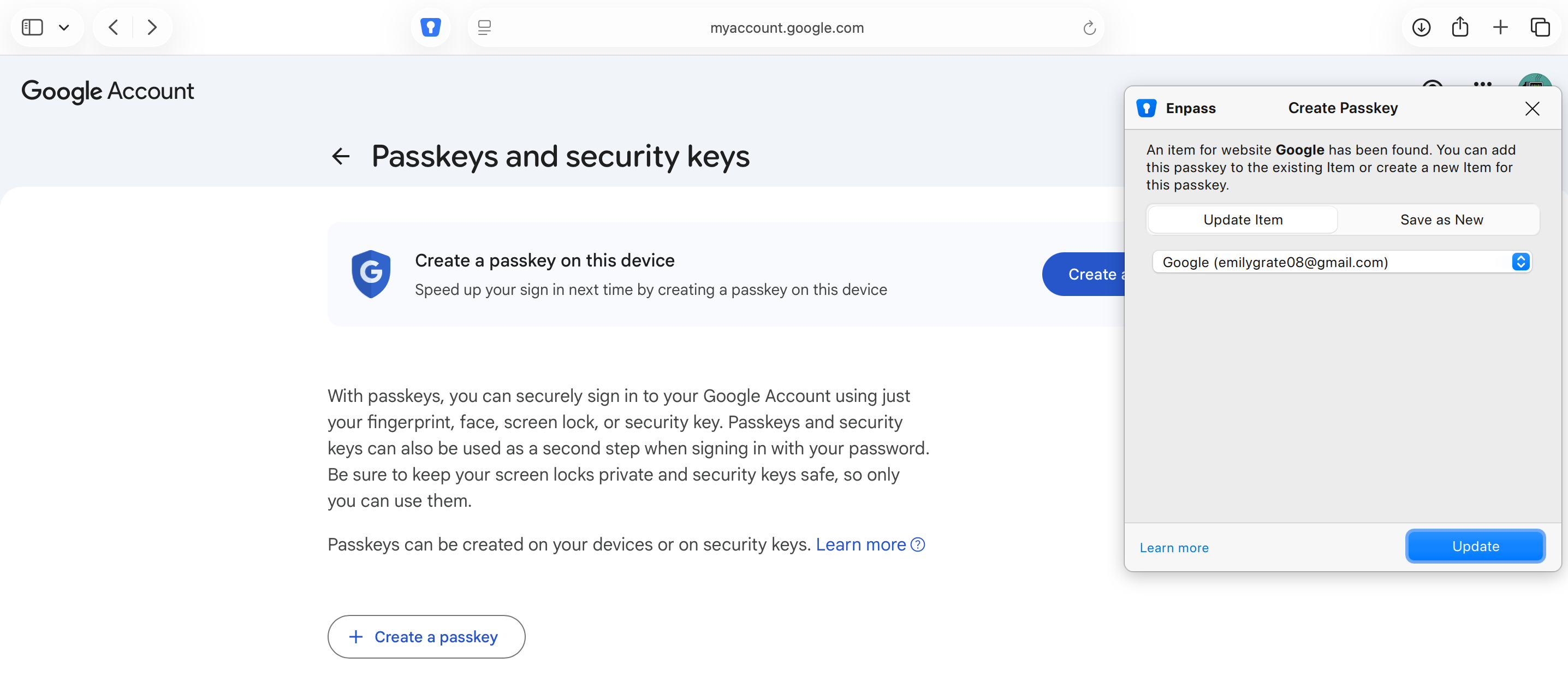
When you see the “Create a passkey” prompt choose Enpass and tap Continue.
-
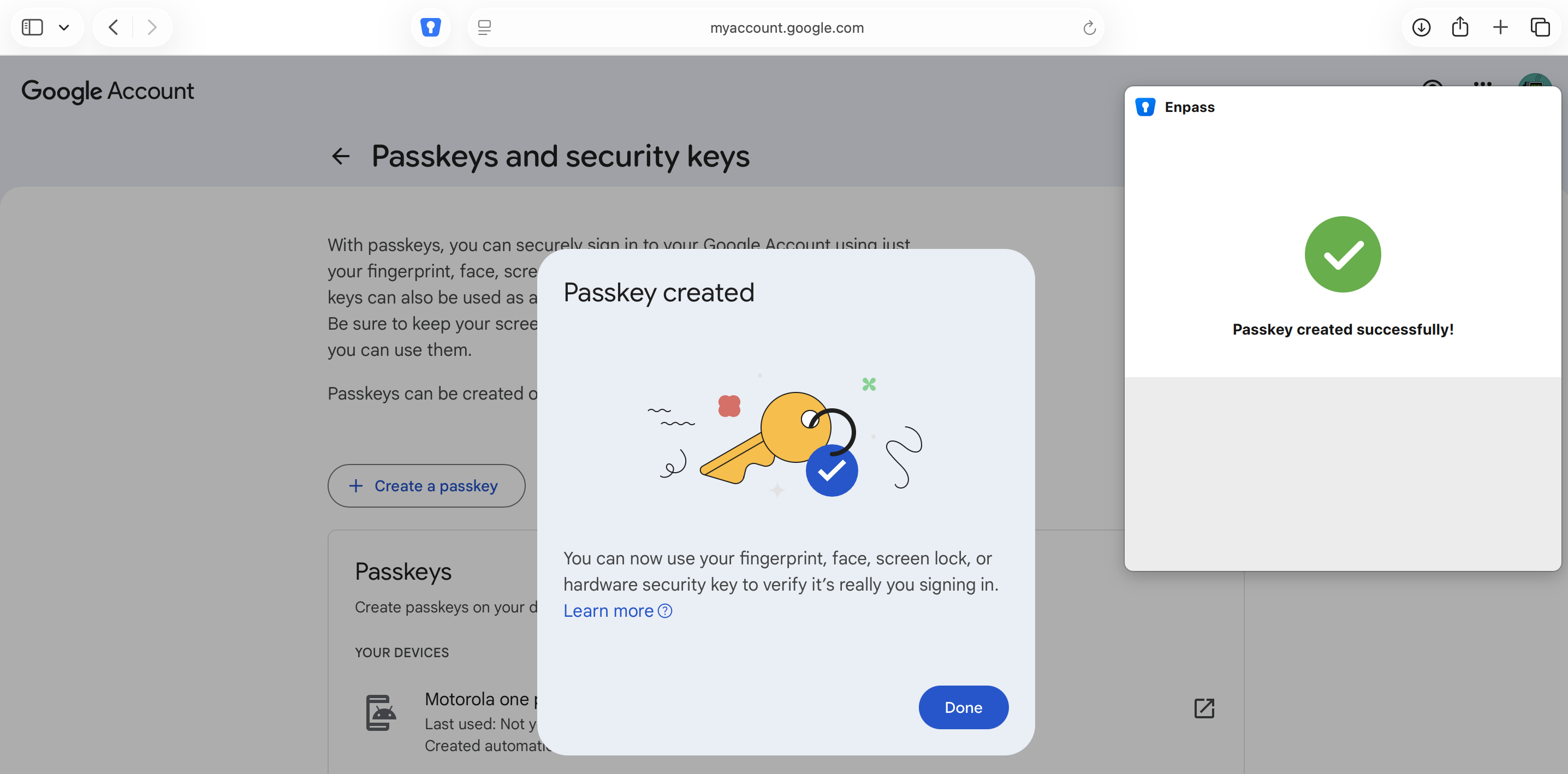
Follow the prompts in the Enpass overlay to authorize your passkey.
iOS
To create a passkey for logging into a site or app, in Enpass for IOS:
-
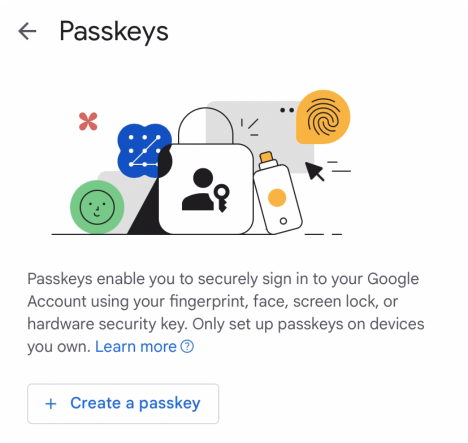
In the Account or Security area of your site or app find and select the option to create a passkey.
-
If you don’t find a passkey option, the site you’ve chosen may not yet support passkeys.
-
-
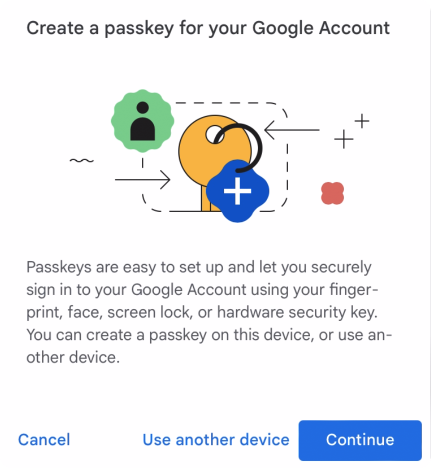
Follow the prompts from your site or app.
-
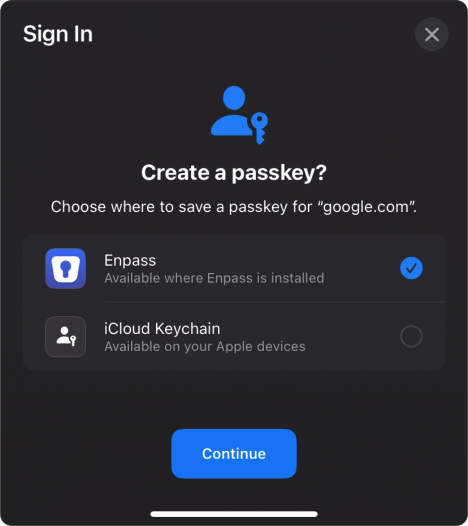
When you see the “Create a passkey” prompt choose Enpass and tap Continue.
-
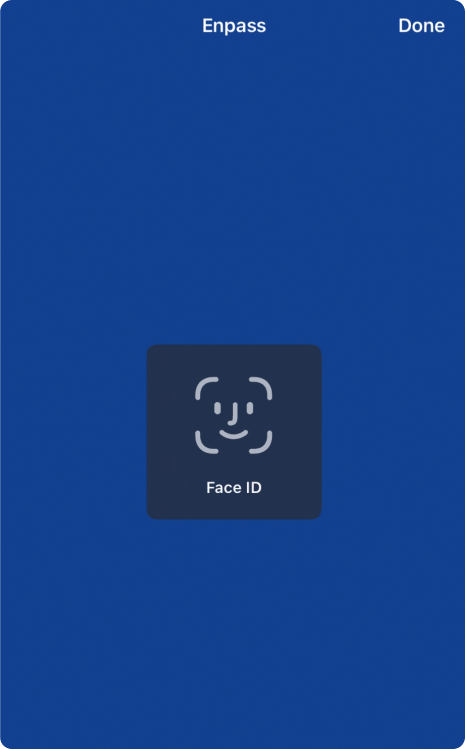
Follow the prompts in the Enpass overlay to authorize your passkey.
-
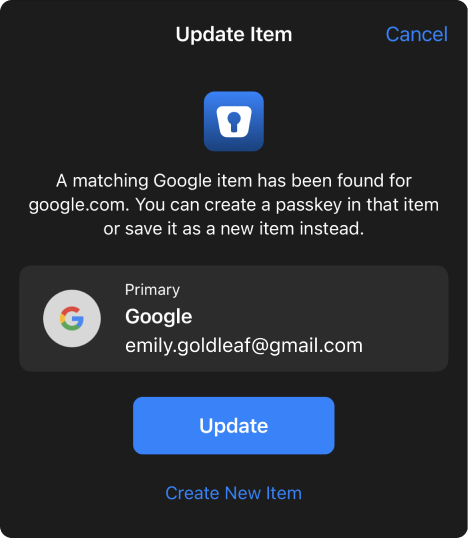
Enpass will look for matching Items in your vaults.
-
If matching Items are found, you will be prompted to choose one
-
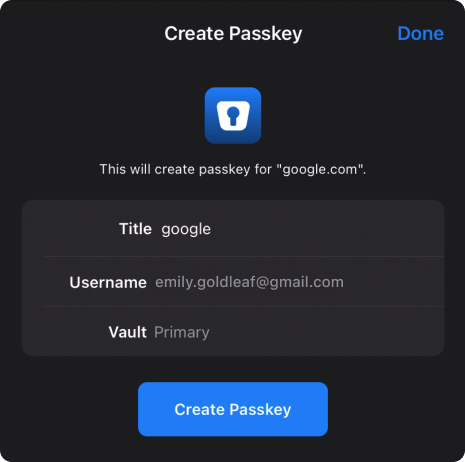
or you can create a new Item for your passkey
-
-
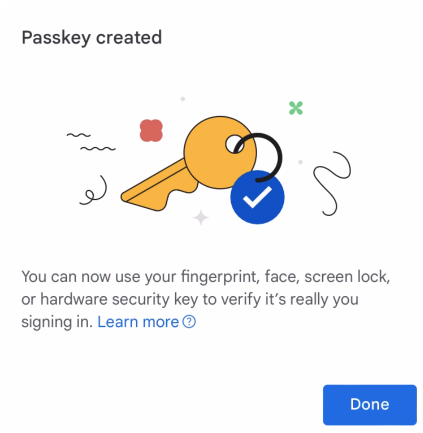
Once your passkey is created, you will be returned to the site or app for confirmation.
-
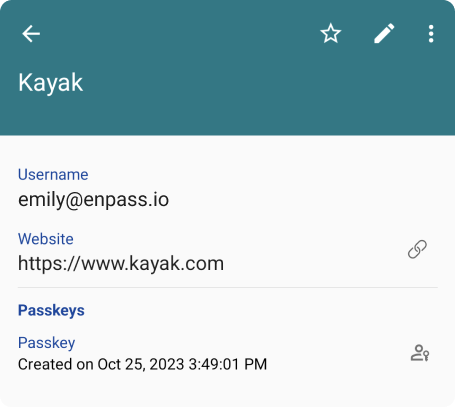
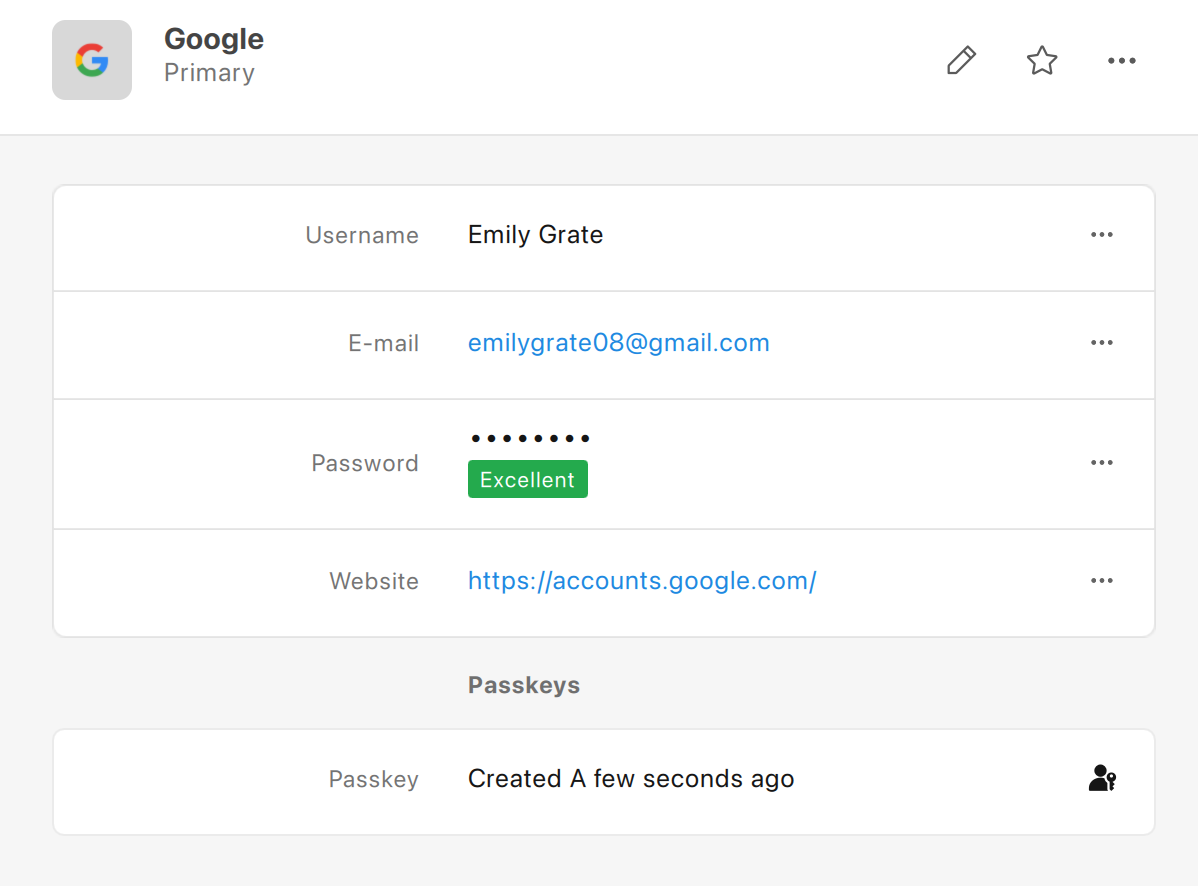
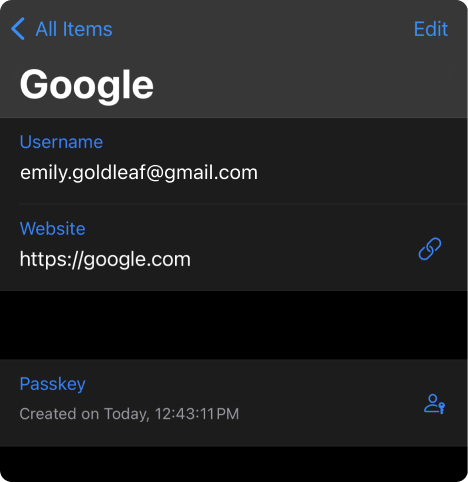
In Enpass, the Item for this account will now include a Passkey field displaying the creation date for this passkey.
Android
To create a passkey for logging into a site or app, in Enpass for Android:
-
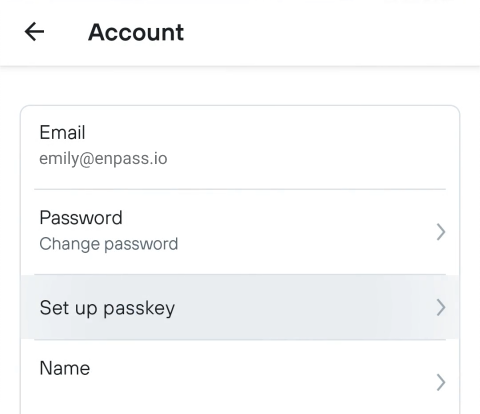
In the Account or Security area of your site or app find and select the option to create a passkey.
-
If you don’t find a passkey option, the site you’ve chosen may not yet support passkeys.
-
-
Follow the prompts from your site or app.
-
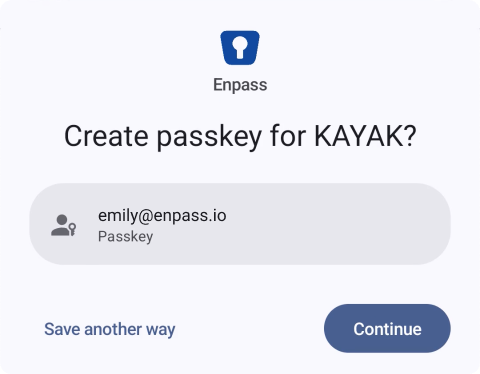
When you see the “Create a passkey” prompt choose Enpass and tap Continue.
-
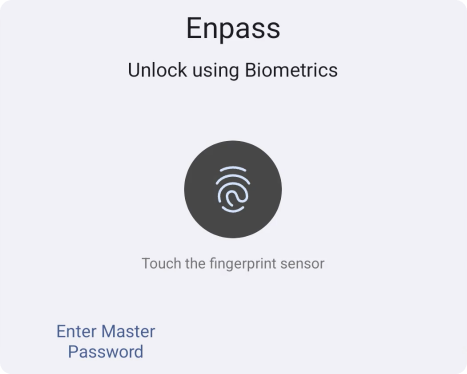
Follow the prompts in the Enpass overlay to authorize your passkey.
-
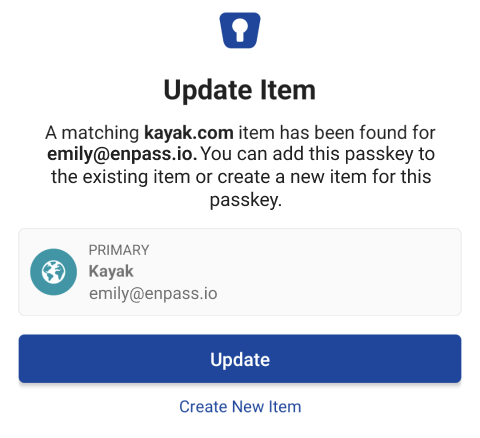
Enpass will look for matching Items in your vaults.
-
If matching Items are found, you will be prompted to choose one
-
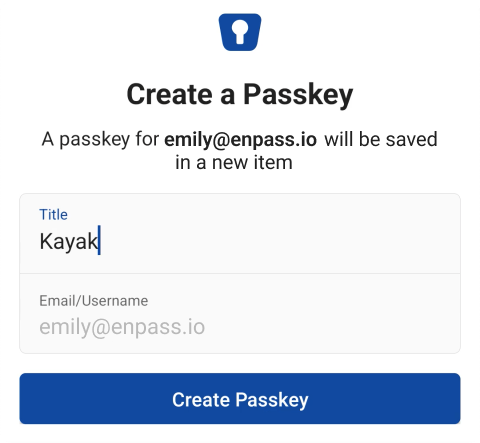
Or you can create a new Item for your passkey
-
-
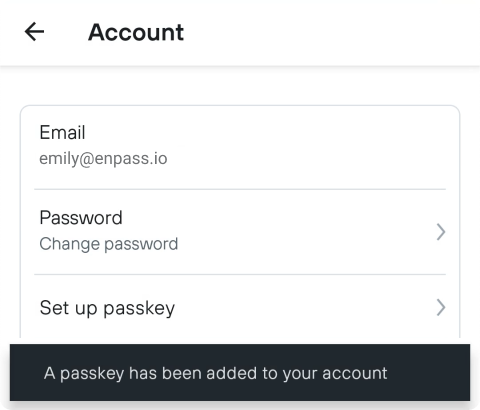
Once your passkey is created, you will be returned to the site or app for confirmation.
-
In Enpass, the Item for this account will now include a Passkey field displaying the creation date for this passkey.