.svg)
Logging into accounts using passkeys stored in Enpass
Once you’ve set up an account to use passkeys for authentication, Enpass can complete the login process automatically, just as it does with passwords.
Desktop
To log in to an account secured by a passkey, with Enpass for desktop:
-
On the login screen, select the option for logging in with a passkey.
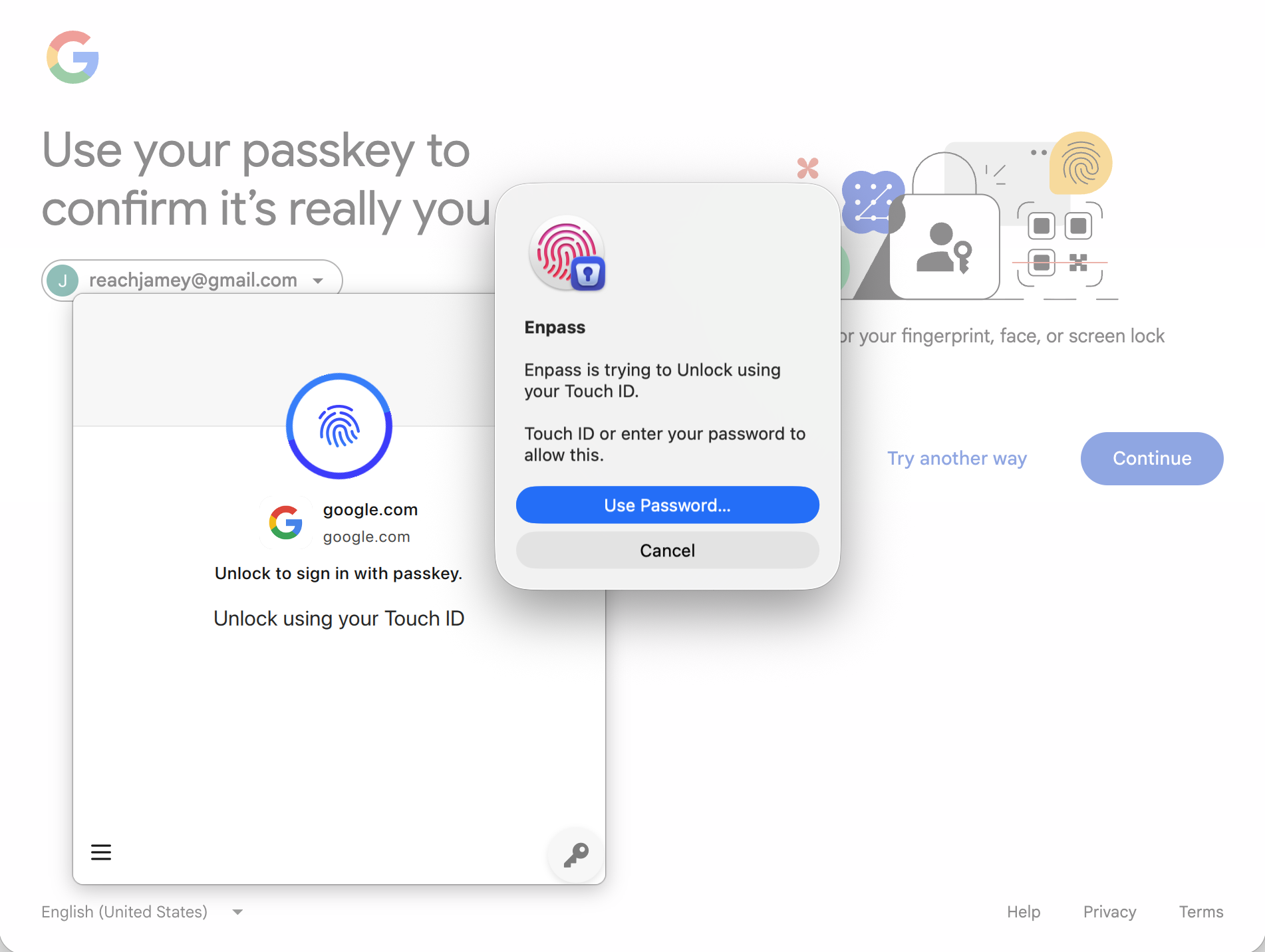
-
In the Enpass browser pop-up, authorize Enpass to sign in via passkey by providing your fingerprint.
iOS
To log in to an account or app secured by a passkey, with Enpass for iOS:
-
On the login screen, select the option for logging in with a passkey.
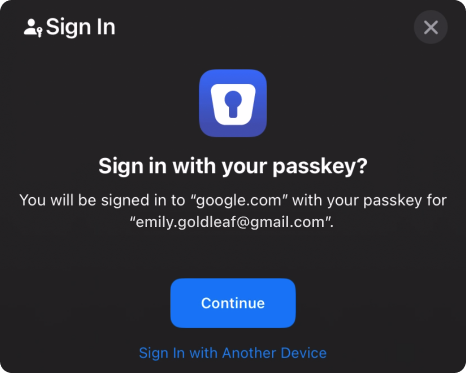
-
In the "Sign in with you passkey?" prompt, choose the appropriate account or tap Continue.
-
Enpass will log you in using your secure passkey.
Android
To log in to an account or app secured by a passkey, with Enpass for Android:
-
On the login screen, select the option for logging in with a passkey.
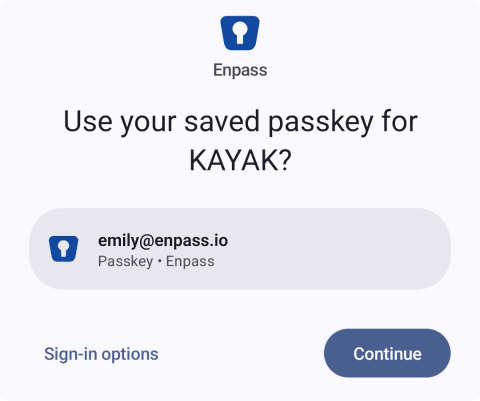
-
In the "Use your saved passkey?" prompt, choose the appropriate account or tap Continue.
-
Enpass will log you in using your secure passkey.