.svg)
Marking favorite Items in Enpass
To quickly access frequently-used credentials in Enpass, you can mark items as favorites.
Desktop
To mark items as favorites in Enpass for desktop, you can either:
-
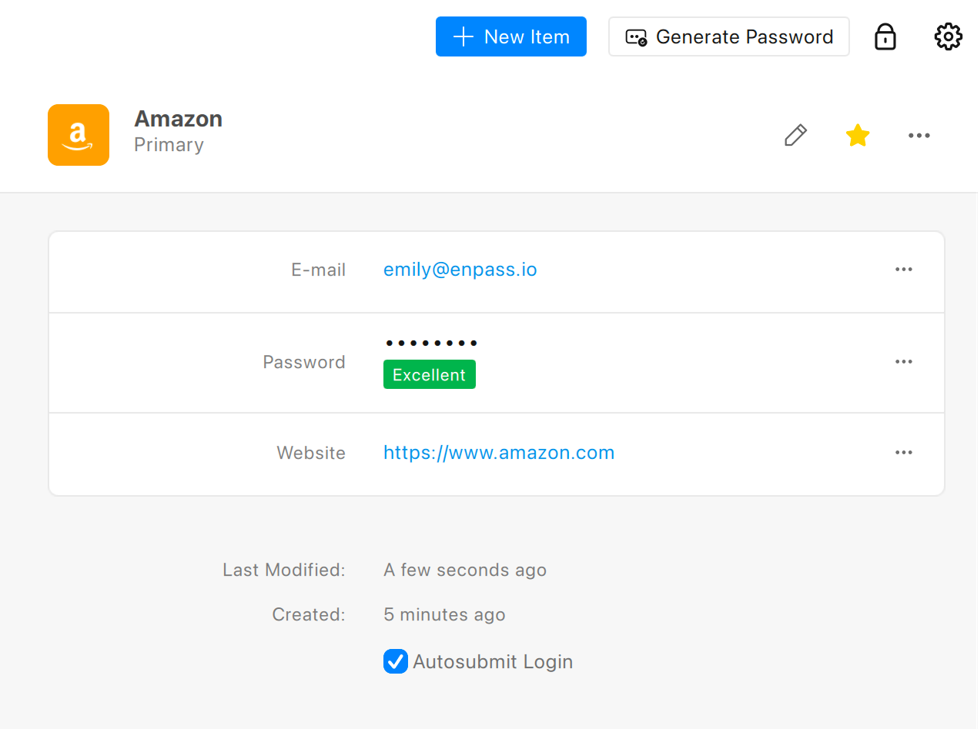
In the Item Details view, click ☆ in the top-right corner.
-
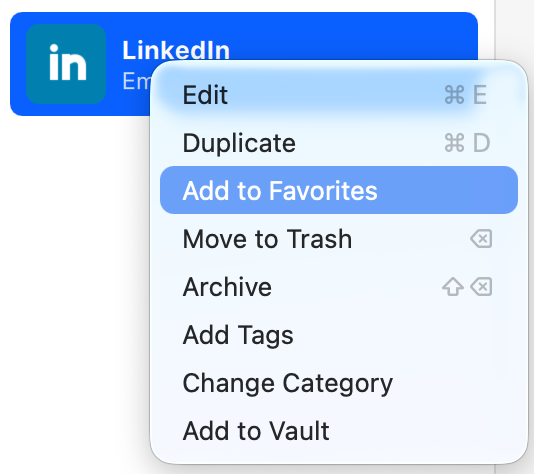
In the Items List, right-click an Item, then select Add to Favorite.
-
From the Items List, drag an item to the Favorites on the sidebar.
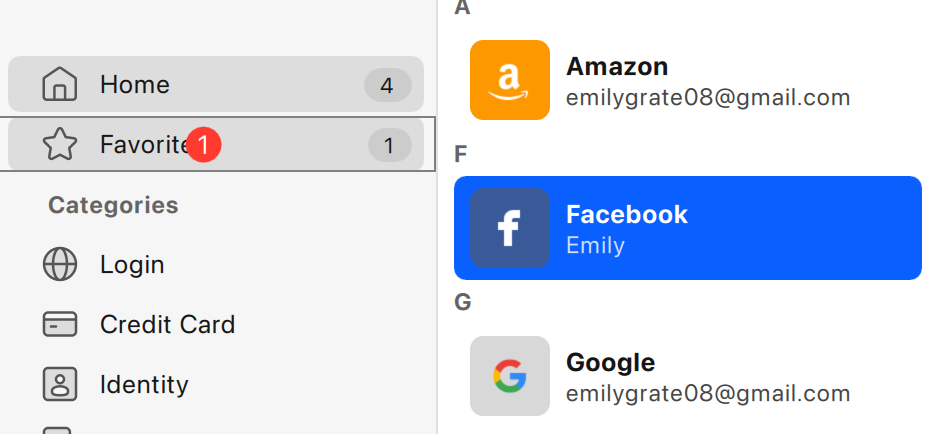
If you have multiple vaults, select the correct vault above the sidebar before dragging items into Favorites.
iOS
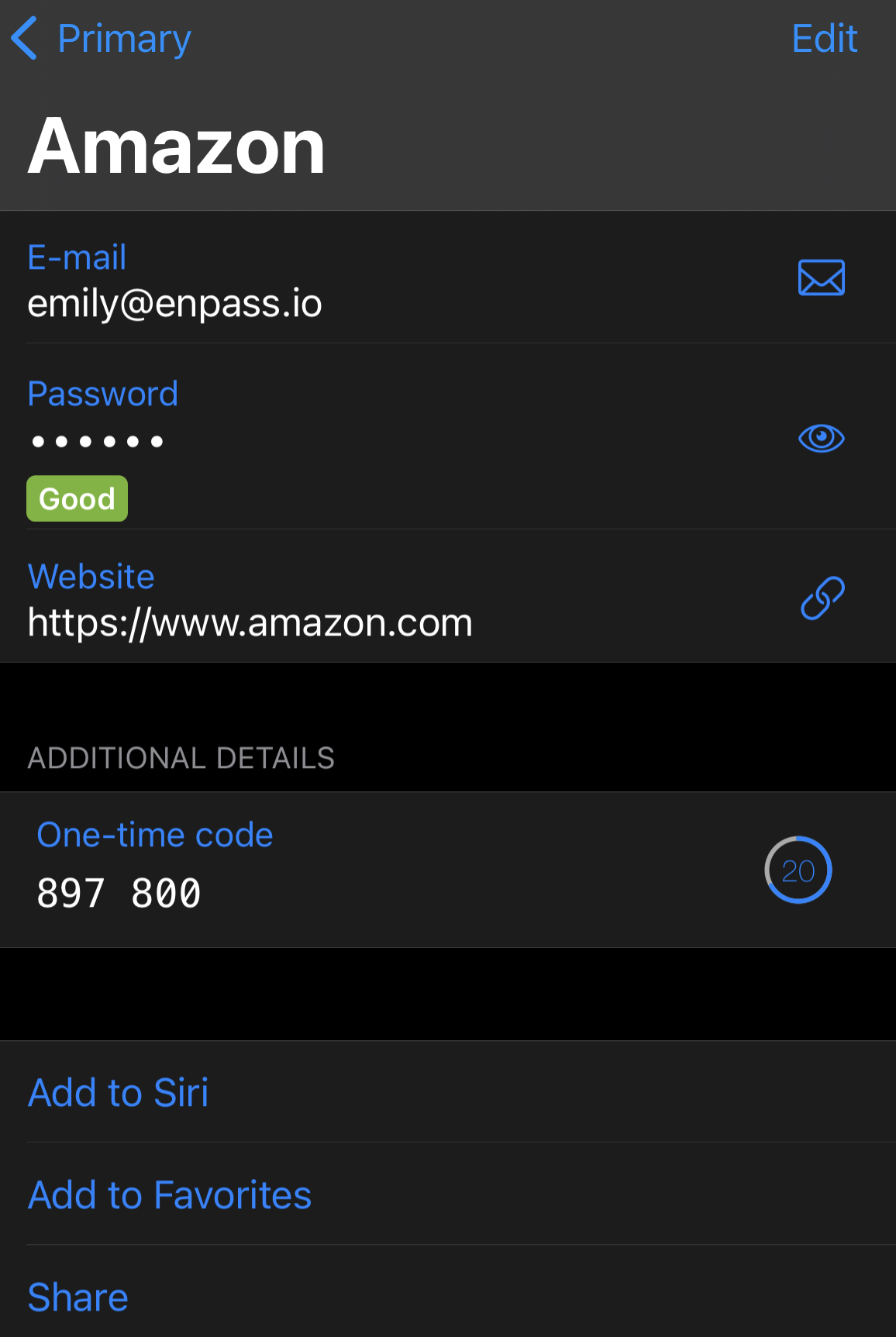
To mark Item as favorite in Enpass for iOS:
-
In the Item Details view, scroll to the bottom of the screen.
-
Tap Add to Favorites.
Android
To mark Items as favorites from the Item List in Enpass for Android:
-
Long-tap the Item you want to favorite.
-
Select Add to Favorites from the pop-up menu.
To mark Item as favorite in the Item Details view:
-
Tap ☆ in the top-right corner.