.svg)
Viewing your password history
Every password you generate in Enpass is archived and can be recovered in your Password History.
To view the history that were created using Enpass password generator:
Password history is a feature that archives your previous passwords, including when the password was changed, and which domain you have updated. It is up to you to keep or remove the password history from the Enpass.
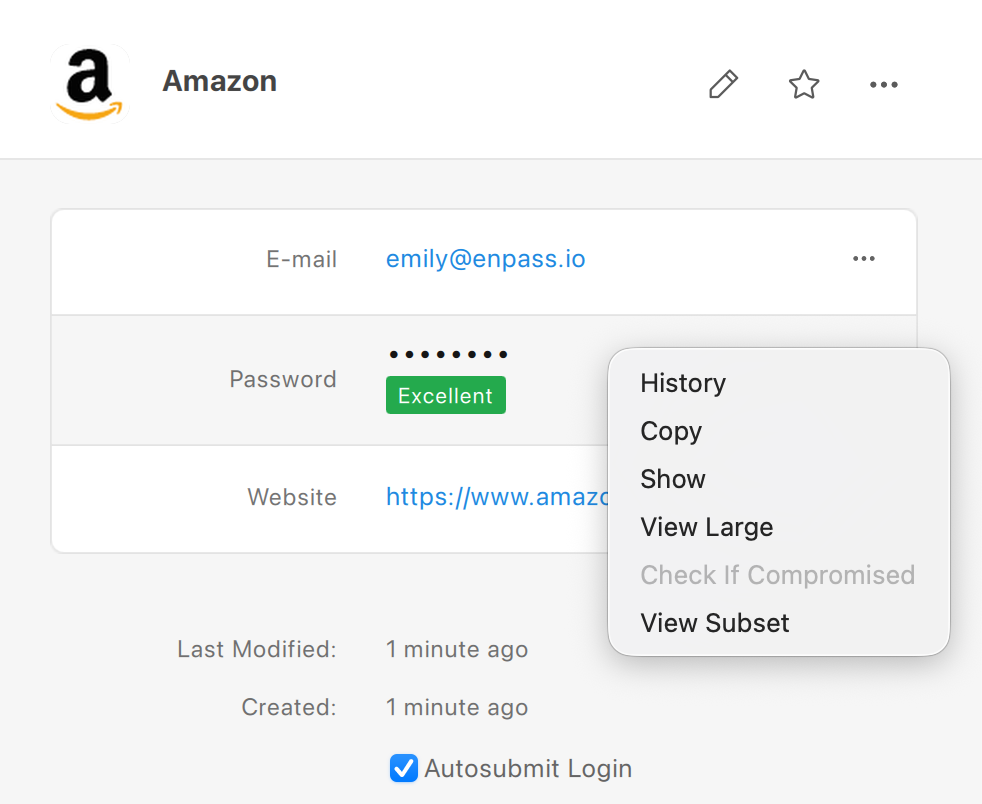
Desktop
To view the password history of an Item in Enpass for desktop:
-
In the Item Details view, right-click the password, then select History.
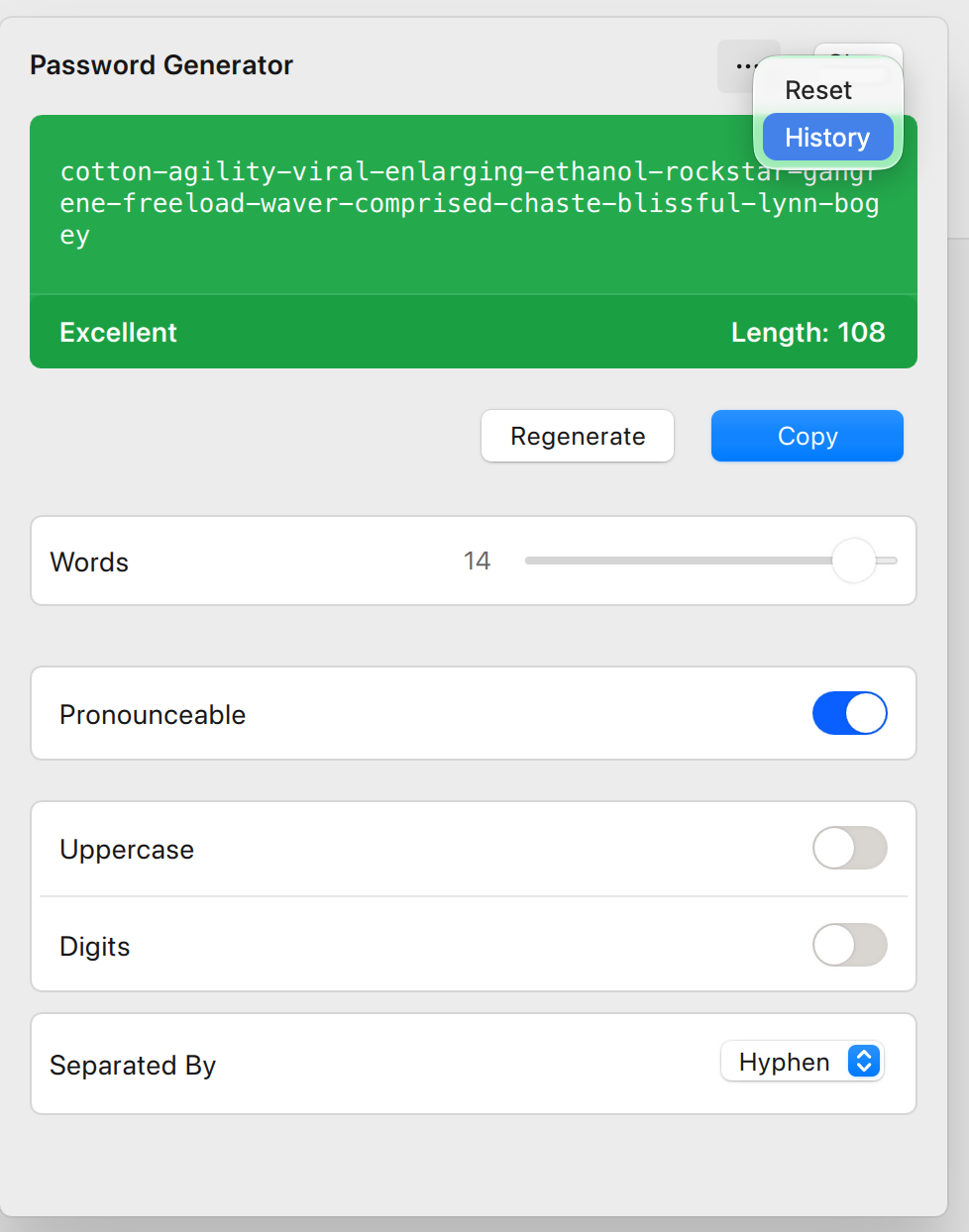
To view the history of created or updated using toolbar password generator:
-
Click the Password Generator icon

-
Click •••, and select History.
-
Click the Eye icon to view any of the masked passwords, or click the Copy icon to copy a previous password.
iOS
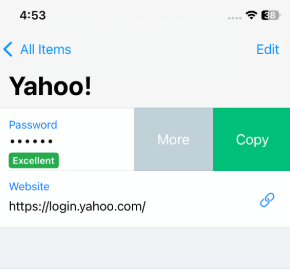
To view the password history of an Item in Enpass for iOS:
-
In the Item Details view, tap the password field.
-
Tap More, and select History.
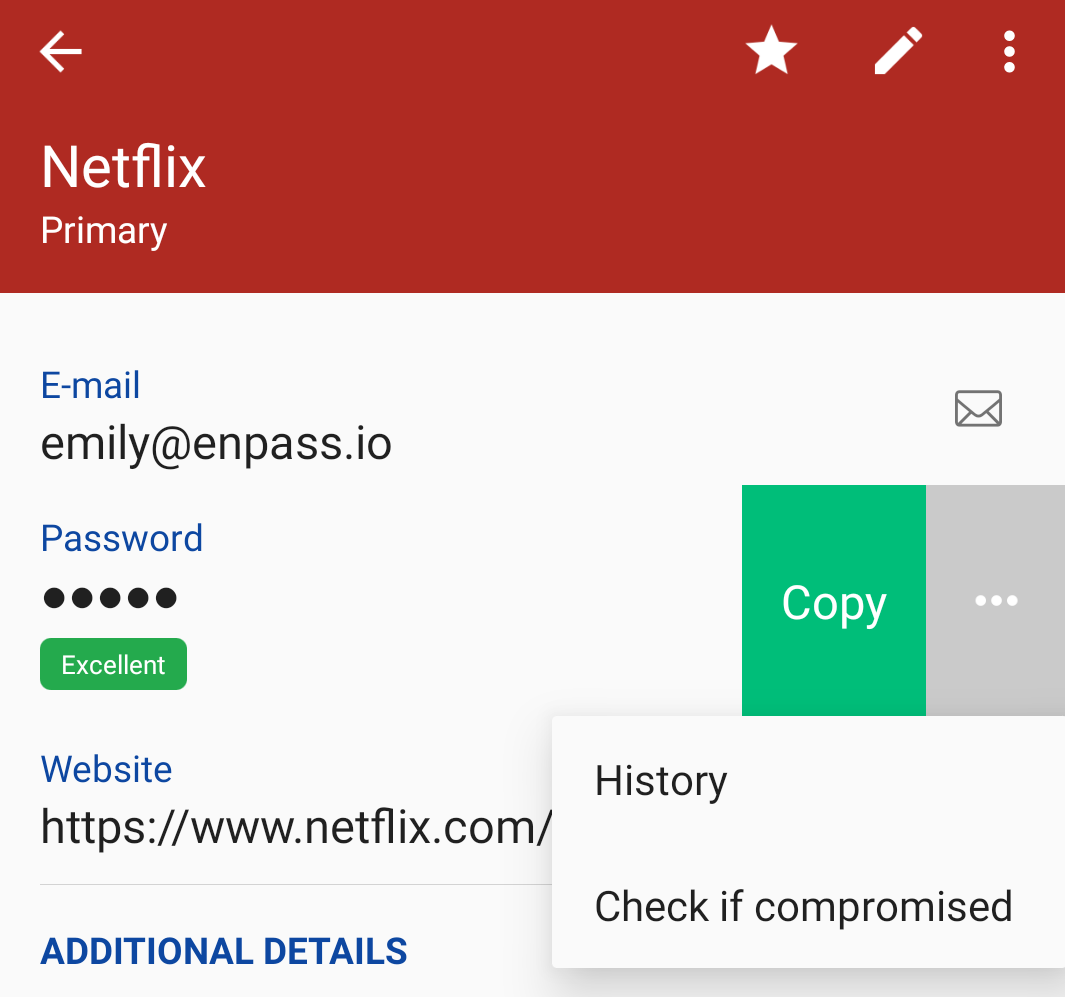
Android
To check the password history of an Item in Enpass for Android:
-
In the Item Details view, tap the password field.
-
Tap •••, and select History.