.svg)
Generating & changing passwords in Enpass Business
Weak and stolen passwords are the primary cause of corporate data breaches worldwide. Even strong passwords are vulnerable if they are reused for multiple accounts.
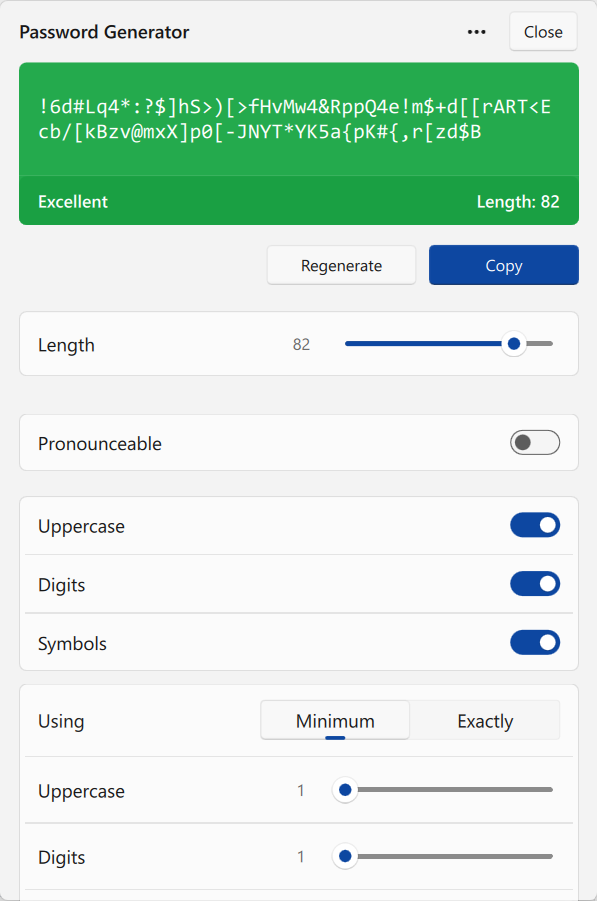
Enpass can generate strong and unique passwords for every account, and automatically complies with your organization’s password rules, and each website's password requirements and restrictions.
Generating passwords
When creating or editing an Item in Enpass or using the Enpass browser extension, use the Generate button below the Password field to add a complex random password (or a pronounceable password if enabled by your organization).
Changing Passwords
Some websites and organizations require passwords to be changed on a regular basis as an extra measure of security. Enpass helps improve your account security by making strong new passwords with a simple click of the 