.svg)
Generating one-time authentication codes in Enpass
When setting up two-factor authentication (2FA) on most websites or apps, you’re provided a QR code to scan for a secret key (with an option to copy that key as text). Enpass can save these keys to generate authenticator codes (also called time-based one-time passwords, or TOTP), which provide far better security than receiving similar codes by text or email.
When logging into your accounts protected by 2FA, Enpass can autofill these codes, which eliminates the need for a separate authenticator app.
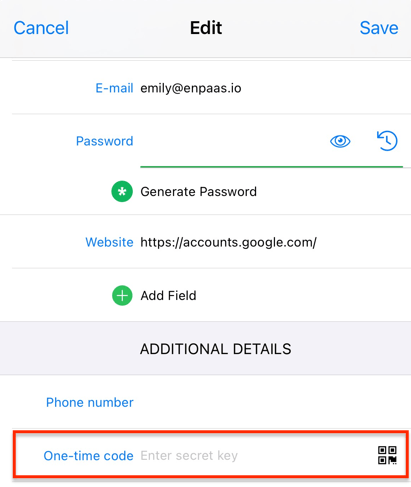
Many templates in Enpass include a field called One-time code, where you can add that secret key for automatically generating authentication codes. You can also a one-time code field to any existing Enpass Item.