.svg)
Using Enpass for passkeys and two-factor authentication
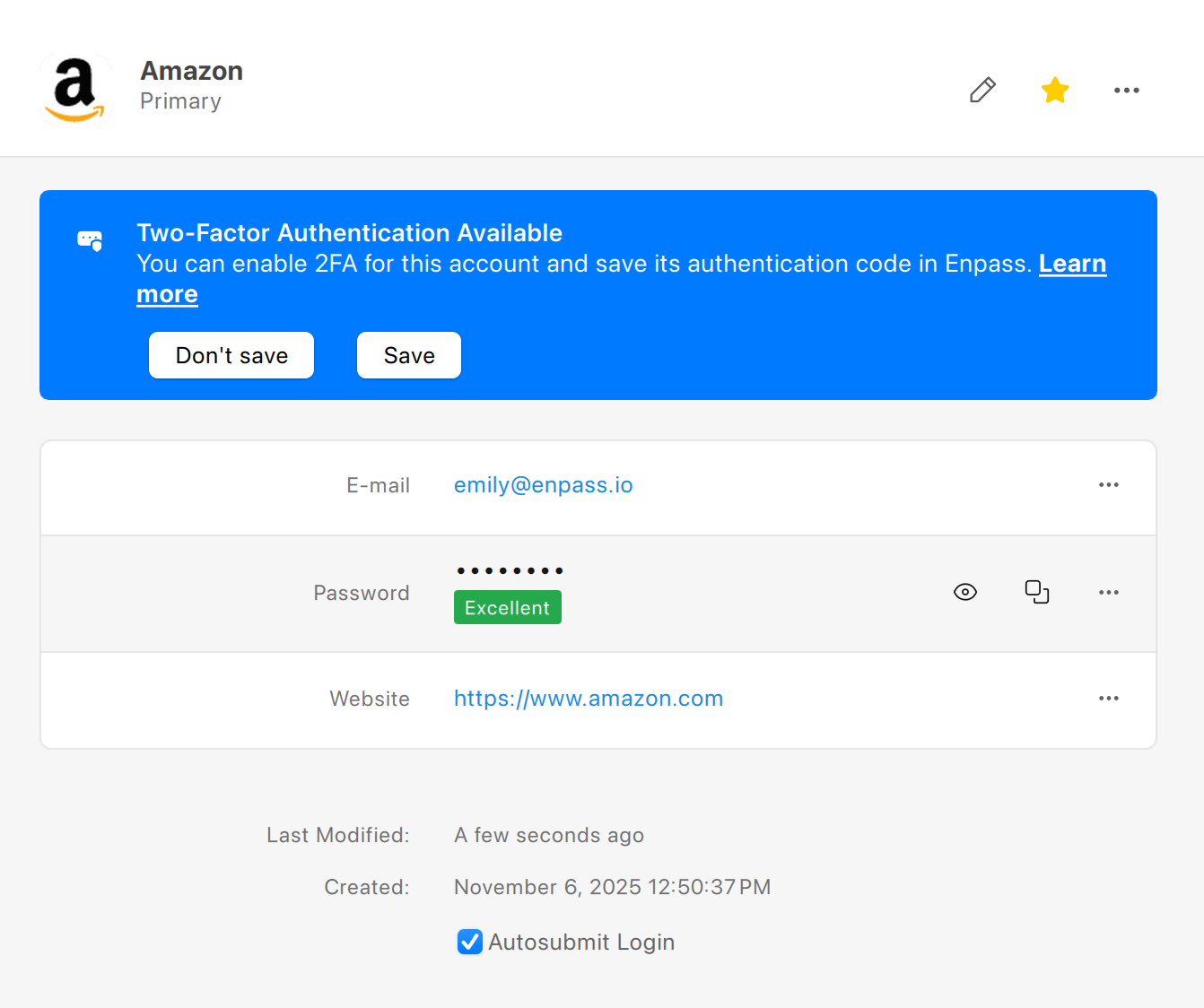
Using passkeys or authenticator codes provides much stronger security for accounts that support these measures. Passkeys are secure alternatives to passwords that work with your face or fingerprint biometrics. Authenticator codes (sometimes called time-based one-time passwords, or TOTP) are like the 6-digit confirmation codes sometimes sent to your phone or email — but far more secure because they're generated on your device using a secret formula provided by the website you're logging into.
Enpass comes with these capabilities built in: Enpass’s Audit Dashboard lists all your Items that could be upgraded to passkey or authenticator-code security, and can help you update those Items to automatically sign you in more securely.
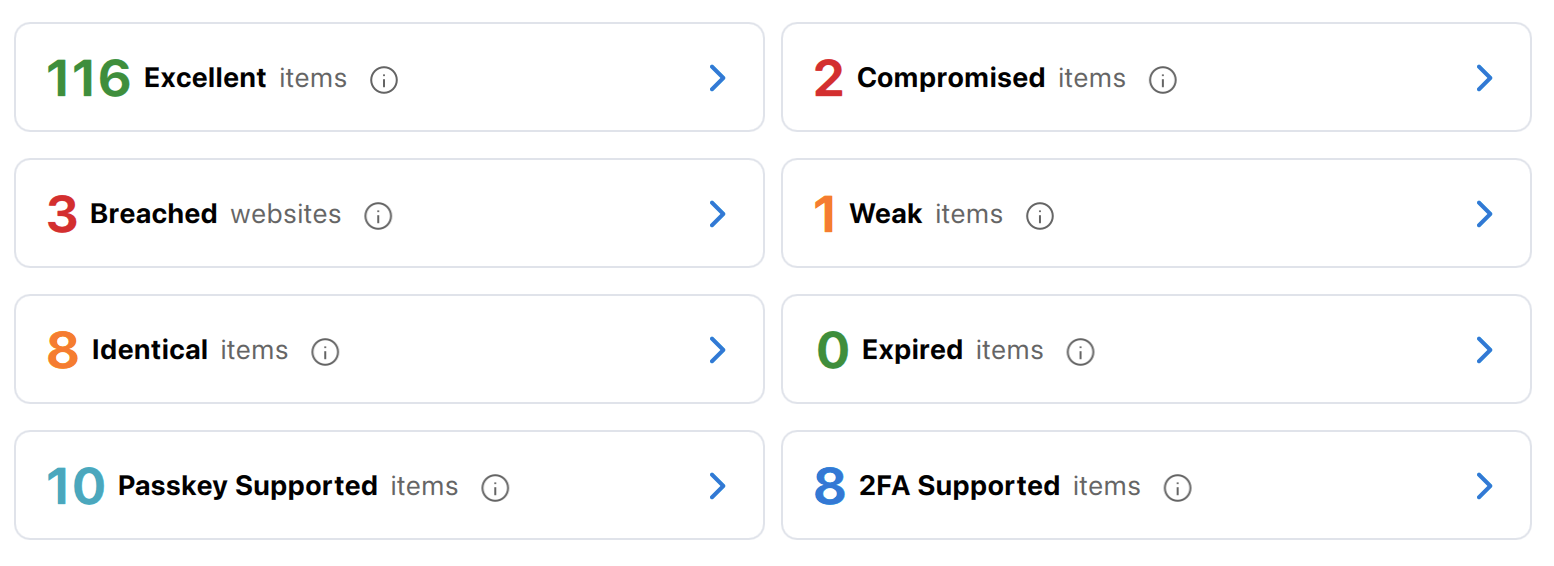
How Enpass checks for accounts that offer passkey or 2FA security
Enpass maintains a list of sites and services that offer passkey security, and syncs with TwoFactorAuth.org to monitor for latest information about 2FA-supported websites. This information is passed to your Enpass app, which then checks these list against your stored Items. This process takes place entirely on your device, and none of your data is ever exposed or transmitted.