.svg)
Adding individual Items shared by other Enpass users
When another Enpass user has shared an item with you, you will received a link that Enpass uses to unpack the shared data. Individual Enpass Items shared with you create a copy on your device that is not linked to the original. Your copy and the original will not remain synced.
To add a shared Item:
-
Select the whole shared link, then copy.
-
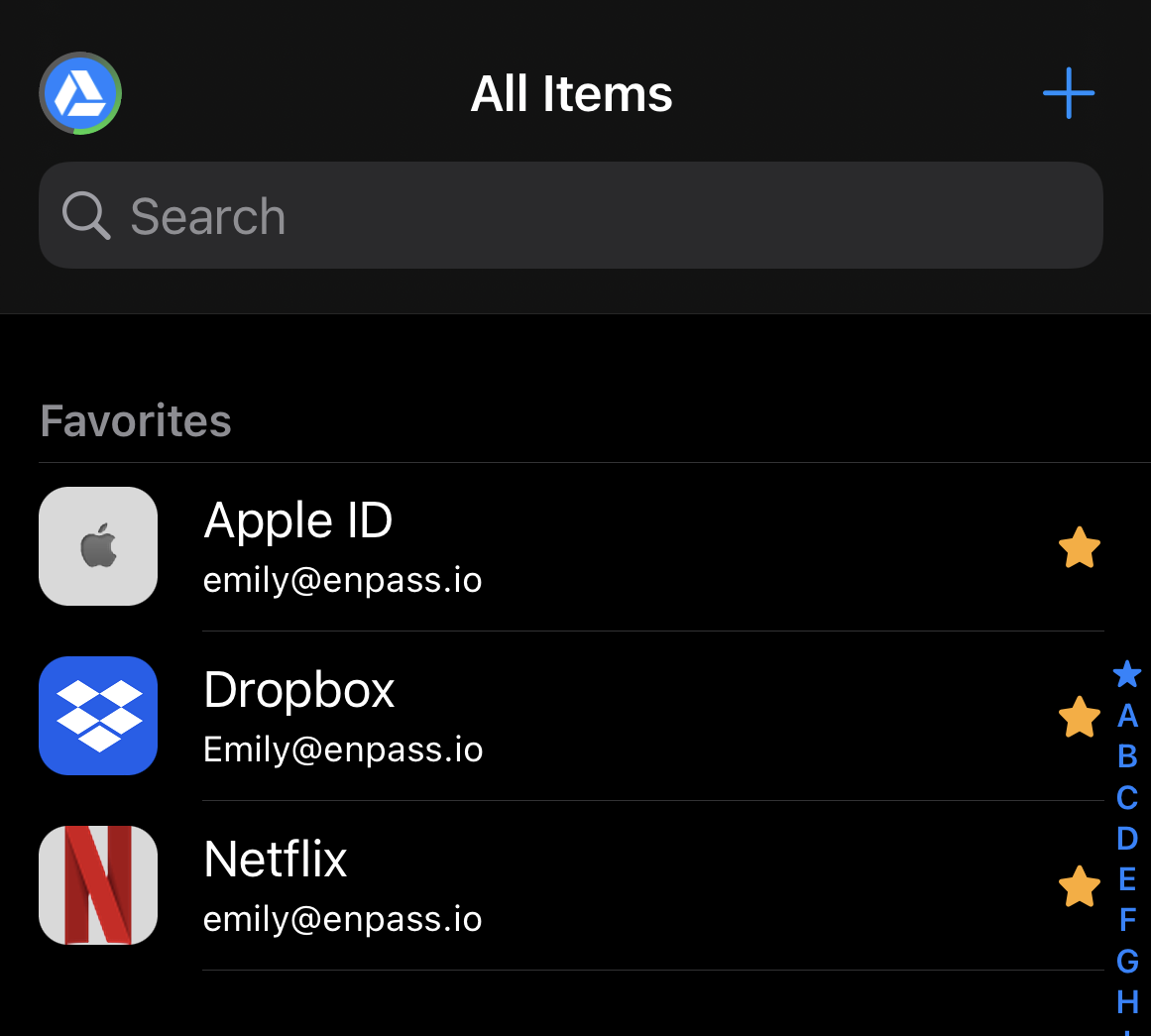
Open your Enpass app and tap

-
Provide the secret password, called a pre-shared key (PSK), previously sent to you by the person sending the Item.
-
At this point you can also choose to save the PSK for future sharing between you and this sender.
-
-
If you have multiple Enpass vaults, select the vault where you want to save the shared item.
-
Scroll down and tap Add item from clipboard, then tap Add.