.svg)
The Enpass Business free trial lets your organization try password management free for 15 days. This is your first step toward securing your organization's passwords and sensitive data — with full control over where your data is stored.
Step 1: Sign up for a trial
-
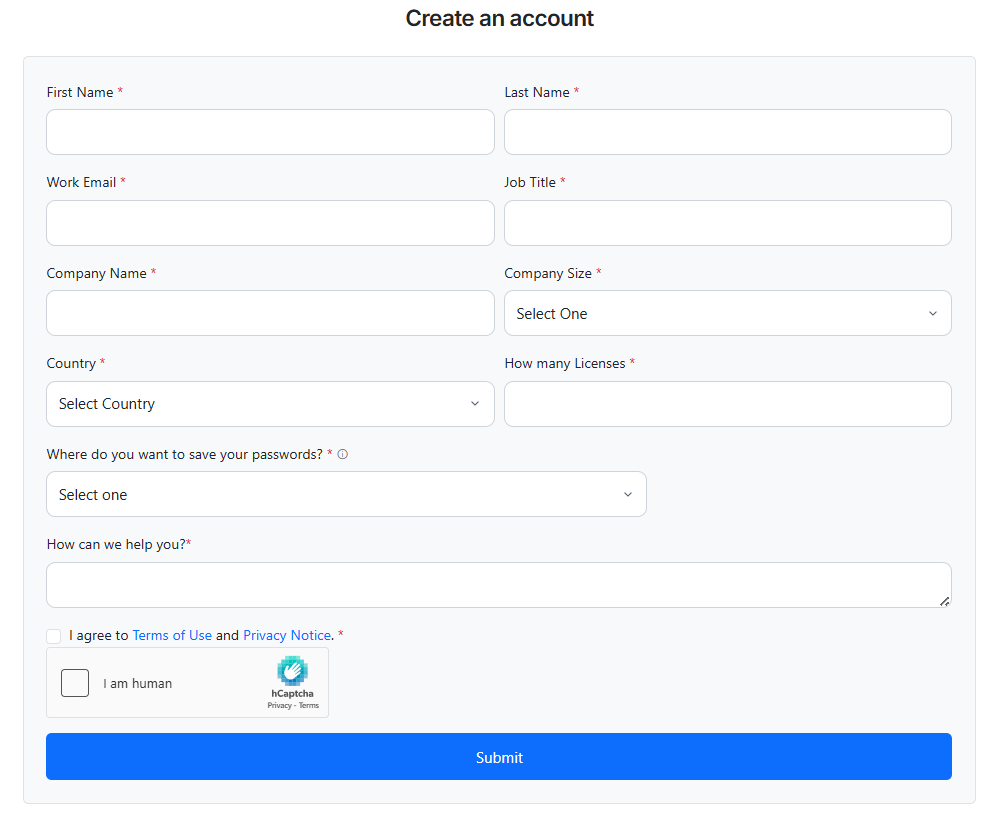
Visit the Enpass Business signup page to get started.
-
Enter your company name and other required details.
-
Provide your work email address as the admin email.
-
Submit the form to create your trial.
Note: Public email addresses (such as Gmail, Yahoo, or Outlook.com) are not accepted. You'll need to use an email that belongs to your organization.
Step 2: Sign in to the Enpass Admin Console
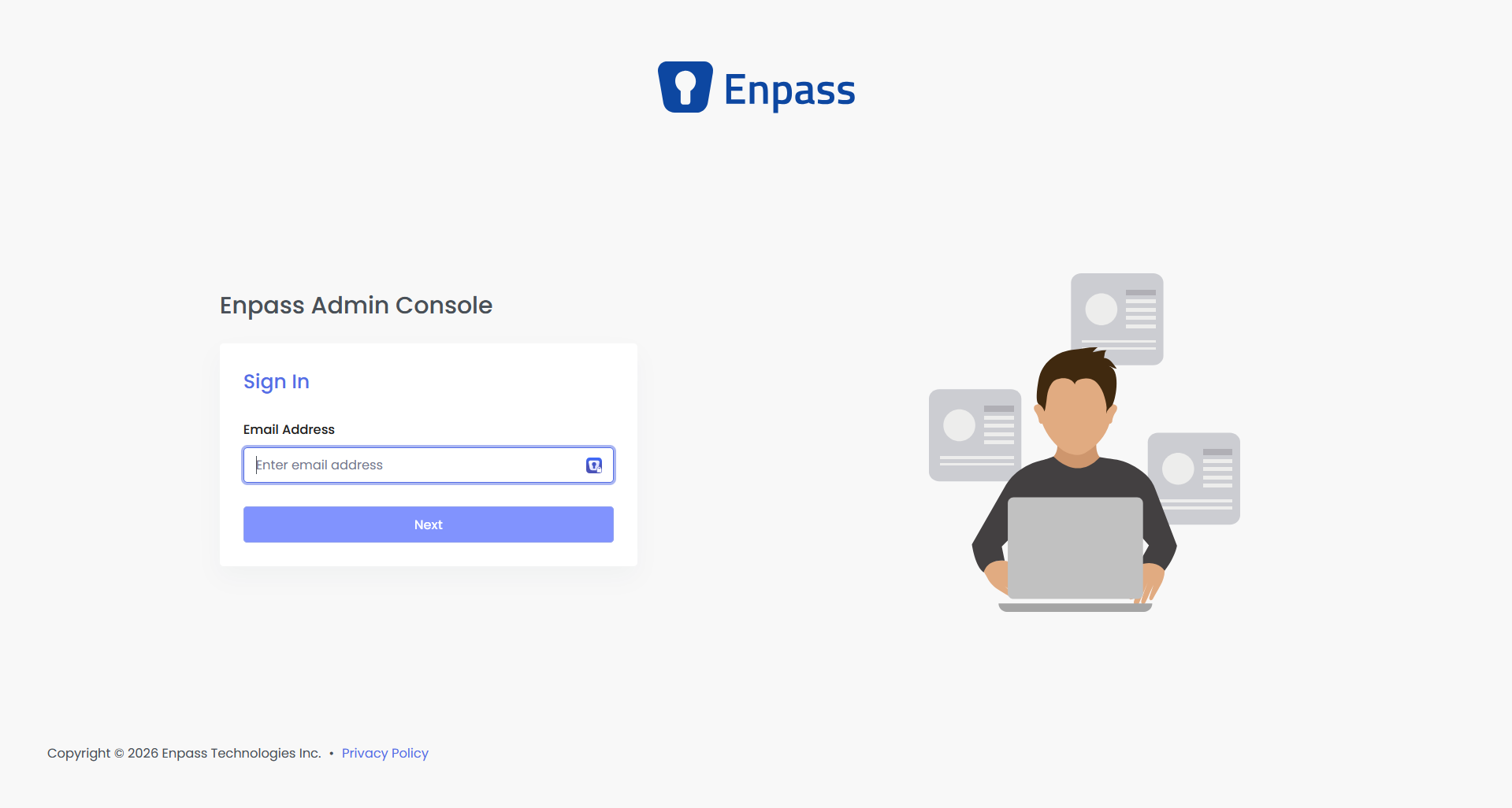
After signing up, you’ll be taken to the Enpass Admin Console login screen to sign in and set up your organization. (You can resume the process at any time by visiting https://console.enpass.io.)
-
Enter the one-time password (OTP) sent to your admin email address during sign-up.
-
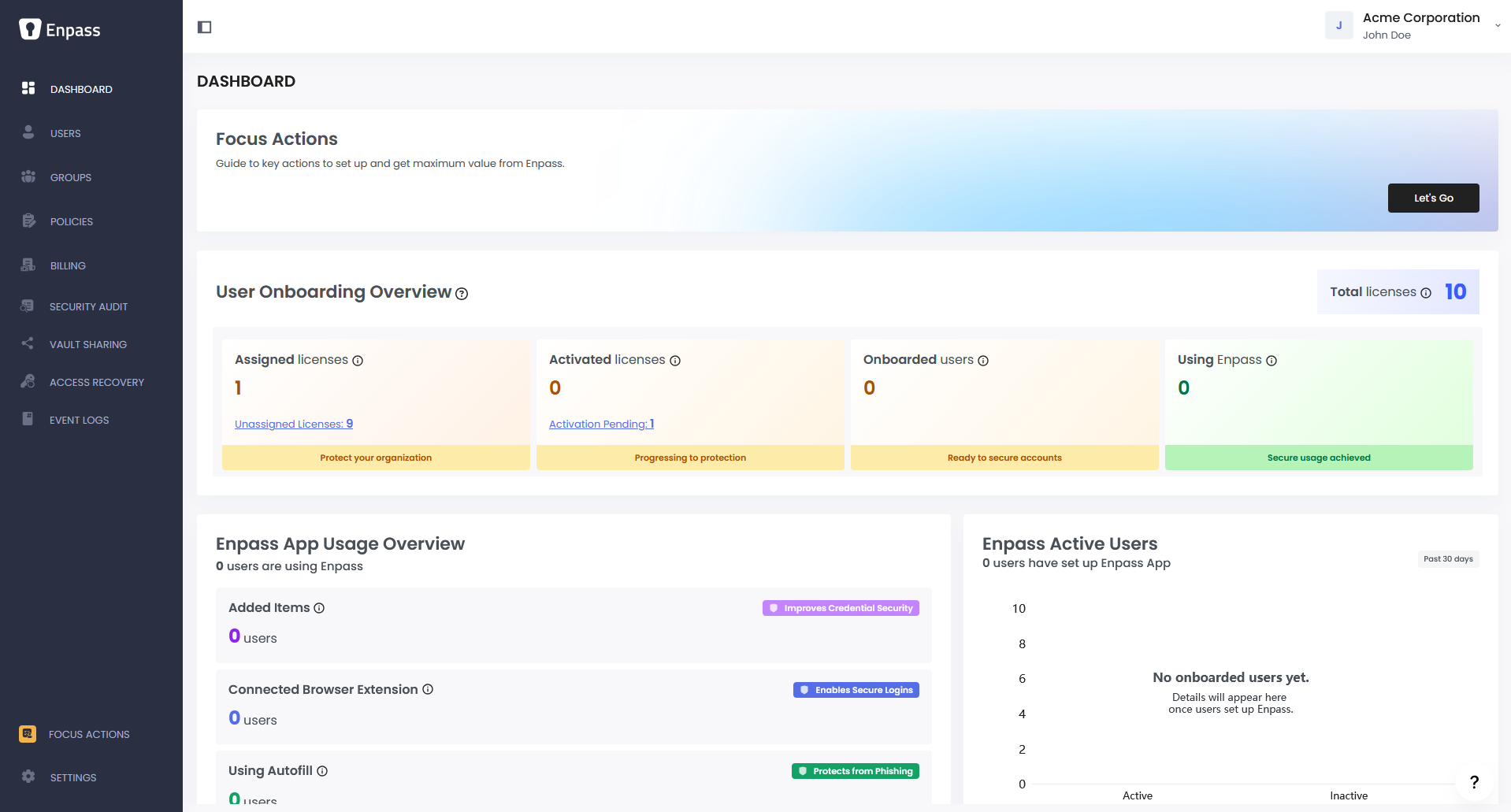
Once signed in, you'll land on the Admin Console Dashboard.
If you're resuming the process by visiting the Admin Console directly, you'll be prompted to set up a password for your Console after verifying the OTP.
Step 3: Follow the Focus Actions
In the Dashboard, click Focus Actions to walk through setting up your Enpass app and the Admin Console for your organization.