.svg)
Multiple vaults, business vaults, and personal vaults in Enpass Business
If you are using Enpass Personal, visit Vaults & Syncing.
Each Enpass user in your organization has both a Business Vault Space (for shared vaults) and a Personal Vault Space (for private vaults, if permitted by your organization). The first vault you create becomes your Primary Vault in your Business Vault Space.
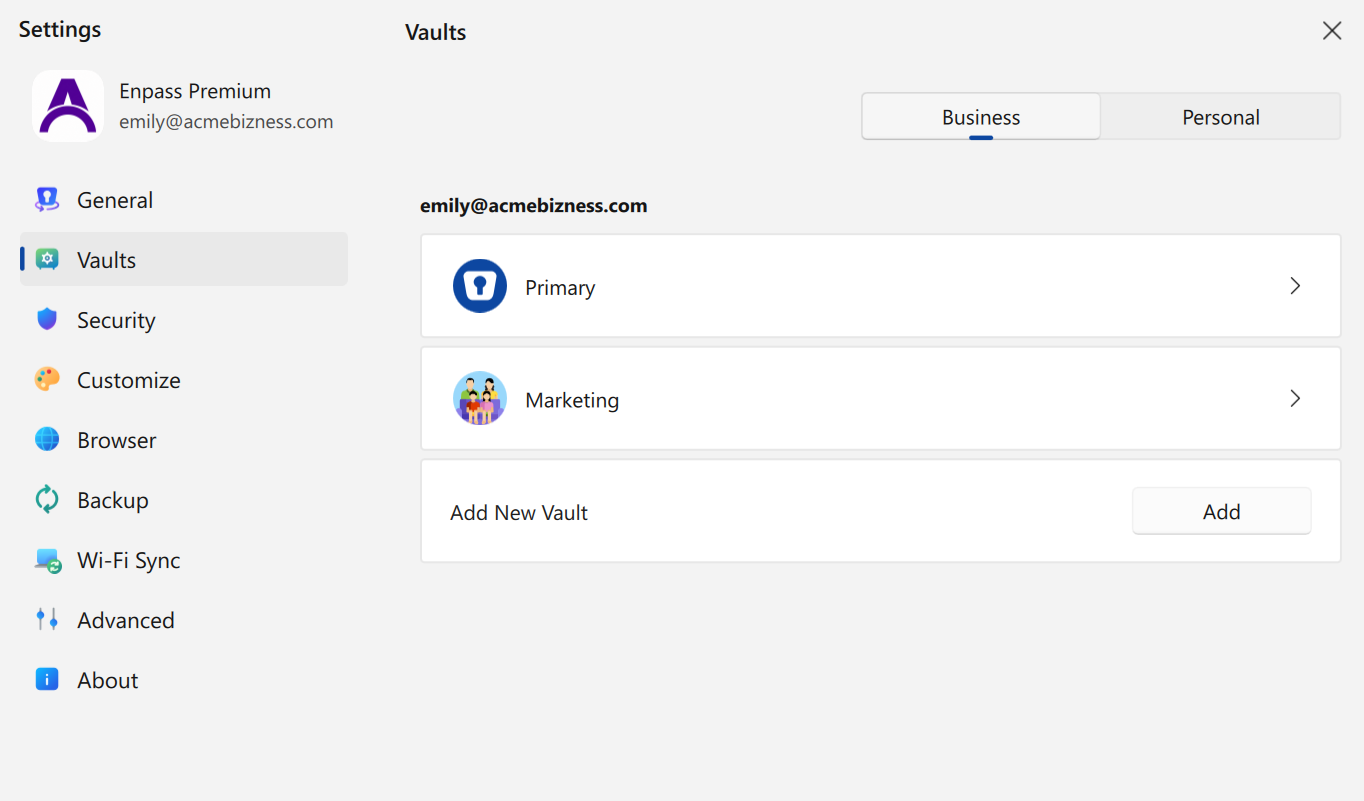
All vaults in Enpass Business are isolated from each other, but when you enter your Master Password, it unlocks access to every vault in your own Enpass app, both business and personal. All your business vaults are stored in your organization's shared business cloud. Personal vaults can be stored on your own cloud accounts.
Why multiple vaults?
You and your co-workers can create and share multiple vaults, securely segregating data based on which co-workers or teams need access to the same sets of credentials.
Vault names & Master Password
The first vault you add to in your Business Vault Space is named "Primary." This vault cannot be shared. The password for this vault serves as your Master Password, used to unlock all vaults in your Enpass app. When saving new Items in Enpass, the default location is your Primary vault.
The first vault you add to in your Personal Vault Space is named "Private."
In both your business and personal spaces, you can create additional vaults. Those created in your Business Vault Space can be shared with colleagues.
Create a new business vault
Enpass creates business vaults within your work OneDrive, SharePoint or Google Drive storage. This keeps your data safe within your organization’s trusted boundaries.
Sharing a business vault
Enpass Business vaults can be shared between team members and work groups. When sharing a vault, you can grant various access rights, including view and edit permissions.
Adding shared business vaults to your Enpass app
Your Enpass app can open existing shared vaults from your organization’s business cloud, and vaults shared with you directly by other members of your team.
Adding a personal vault
If permitted by your organization, Enpass can create new personal vaults on your own private cloud accounts, or add existing personal Enpass vaults to your Enpass Business app.
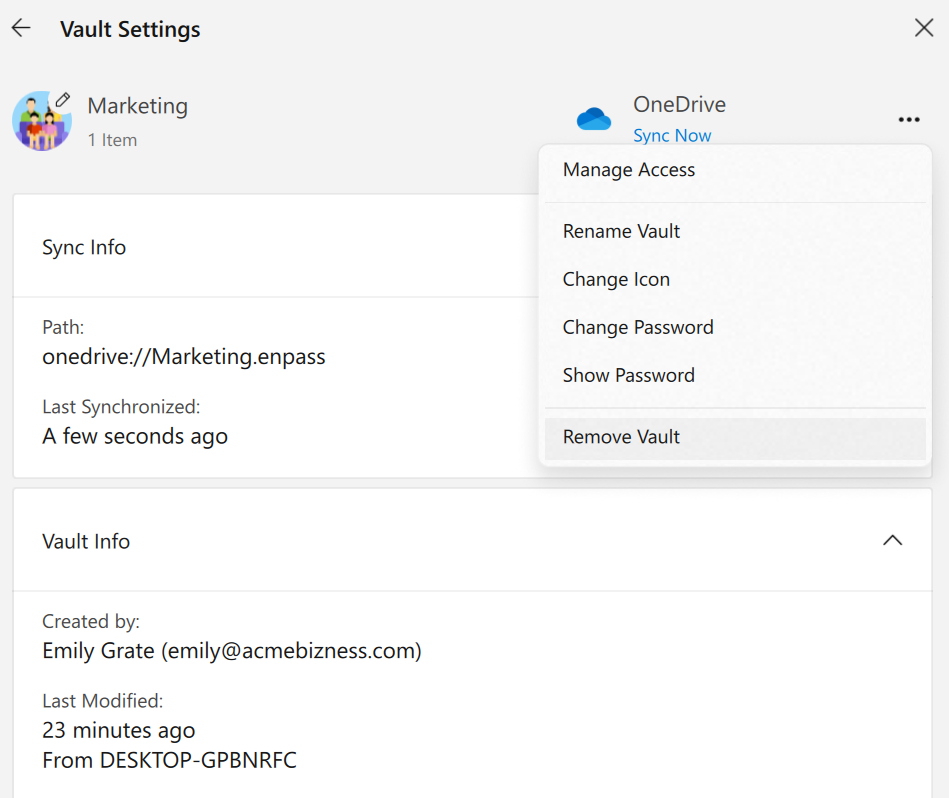
Removing a vault
You can remove your own vaults from your shared business cloud, remove personal vaults, or remove vaults shared with you from your own Enpass app.