.svg)
Troubleshooting:
Autofill not working on Android for certain apps or websites
On some apps and websites, Autofill may not work correctly if the device’s operating system cannot identify the login fields needing to be filled.
If Enpass doesn’t pop up to autofill for an app or website:
-
Open the app or website where you want to log in.
-
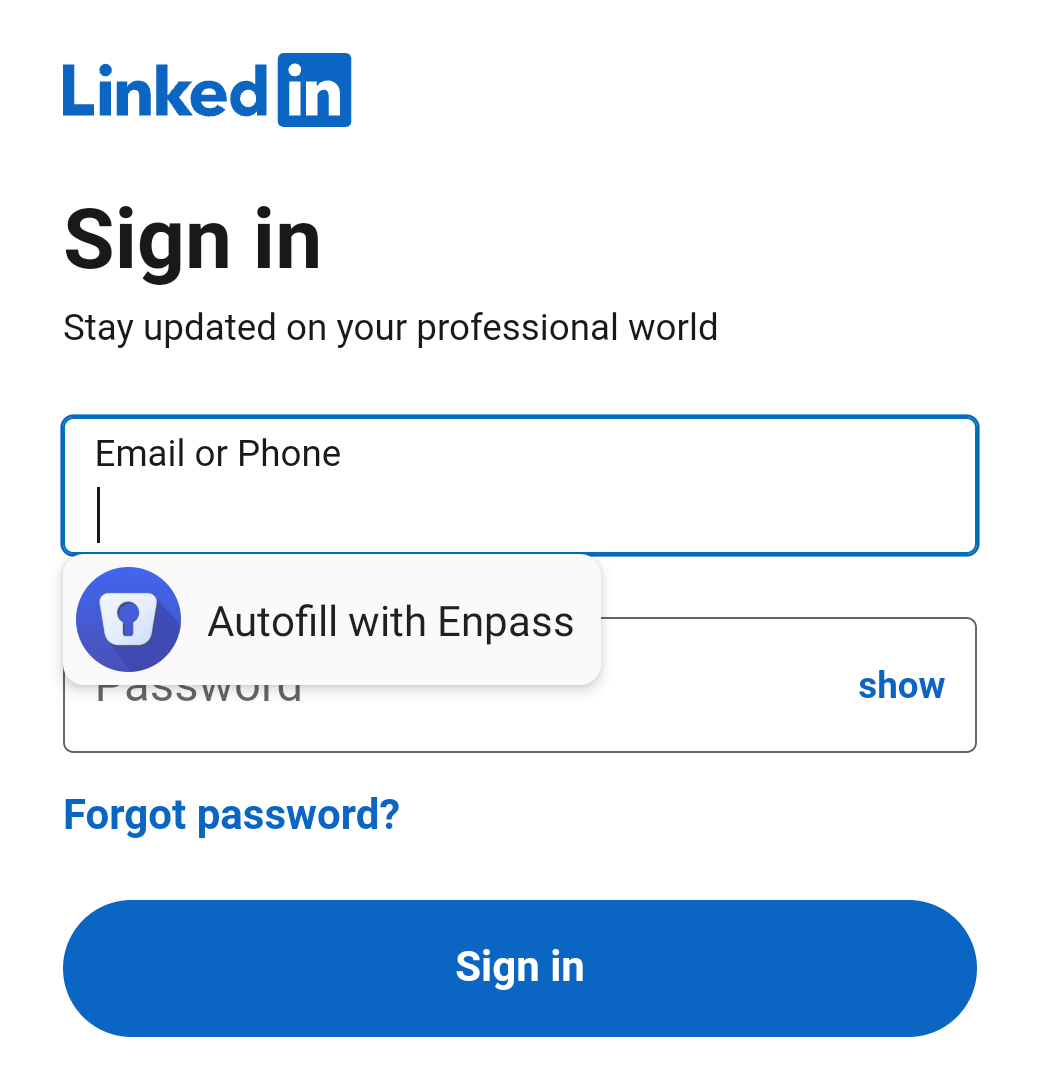
Long press in Username or Password field, which should bring up the Enpass overlay.
-
Tap Autofill with Enpass, which will open the Enpass app.
-
Select the Enpass Item you want to autofill, and Enpass should fill the fields.
Enpass should continue to autofill in the affected app as long as the app is running in the background. Once the app has been swiped away, you may need to repeat these steps the next time you launch the affected app.
If you have questions or need assistance:
-
Visit the Enpass Discussion Forum or contact Enpass Support