.svg)
Controlling clipboard behavior in Enpass
When you copy any information from Enpass, your device’s clipboard stores the copied information. How long it stays there is up to you. By default, the clipboard is cleared after 30 seconds.
Desktop
To set how long data stays on your clipboard in Enpass for desktop:
-
Go to Setting > Security.
-
Under the Clipboard heading, make sure Clear Content After is checked.
-
Enter your preferred time limit in seconds.

iOS
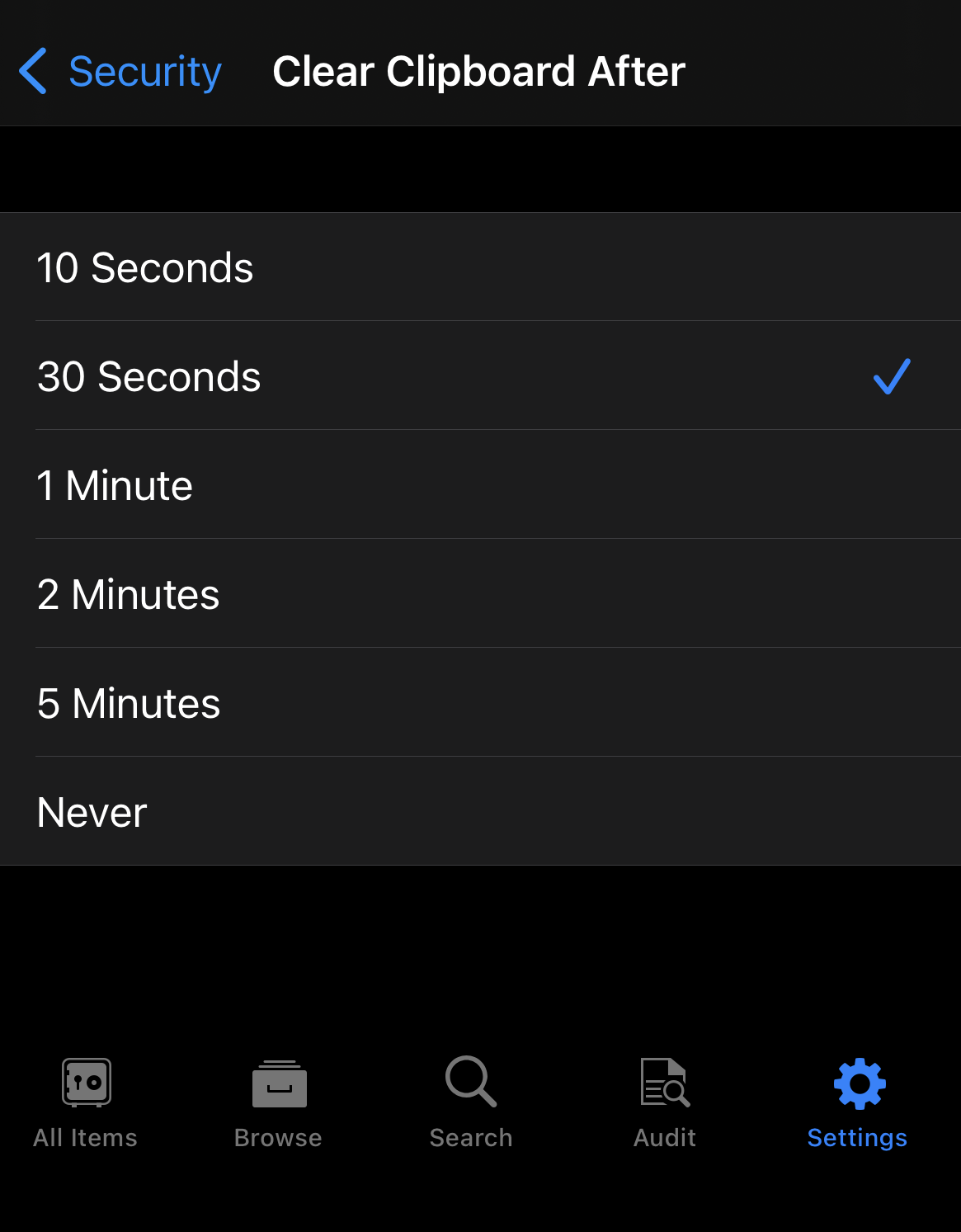
To set how long data stays on your clipboard in Enpass for iOS:
-
Go to Setting > Security.
-
Scroll down and tap Clear Clipboard After.
-
Select your preferred time limit for clipboard contents.
Android
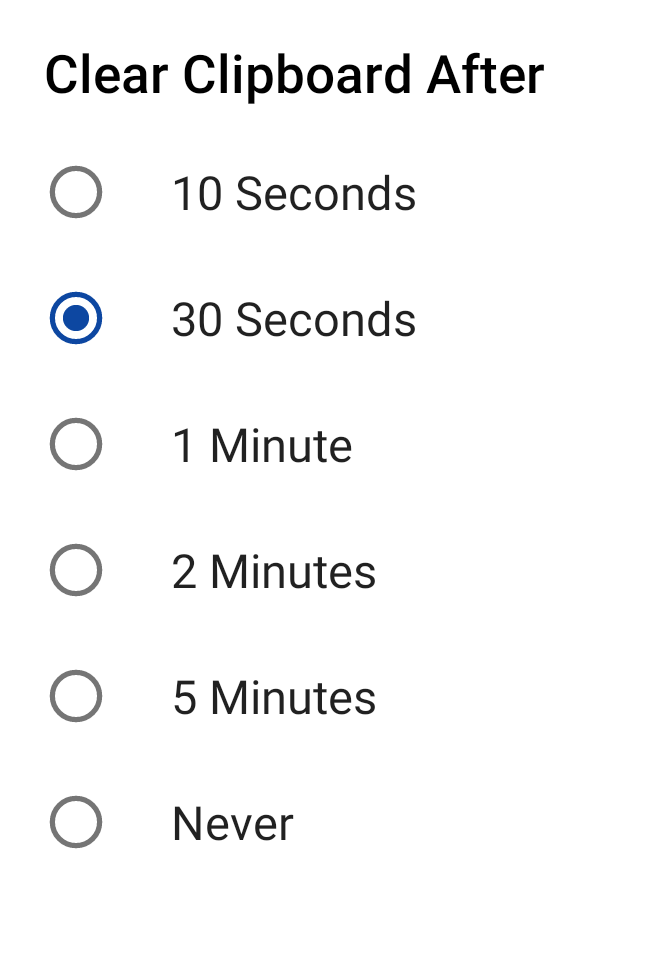
To set how long data stays on your clipboard in Enpass for Android:
-
Go to Setting > Security.
-
Under the Clipboard heading, tap Clear Clipboard After.
-
Select your preferred time limit for clipboard contents.
Preventing Gboard from displaying clipboard contents
On Android devices, the most recent content copied to your clipboard is displayed in the suggestion bar above your default Gboard keyboard. If you’d prefer content from Enpass not be displayed, this Gboard feature can be turned off.
To disable Gboard displaying clipboard contents in the suggestion bar:
-
In the Gboard keyboard, tap the four-squares icon in the suggestion bar.
-
Tap the

-
Turn off the option Show recently copied text and images in suggestions bar.