.svg)
Selecting a color theme in Enpass
Enpass offers dark and light themes, which are sometimes dependent on the theme chosen in you device's system preferences.
Android
To change the color theme in Enpass for Android:
-
Go to Settings > General.
-
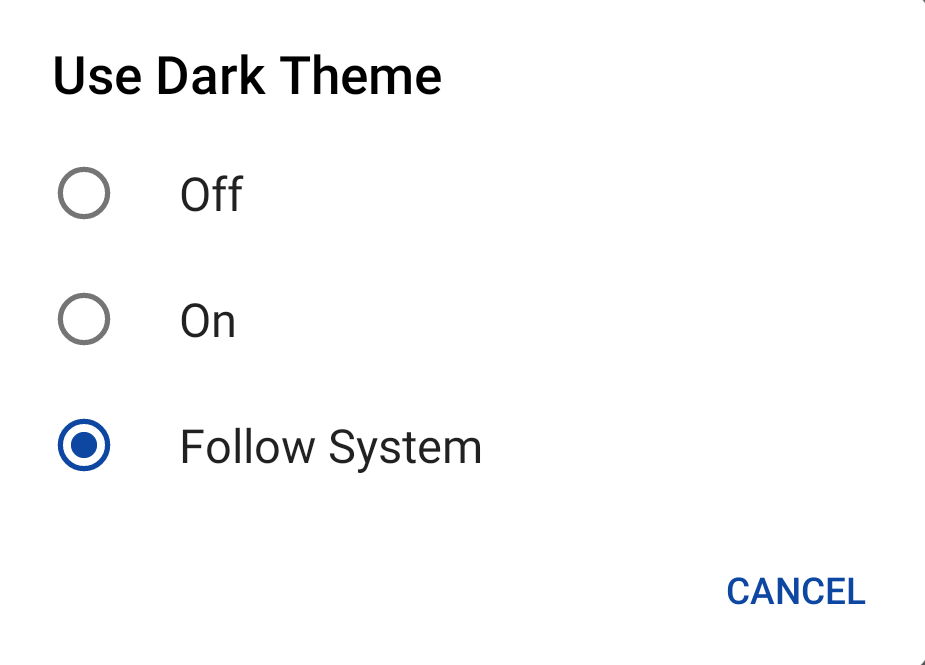
Select your preferred theme option.
-
Tap Restart to apply the changes.