.svg)
Duplicating an Item in Enpass
Duplicating an Enpass Item can save time when you have multiple accounts with the same company, site or service, or if you have highly customized an Item’s fields and want to create similar Items.
Desktop
To duplicate an Item in Enpass for desktop:
-
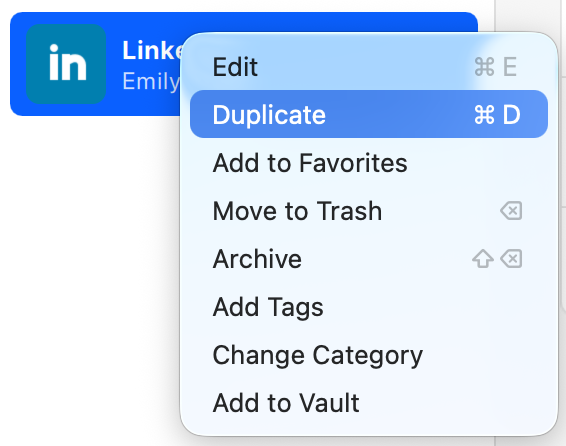
Right-click an Item in the List View, and select Duplicate.
-
Rename your new Item and make any edits you need, then click Save.
iOS
To duplicate an Item in Enpass for iOS:
-
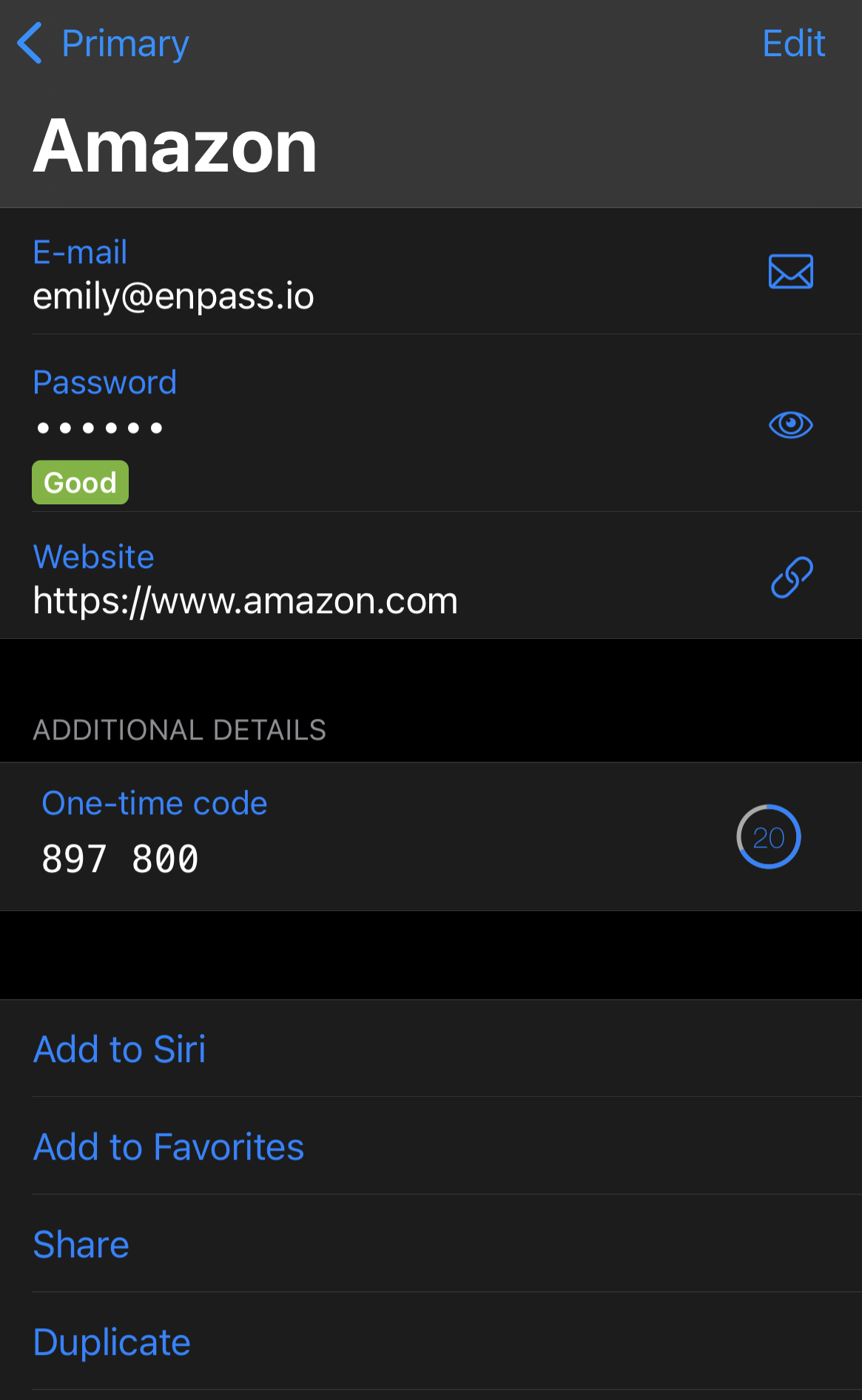
In Item Details, scroll through the available actions, and select Duplicate.
-
Rename your new Item and make any edits you need, then tap Save.
Android
To duplicate an Item in Enpass for Android:
-
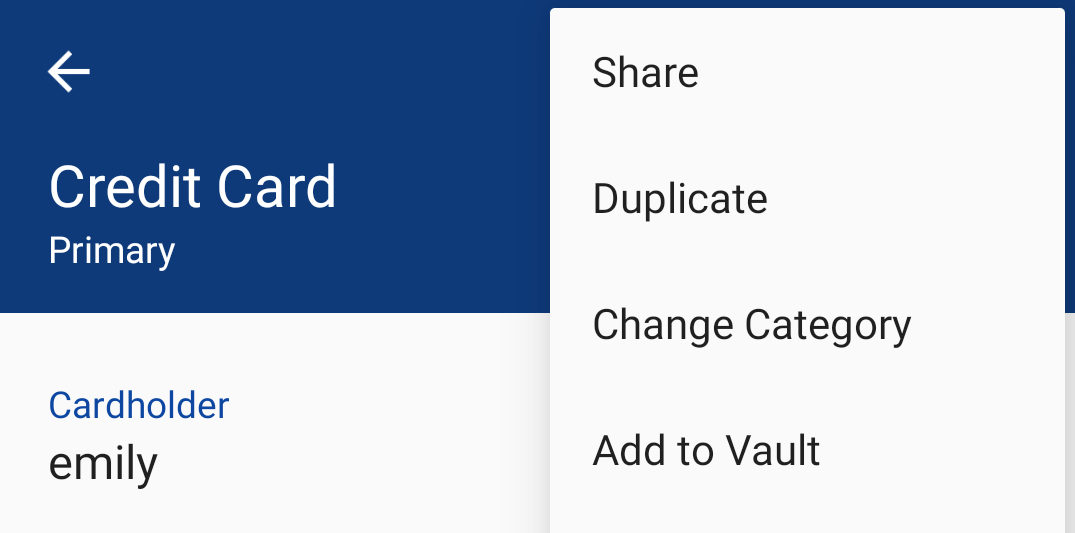
In Item Details, tap

-
Rename your new Item and make any edits you need, then tap Save.