.svg)
Sort the Item List in Enpass
In Enpass for desktop and Android, Items can be sorted by title, URL, creation or modified date, and how recently or frequently they've been used.
Desktop
To sort the Item List in Enpas for desktop:
-
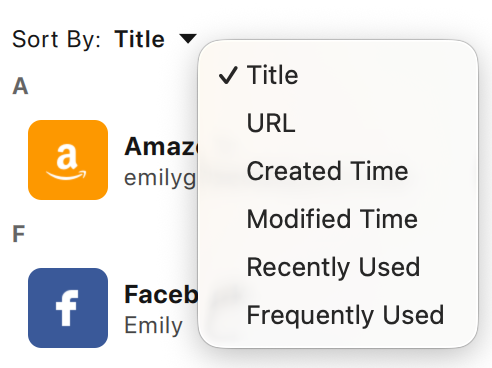
At the top of the Item List, click Sort By.
-
Select your sorting criteria from the drop-down list.
Android
To sort the Item List in Enpass for Android:
-
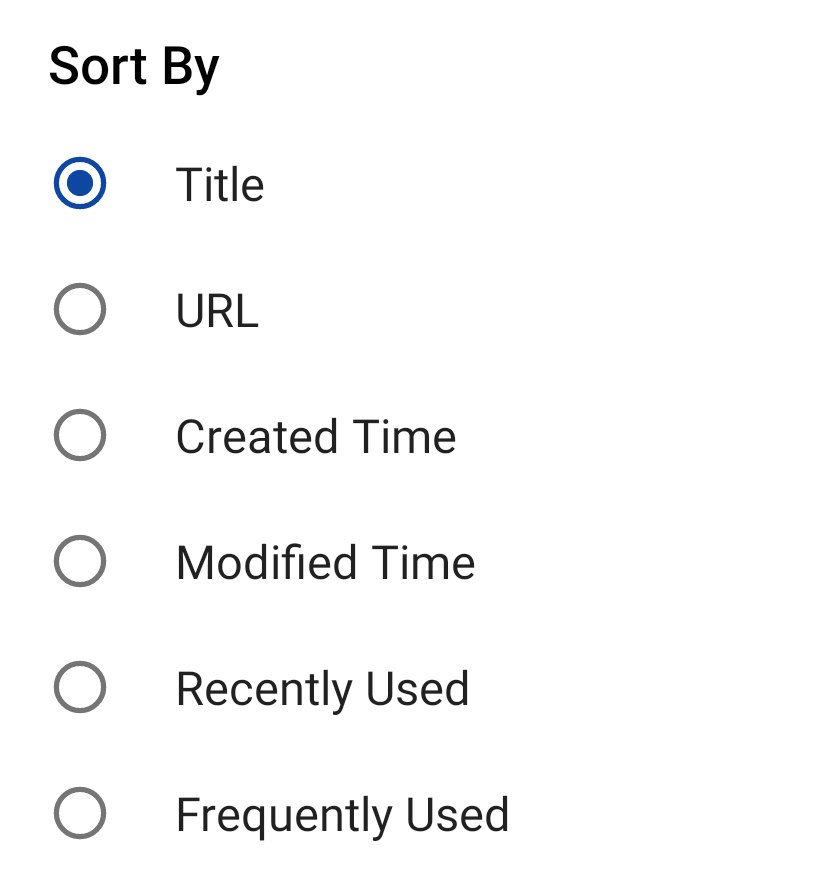
In the All items tab, tap ︙ at the top-right corner.
-
Select your sorting criteria from the list.
Sorting options:
-
Title
Sort your items in alphabetical order. -
URL
Sort your items alphabetically by their website address. Items with no URLs appear in the last. -
Created Date
Sort your items by the date they were added to Enpass, with the most recent at the top. -
Modified Time
Sort your items by the date they were most recently saved, with the most recent at the top. -
Recently Used
Sort your items by how recently they've been used, either via Autofill or by copying a field's contents into your device's clipboard, with the most recent at the top. -
Frequently Used
Sort your items by how often you use them, with the most frequently used items at the top.