.svg)
Creating a strong Master Password in Enpass
It is important to create a strong and unique — but also memorable — password that you do not store anywhere that it could be discovered. A strong Master Password should include a combination of symbols, letters, and numbers, and should avoid using birthdays, names and other common or public information. The longer your Master Password is, the safer it will be, but ideally it should also be easy to type on both your computer and your phone.
In Enpass, creating your Master Password is part of setting up your first Enpass vault. The password you create for your first vault will also serve as your Master Password for unlocking Enpass.
Desktop
To create a Master Password in Enpass for desktop:
-
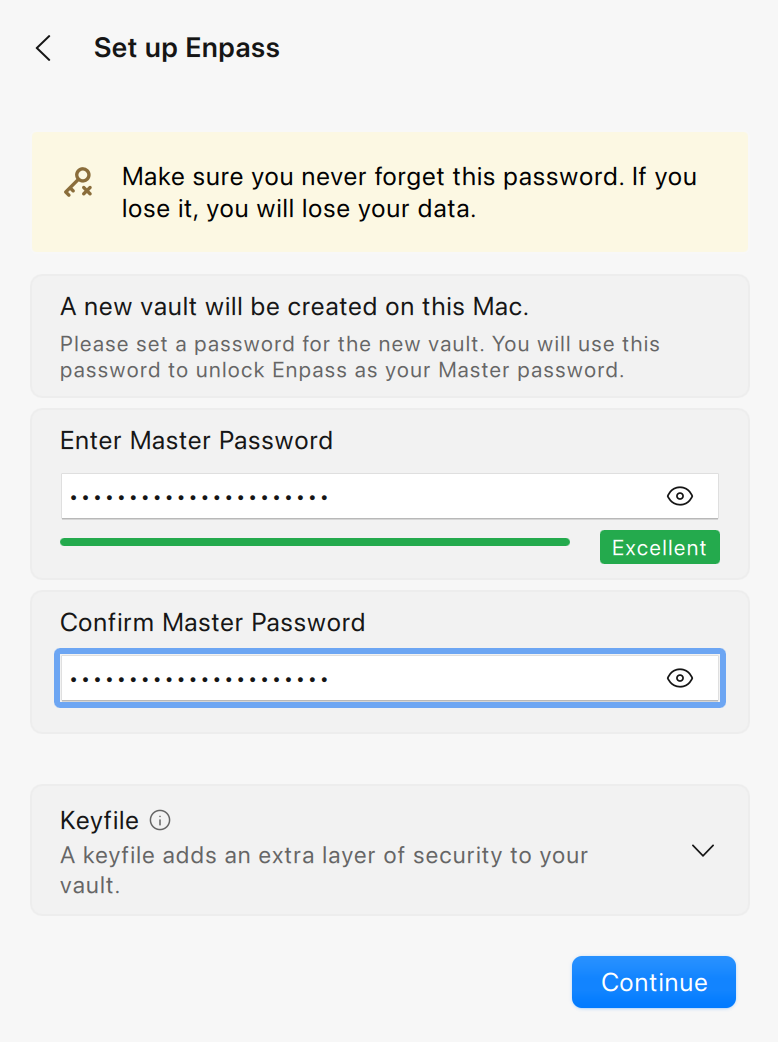
In the process of setting up your first Enpass vault, enter a strong, unique password (ideally including symbols, letters, and numbers), and click Continue.
-
Confirm your Master Password and click Continue.
iOS
To create a Master Password in Enpass for iOS:
-
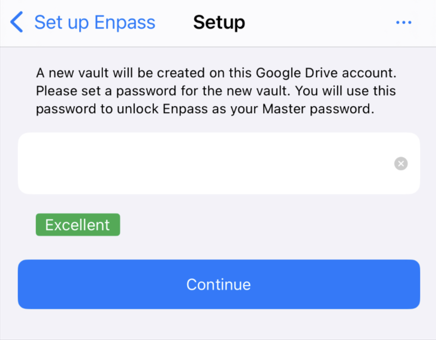
In the process of setting up your first Enpass vault, enter a strong, unique password (ideally including symbols, letters, and numbers), and tap Continue.
-
Confirm the Master Password and tap Continue.
Android
To create a Master Password in Enpass for Android:
-
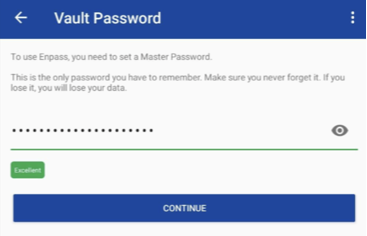
In the process of setting up your first Enpass vault, enter a strong, unique password (ideally including symbols, letters, and numbers), and tap Continue.
-
Confirm the Master Password and tap Continue.
Keep your Master Password safe — it cannot be recovered
Because Enpass stores no user data on company servers, Enpass cannot recover lost or forgotten Master Passwords. All your data is under your exclusive control. If your Master Password for Enpass Personal version is lost, Enpass should be reset so you can start over as a new user.
If you are using Enpass Business, you may be able to request access recovery from your Admin.