.svg)
How Enpass protects you from data breaches and compromised passwords
Breach Monitoring is a threat-detection service built into Enpass. Whenever websites you've saved in Enpass announce a data breach that exposes users account information, Enpass alerts you to immediately change the passwords for your compromised accounts before any damage can be done. Enpass also monitors your Items for previously compromised passwords.
These checks happen locally, on your device
Your passwords are never exposed. The Enpass app performs these checks on your device, preventing any exposure of your data.
None of your passwords are sent to anyone
When checking for compromised passwords, Enpass sends only the first five characters of your encrypted passwords to haveibeenpwned.com, which sends back all leaked passwords starting with those characters. Enpass then compares your encrypted passwords, internally, against that list.
Enpass performs these checks for whichever vault is currently active. To make sure checks are performed against all your vaults, select All Vaults from the Vaults list at the top of the app.
To enable monitoring for breaches & compromised passwords:
-
Go to Settings > Advanced, and enable Check Compromised Passwords.
To view Enpass Items with breached or compromised passwords:
-
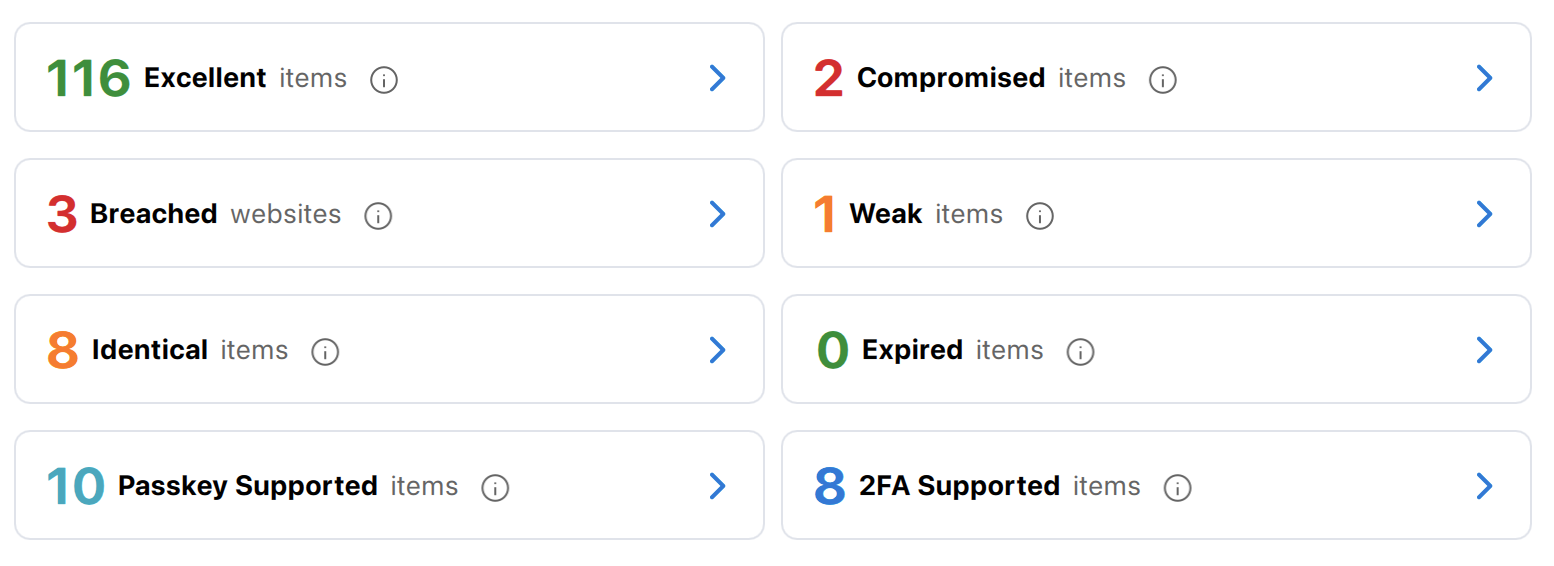
Go to Home (in the desktop sidebar) or Audit (in the tabs at the bottom of the mobile app).
-
Select Compromised or Breached.
Information Enpass provides about each breach
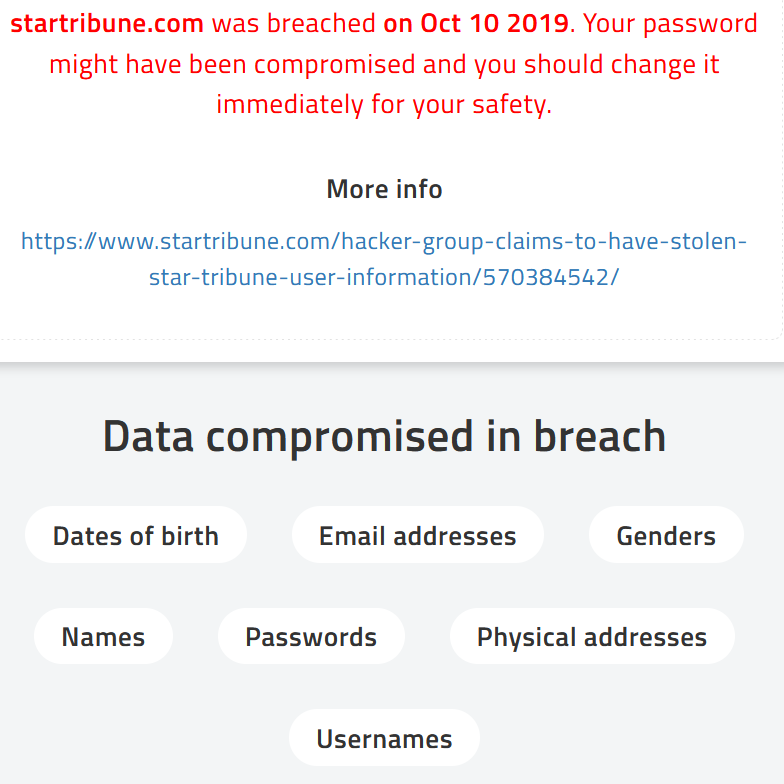
When a breach that may affect you is detected, Enpass provides a short report to inform you of the details. The report contains the name of breached website, the dates of the breach, the types of data compromised, and the precaution that should be taken to secure your account. To prepare this report, Enpass fetches the information managed by the trusted haveibeenpwned.com.
How to recover from a breach
As soon as you are alerted to a breach, the following steps are highly recommended:
-
Change your password
Login to the site and use Enpass to generate a strong and unique new password. -
Enable passkeys or two-factor authentication
Use Enpass to add extra layers of security to your accounts by enabling passkeys or 2FA on sites that offer them — which you can find listed in the Audit section of Enpass. -
Check the security of other passwords
Use the Audit section of Enpass to check for compromised, identical and weak passwords. Use Enpass to generate new, stronger passwords for those accounts as well. -
Find out more about the breach
Follow any links provided in the Enpass breach report to find out more about the types of data was stolen and what additional actions should be taken to secure you account and data.