.svg)
Troubleshooting: First vault added to Enpass Business must be on Google Drive
Problem: Activation fails if a personal vault has been created before activating Enpass with the email address from your organization.
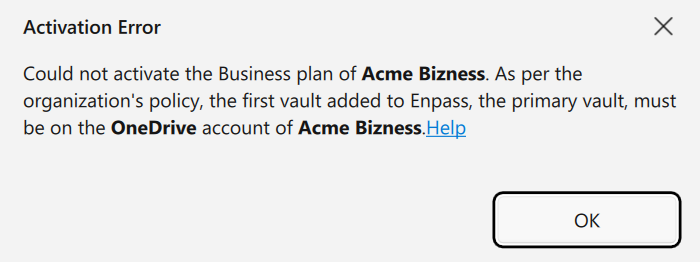
Explanation: Your organization requires your first vault in Enpass to be a vault stored on your business Google Drive.
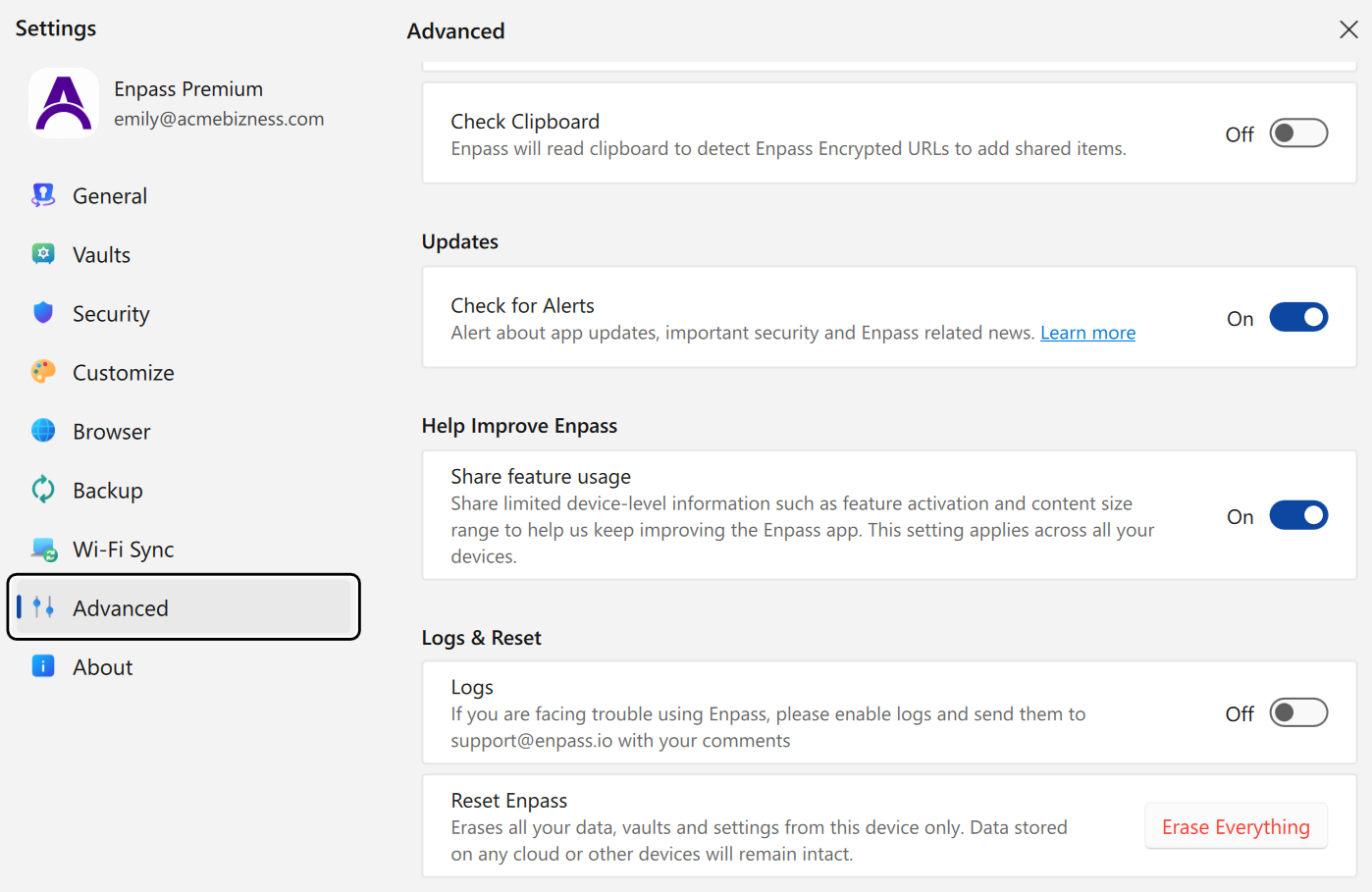
Solution: Backup your personal data, reset Enpass in Settings > Advanced, relaunch the Enpass app, and before doing anything else, register using your work email in the Welcome screen's Business tab:
-
Go to File Menu > Backup, and save a backup of your existing data.
-
Go to Settings > Advanced, and click Erase Everything.
-
Quit and relaunch the Enpass app.
-
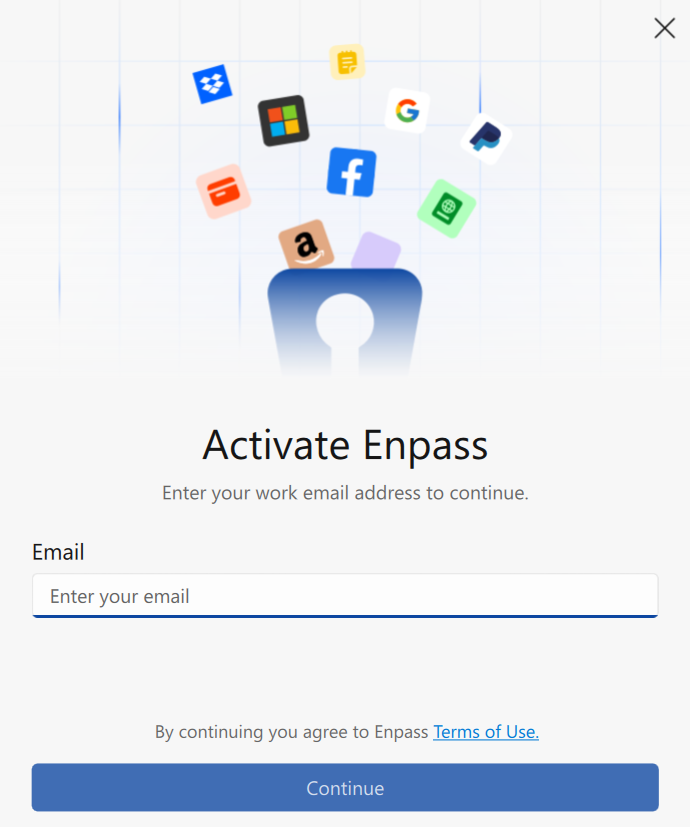
In the Welcome screen, select Business, and Activate using your work email.
-
Create your Primary Vault by connecting to your business Google Drive.