.svg)
Troubleshooting:
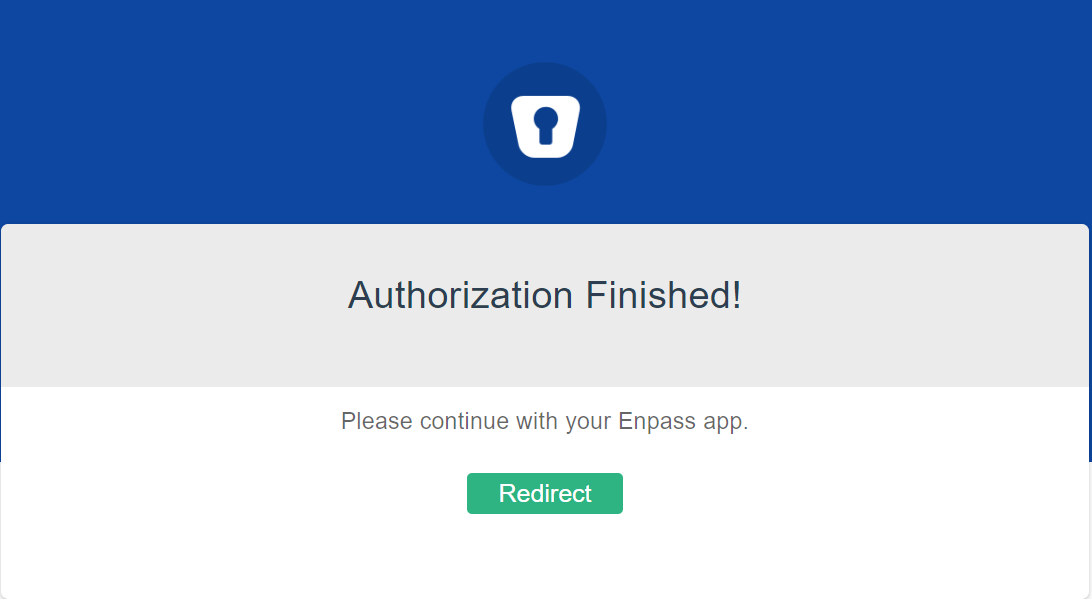
Cannot continue to Enpass app after clicking “Redirect” while connecting the Enpass browser extension
This problem is usually due to background protocol handlers for Enpass not updating properly during installation of the Enpass app.
To fix this issue:
-
In your browser, copy the URL of the page displaying the “Redirect” button.
-
Open your Enpass app.
-
The app will automatically read the URL from your clipboard and complete the connection.
If the problem persists, contact support@enpass.io for assistance.
If you have questions or need assistance:
-
Visit the Enpass Discussion Forum or contact Enpass Support