.svg)
Activating Enpass
If you are an Enpass Business user issued a license by your admin, visit this page.
If you are interested in Enpass Business for your organization, start here.
Activation is easy and free, and requires only an email address for registration, which is used to activate Enpass on other devices.
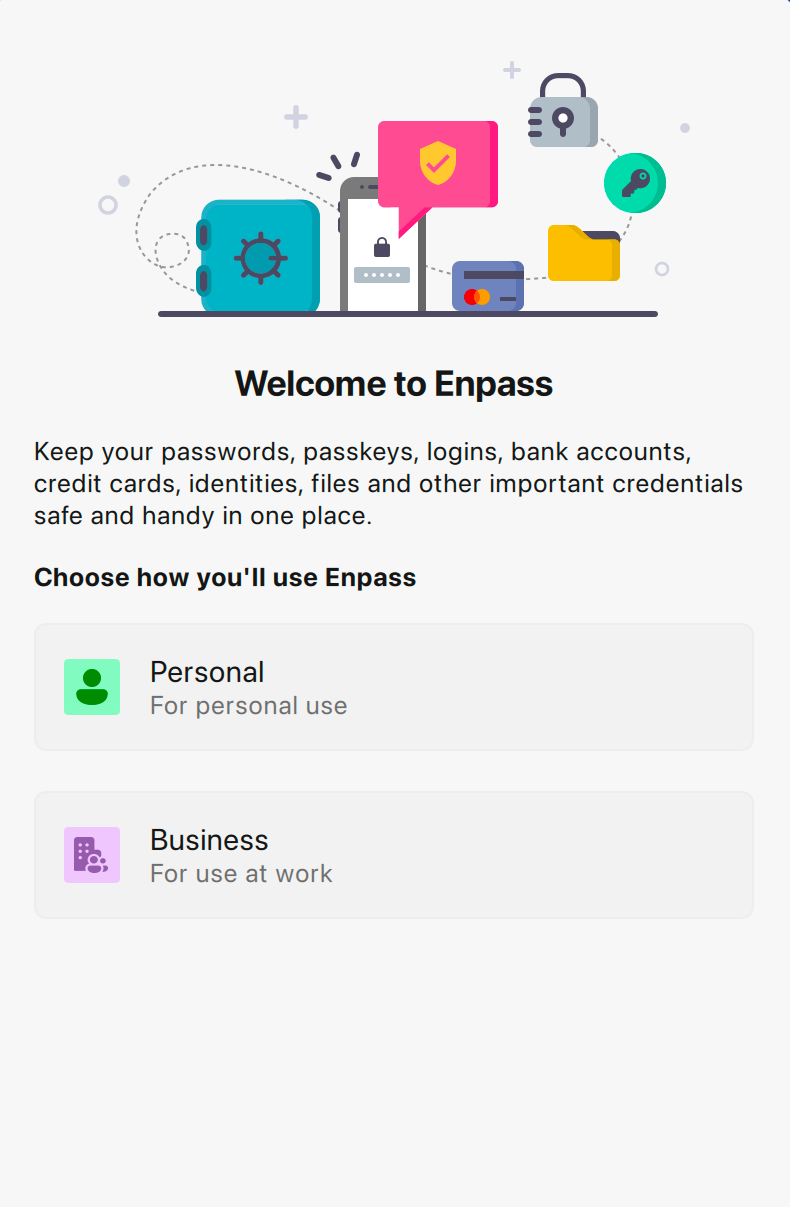
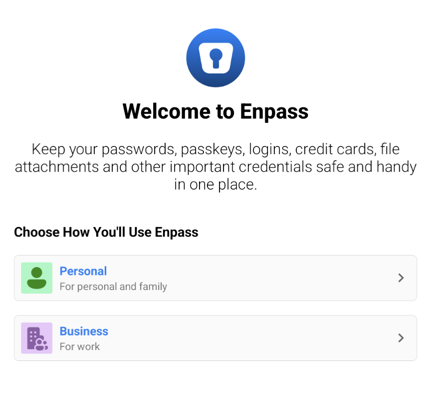
When you launch Enpass for the first time, the Welcome to Enpass screen asks how you’ll be using Enpass. These instructions are for users who have chosen Enpass to manage their personal passwords and other credentials on their own devices. If your employer has chosen Enpass to manage your work credentials, visit this page.
Desktop
To active Enpass (personal edition) for desktop:
-
On the Welcome screen, under Choose How You’ll Use Enpass, select Personal.
-
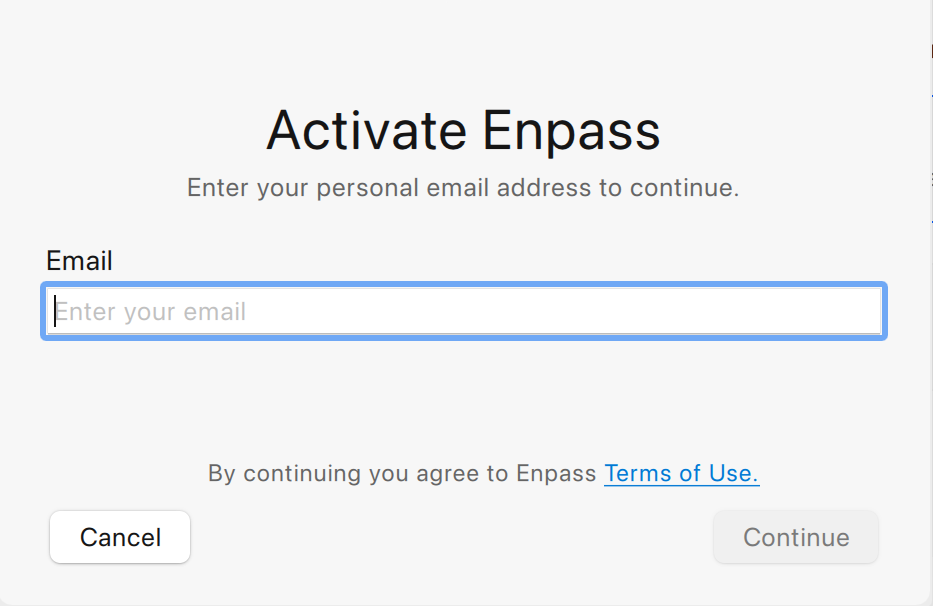
Provide an email address to receive an activation code, and click Send Code.
-
Enter your activation code, and click Continue.
-
Click Done to complete the activation process.
iOS
To active Enpass for iPhone or iPad:
-
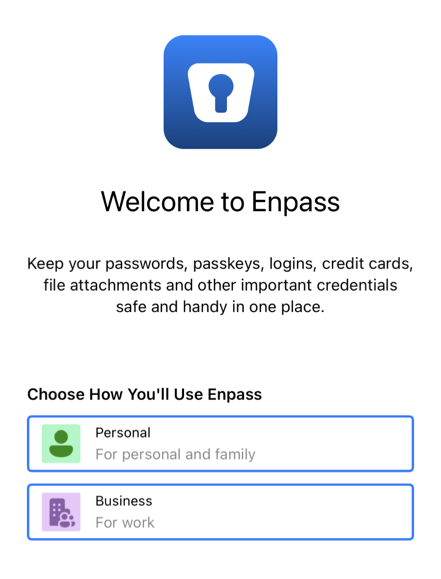
On the Welcome screen, under Choose How You’ll Use Enpass, select Personal.
-
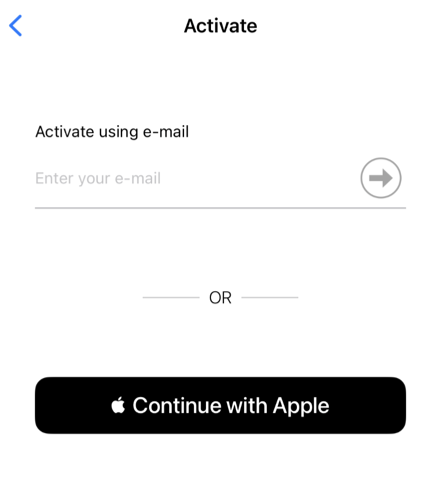
Provide an email address to receive an activation code, or choose Continue with Apple.
-
Enter your activation code, then tap Continue to complete your activation.
Android
To active Enpass for Android:
-
On the Welcome screen, under Choose How You’ll Use Enpass, select Personal.
-
Provide an email address to receive an activation code, or choose Sign in with Google.
-
Enter your activation code, then tap Continue to complete your activation.
If you have not received your activation code, check your spam folder, or click Resend.