.svg)
Getting started with Enpass on Android
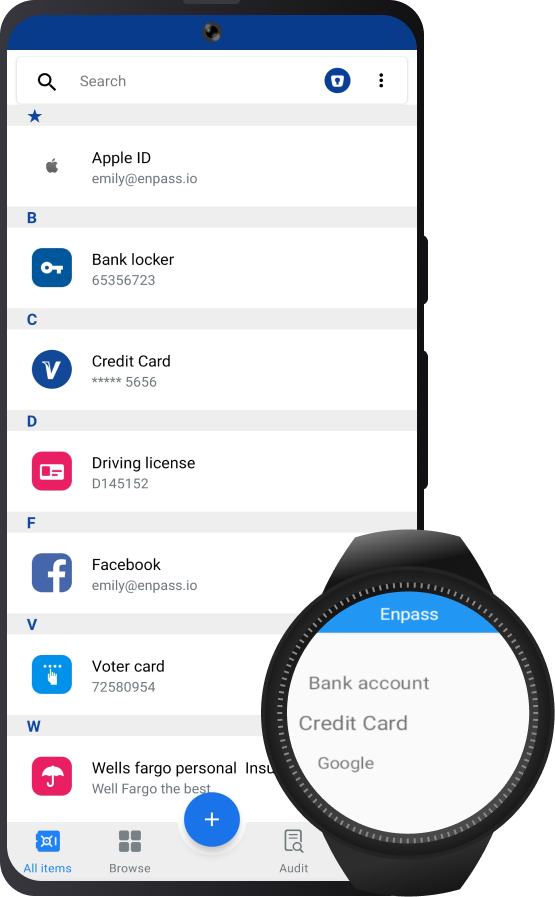
Enpass is a simple and secure app for managing your passwords, passkeys and other credentials. It features dozens of templates to help you securely manage any kind of information, including login credentials, bank accounts, credit cards, identification cards, passports, and more.
Setting up Enpass on Android
Enpass can be downloaded from the Play Store, and set-up is simple:
Adding, editing, and deleting Items
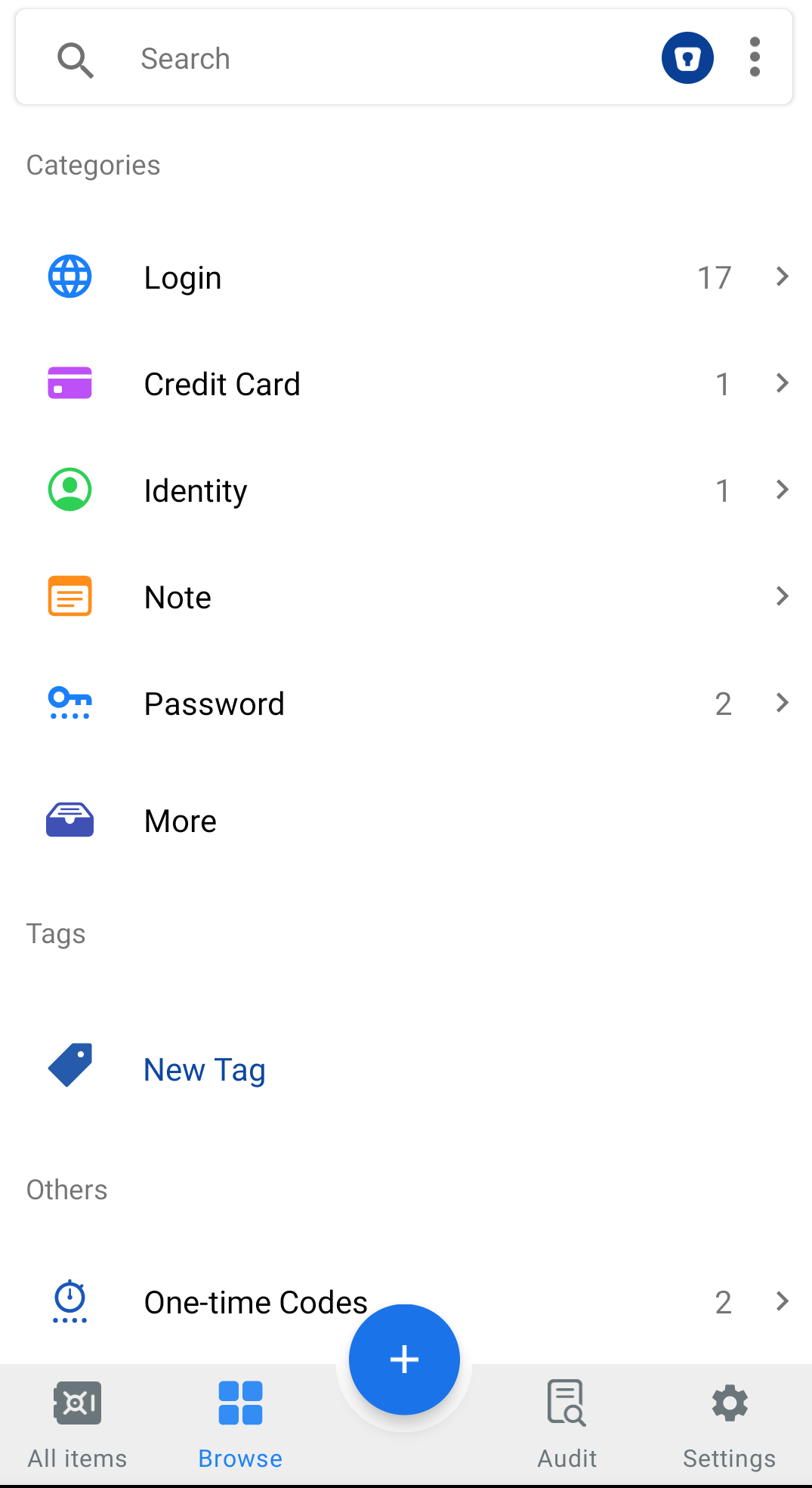
Records stored in Enpass are called “Items,” and are automatically grouped into categories like logins, credit cards, identities, passwords, notes, computers, and more. Tap
Syncing data across all your devices
Your Enpass vaults can be sync between devices by connecting to your exiting cloud storage, or synced locally using Wi-Fi or a shared folder on your device or network. All syncing of Enpass data is encrypted and completely secure, with cryptography always being performed locally on your device itself.
Organizing your data
Your data can be organized in Enpass by using built-in categories, creating custom tags, marking Items as favorites, and by creating multiple vaults (for example, a Work vault and a Personal vault). From the navigation bar at the bottom of the app, you can Browse your categories and tags, as well as access Password Audit.
Autofilling passwords and passkeys in apps and browsers
Enpass makes it simple to autofill your login credentials in apps websites.
Using vaults in Enpass
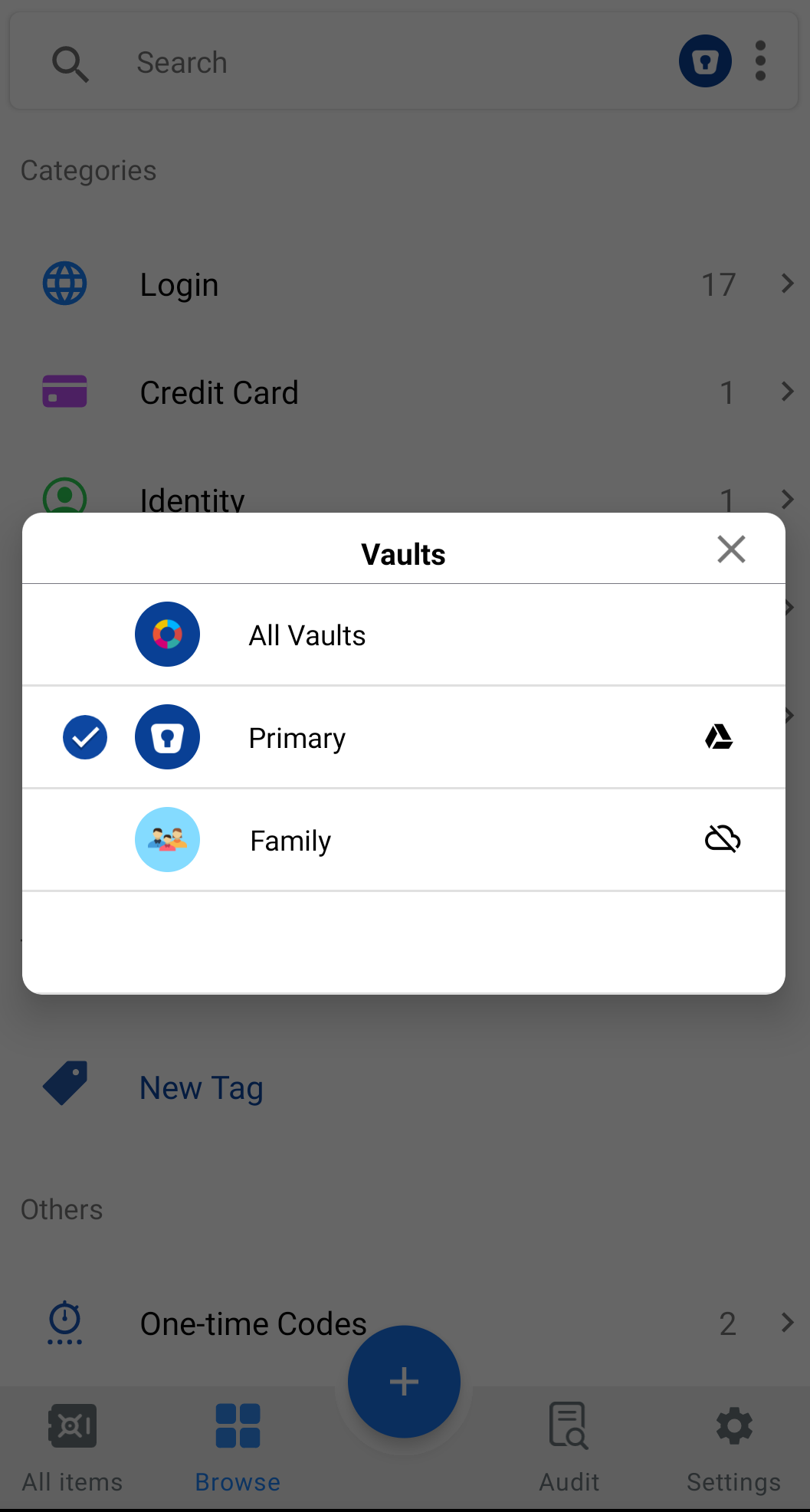
A vault is the secure location where your Enpass Items are stored. You can create multiple vaults in Enpass to sequester work Items from personal Items, or for creating a vault to be shared between family members or team members without sharing everything you’ve stored in Enpass.
Password Auditing
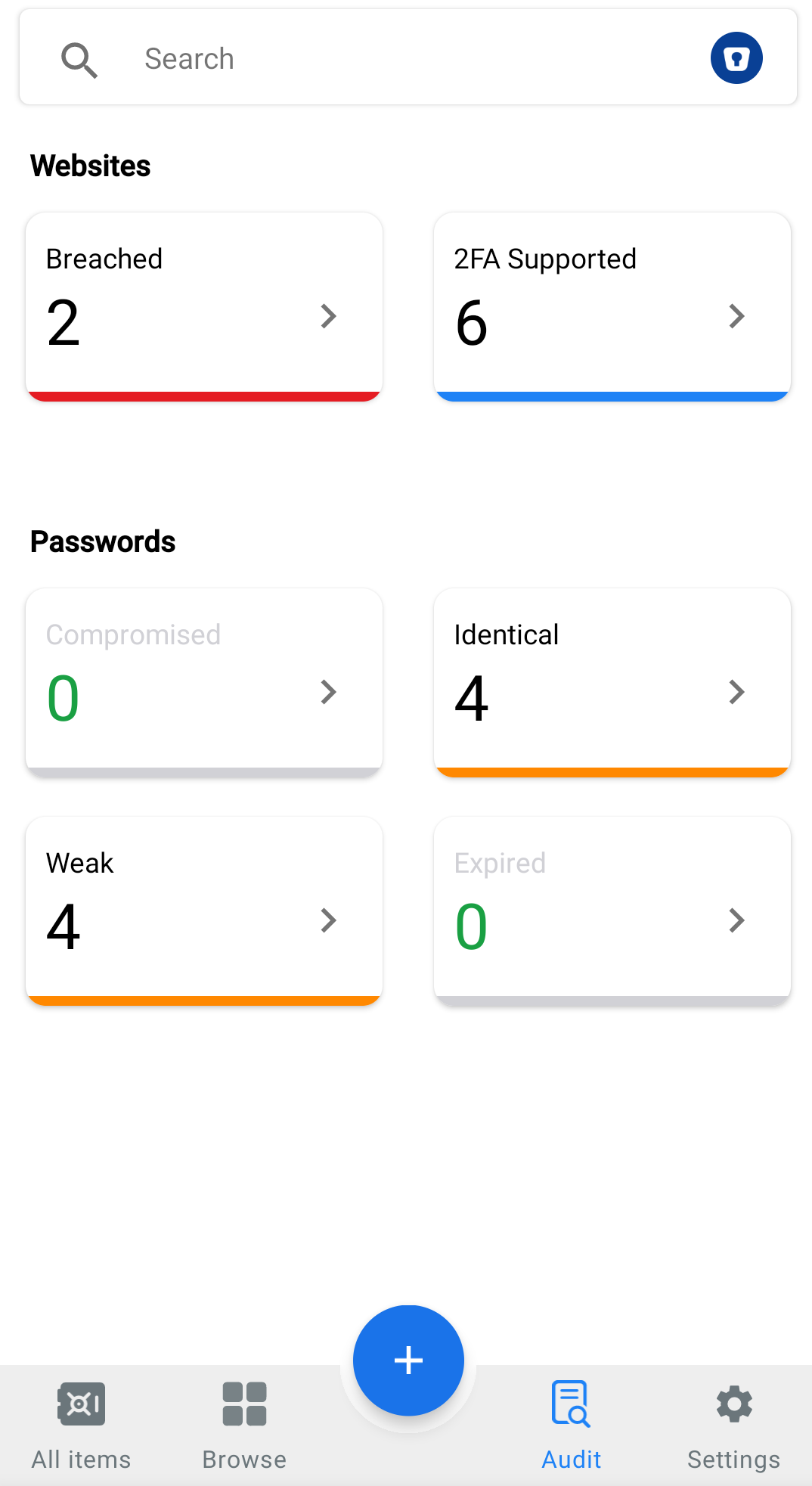
Enpass includes a built-in Password Audit tool that checks the health of your passwords. This is a local scanning process that watches for unsafe passwords and categorizes them accordingly (compromised, weak, outdated, etc.). Password Audit keeps on top of your digital security so you don’t have to.
Breach Monitoring
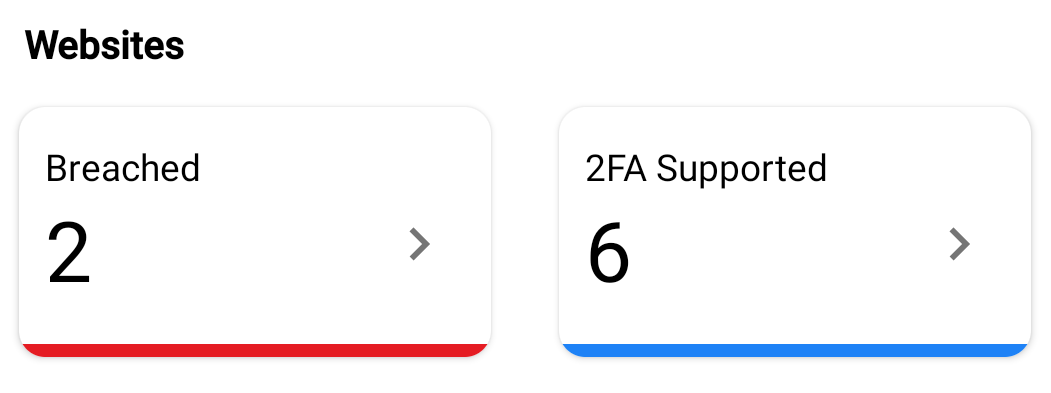
Enpass includes built-in Breach Monitoring, which notifies you whenever a data breach has been reported for any sites, apps, or services saved in your Enpass vaults. All monitoring occurs locally on your device (none of your information is shared), and when vulnerabilities are found, Enpass alerts you to change the credentials that may have been compromised.