.svg)
Moving or copying Items to a different vault in Enpass
If you have multiple vaults in Enpass, it’s easy to move or copy Items between vaults if necessary.
Desktop
To move or copy an Item to another vault in Enpass for desktop:
-
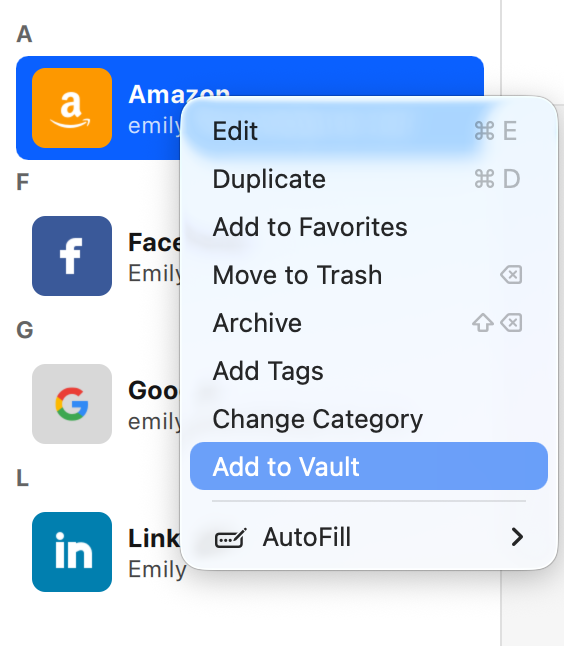
Right-click the Item you want to move or copy, and select Add to Vault.
-
Select a vault from the drop-down list, and click Move or Copy.
Android
To move or copy an Item to another vault in Enpass for Android:
-
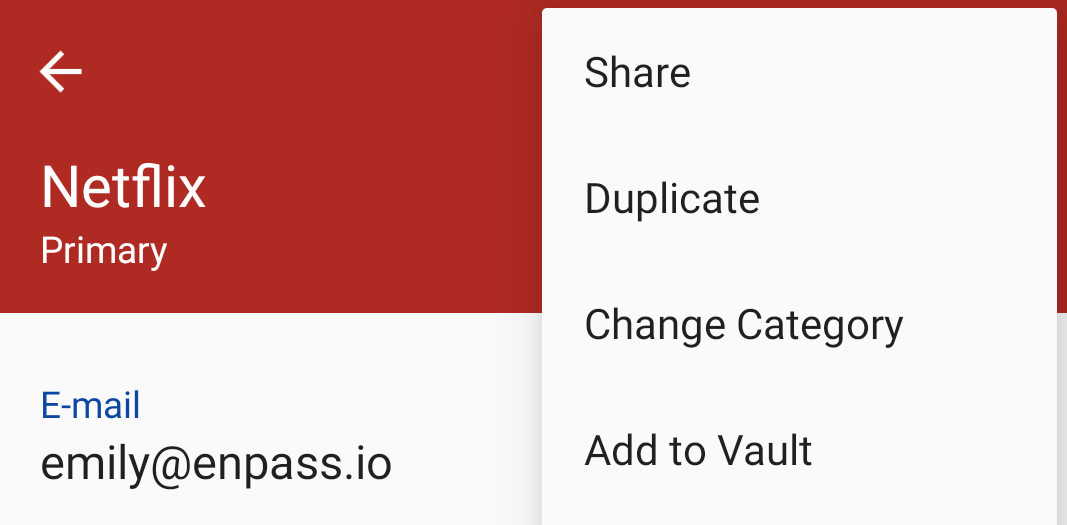
In the Item Details view, tap ︙ in the top-right corner, and select Add to Vault.
-
Select a vault, then tap Move or Copy.