.svg)
Removing a business vault from your Enpass app
In the Enpass app, you can remove your own vaults from your business OneDrive or SharePoint, or remove vaults shared with you by other team members. Keep in mind that removing a vault you shared, or a shared vault that you manage, may affect access for other team members.
To remove a Business vault:
-
Go to Settings > Vaults, and select the vault you want to remove.
-
Click︙at the top-right corner, and select Remove Vault.
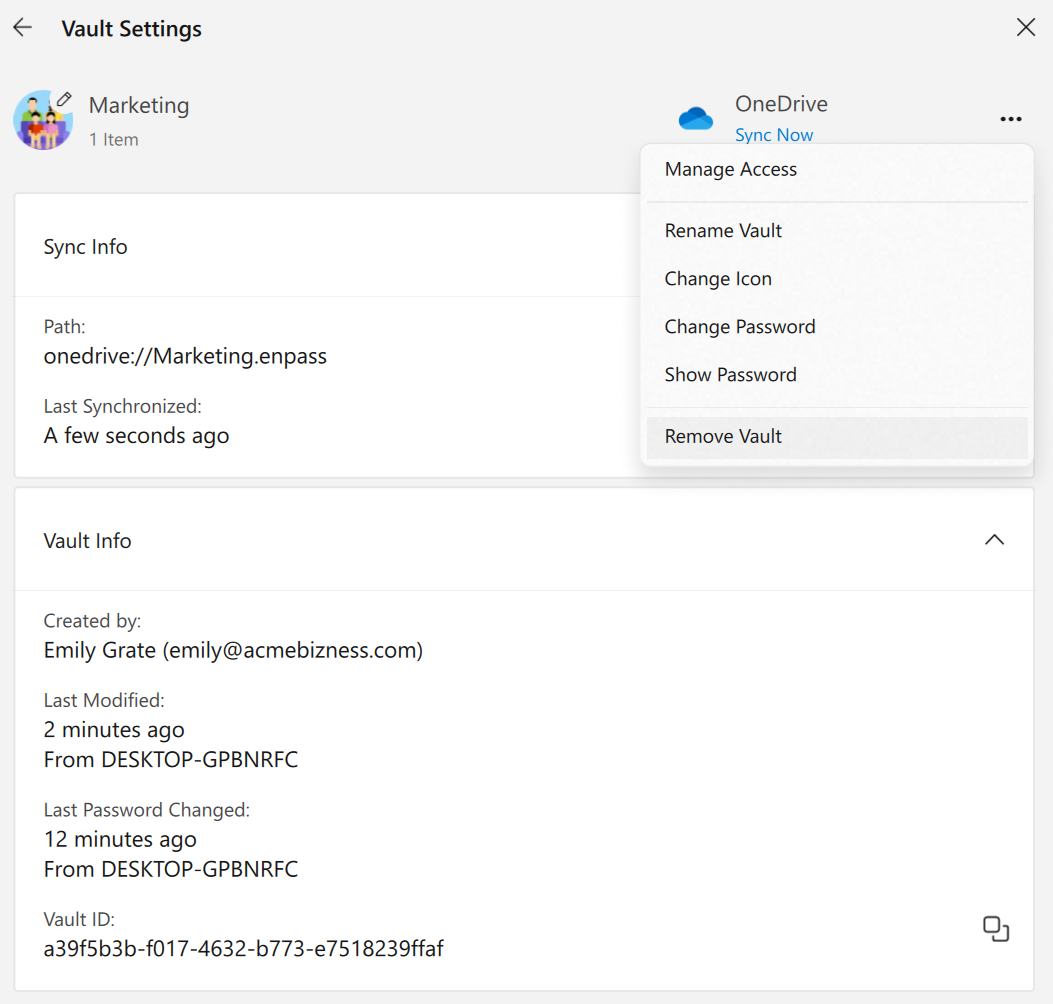
-
Enter your Master Password and click Continue.
-
Click Remove.