.svg)
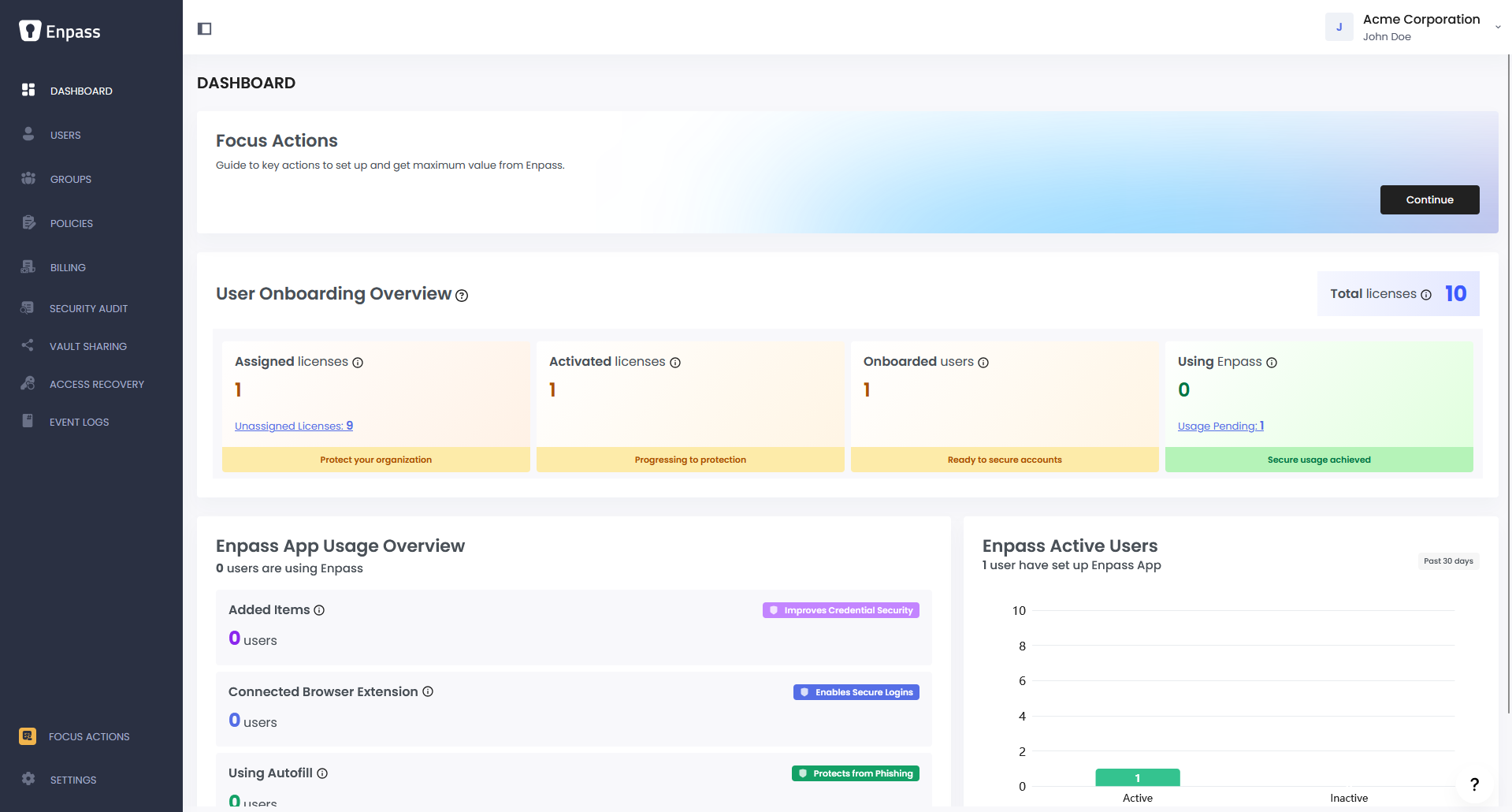
The Enpass Administrator Console provides everything admins need to manage and monitor Enpass usage across your organization.
|
Area |
Description |
|---|---|
|
Adoption and usage statistics |
|
|
Manage users and their enrolled devices |
|
|
Create and manage groups based on departments or teams |
|
|
Set rules for security, password strength, vault sharing, and more |
|
|
Manage your organization's Enpass subscription and billing details |
|
|
Monitor company-wide password health; identify at-risk users and vaults |
|
|
Control who is permitted to share vaults and maintain oversight of what is being shared across the organization |
|
|
Help users who have lost their Master Password regain access |
|
|
Monitor user activity, investigate security incidents, and meet compliance requirements |
|
|
Manage admins, SCIM credentials, single sign-on (SSO), and other features |
Accessing the Admin Console
-
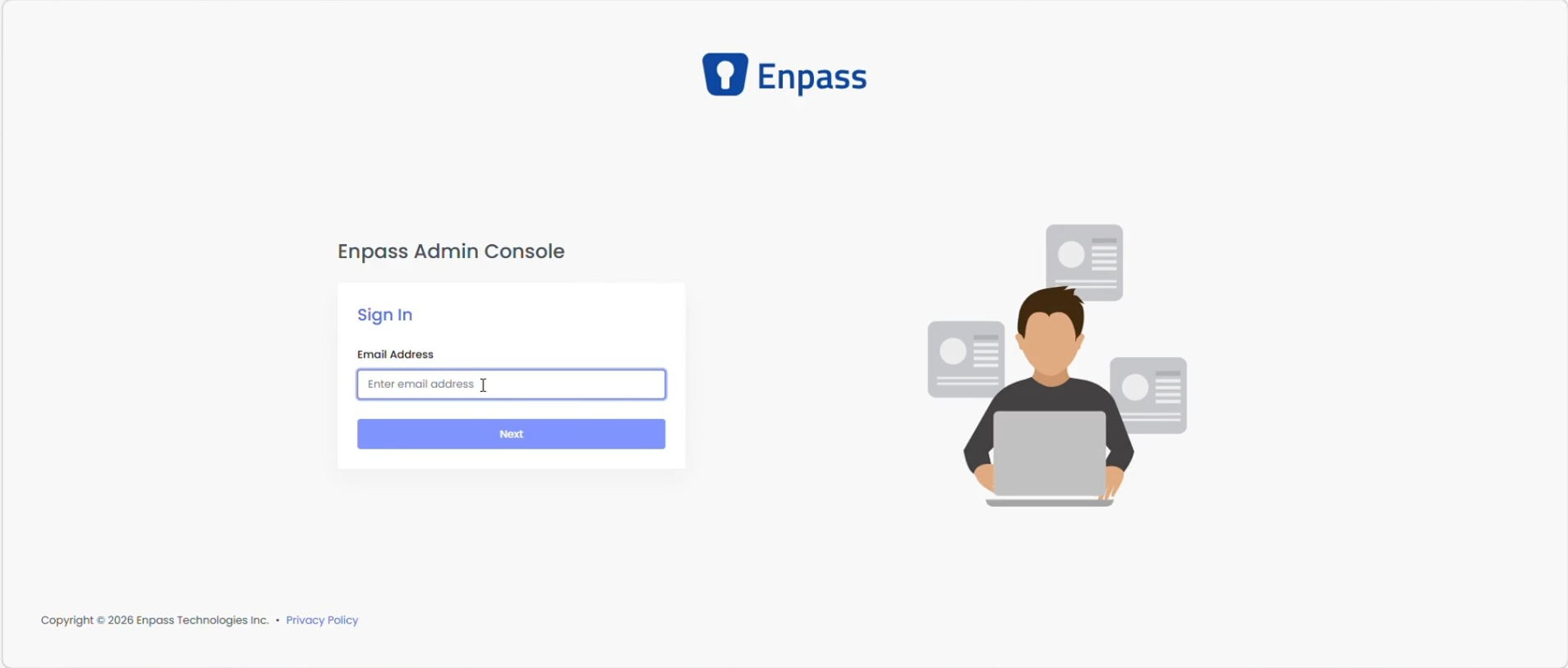
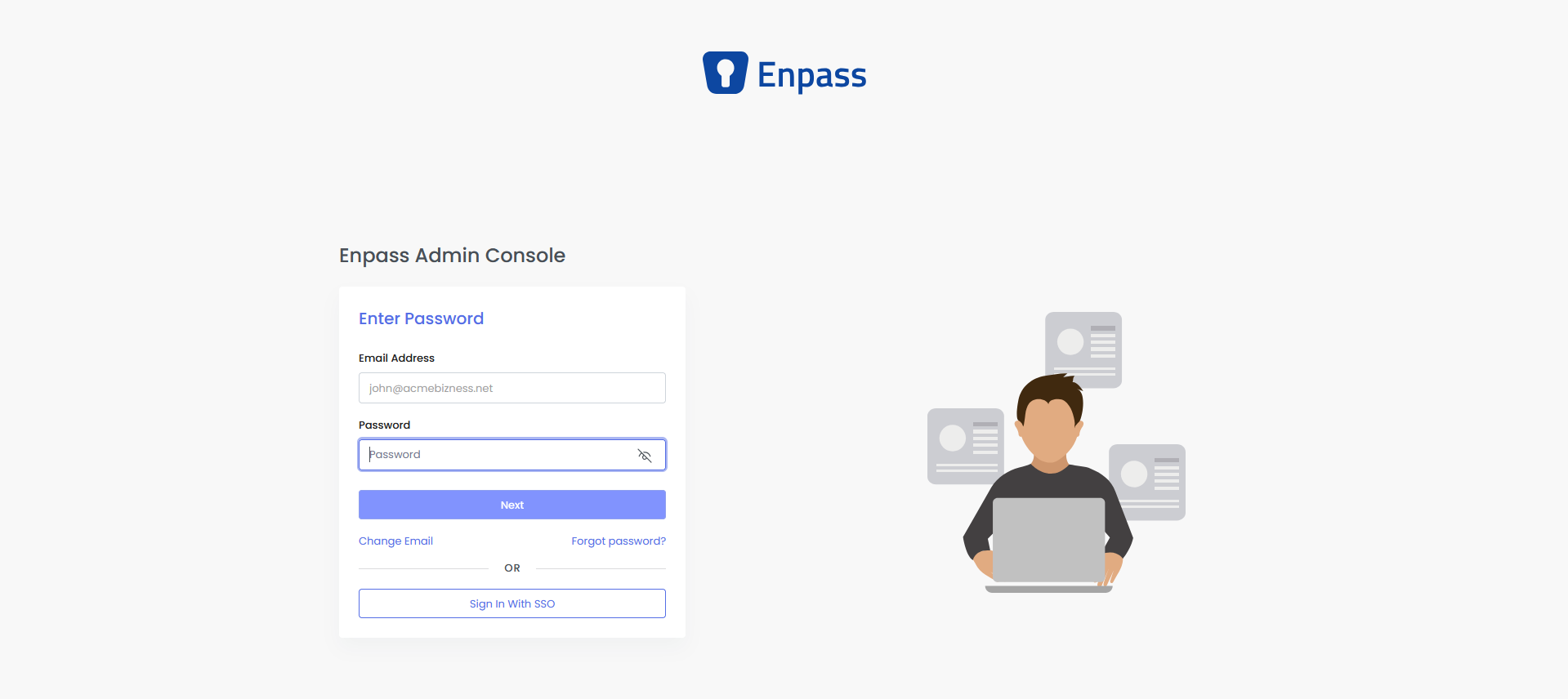
Go to console.enpass.io.
-
Enter your email and password to log in.
-
First-time login: A one-time code will be sent to your email.
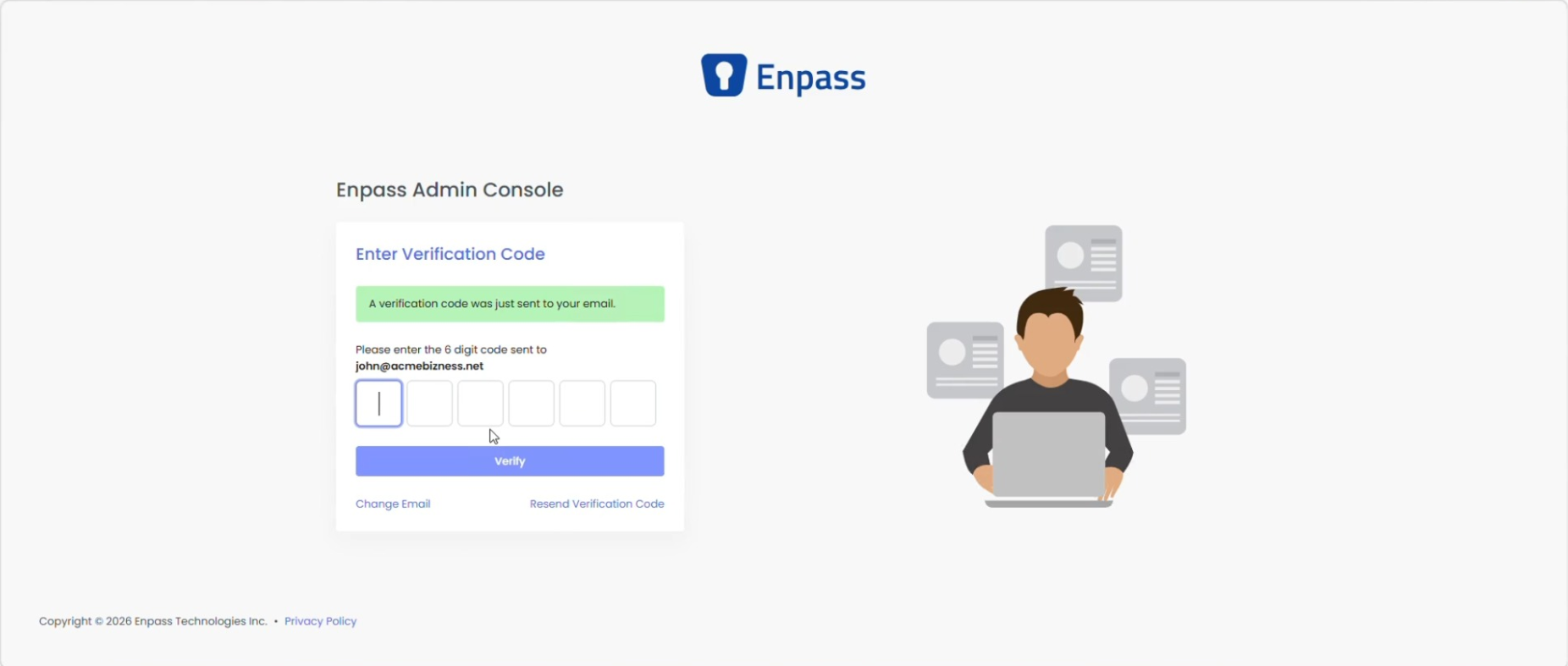
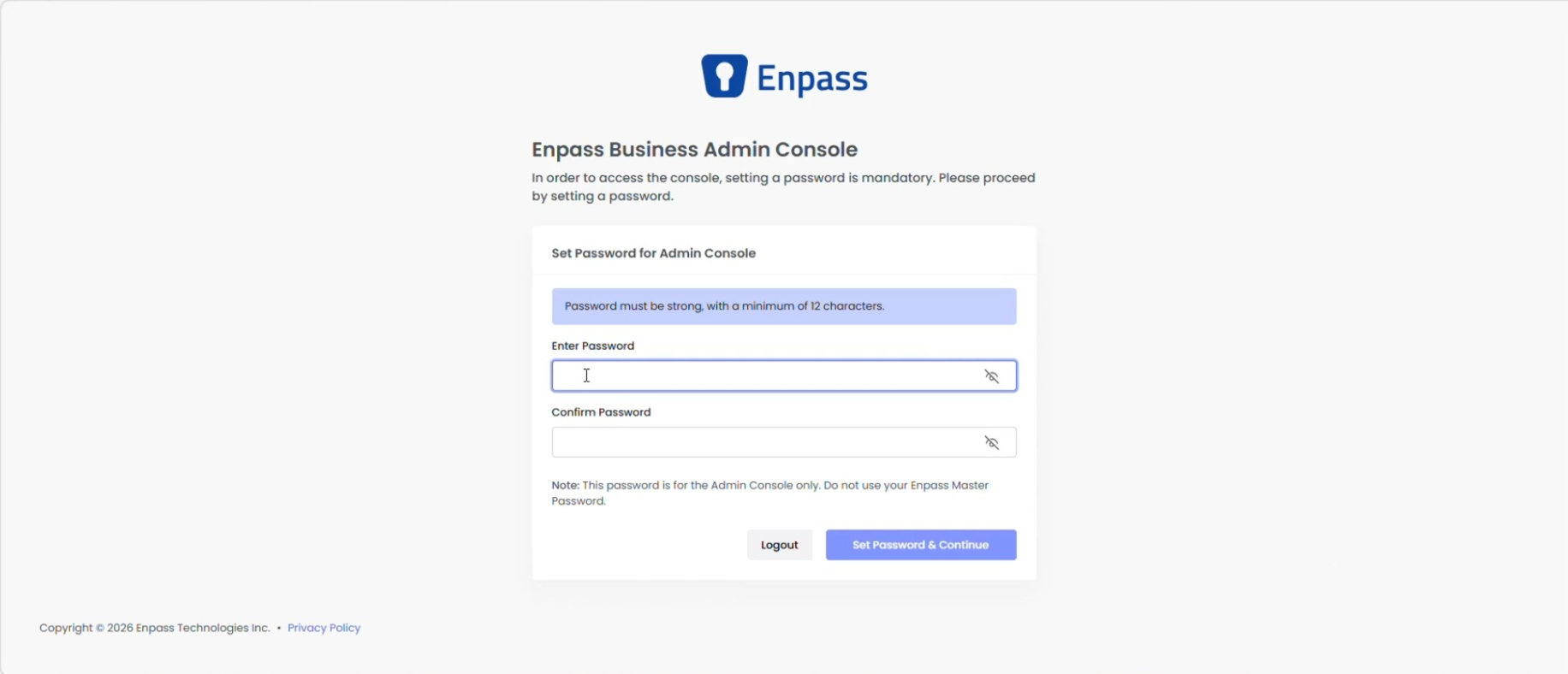
Enter it to complete login, then set your password when prompted.
-
Returning admins: Log in using password + MFA, or SSO (if configured for your organization).
-
-
You'll land on the Dashboard after a successful login.
🚀 New to Enpass? If you haven't signed up yet, create your organization account to get started. Once you're set up, check out our Quick Start Guide for Admins for an accelerated setup walkthrough.