.svg)
Enpass Admin Console supports Single Sign-On (SSO) via SAML 2.0, letting your organization's admins log in using their existing Identity Provider (IdP) credentials. This centralizes authentication, and gives you the option to enforce SSO as the only login method.
Before You Begin
Make sure the following are in place before starting:
-
Super Admin access — Only Super Admins can configure SSO in the Enpass Admin Console.
-
Admin access to your IdP — You'll need permissions to create and configure a SAML application in your Identity Provider.
How the setup works: Configuration requires steps in both Enpass and your IdP — in a specific order. The guides below walk you through the full process end-to-end, so follow your IdP's guide from start to finish without skipping between pages.
Choose Your Identity Provider
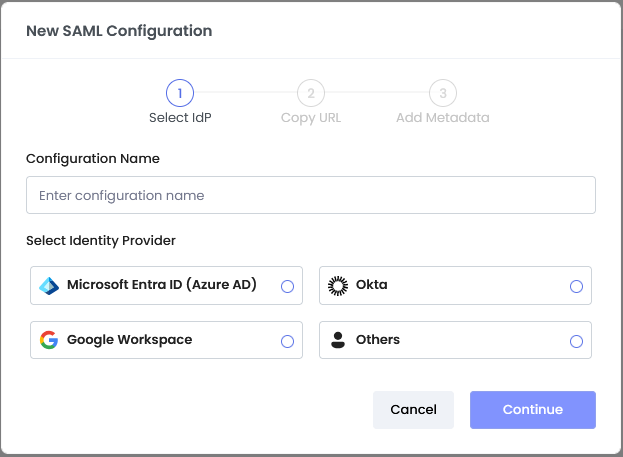
Select your IdP to follow the complete setup guide:
After Setup
Once SSO is configured and active, you may also want to:
-
Enforce SSO — Make SSO the only permitted login method for all admins. This option is available on the SSO settings page after activation.

-
Manage exclusions — Exempt specific admins from SSO enforcement so they retain alternative login access for emergencies. See Bypass SSO for Specific Admins .