.svg)
Policies let you enforce your organization's compliance and security requirements with Enpass. Whether you're aligning with standards like NIST, ISO 27001, SOC 2, HIPAA, or your own internal access control and password policies, these settings give you centralized control over how credentials are created, stored, shared, and protected across your organization. Policies apply to all users by default, and can be customized for specific teams using group policy overrides.
How to Configure Policies
-
Log in to the Enpass Admin Console with an administrator account.
-
Navigate to Policies in the left sidebar.
-
Select a policy section from the sidebar to view and modify its settings.
-
Make your changes using the drop-down menus, checkboxes, and input fields.
-
Click Save in the top-right corner to apply your changes.
Policy Sections
Data
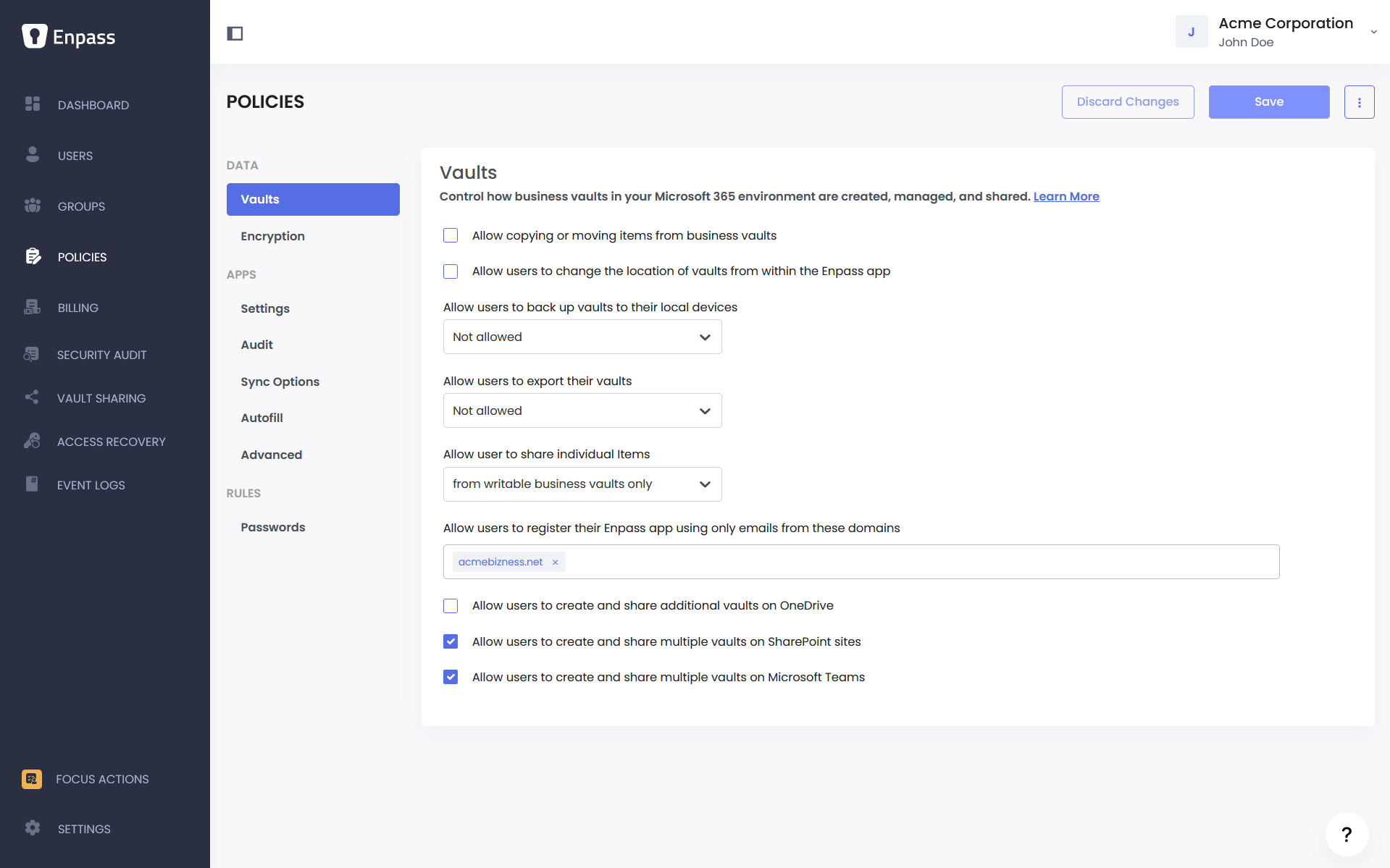
Business Vaults Policies — Enforce your organization's data handling and data loss prevention (DLP) requirements. Control how credential data moves in and out of business vaults, who can share or export it, and where vaults can be created. Maps to access control and data protection requirements in standards like ISO 27001 and SOC 2.
Business Vaults Policies
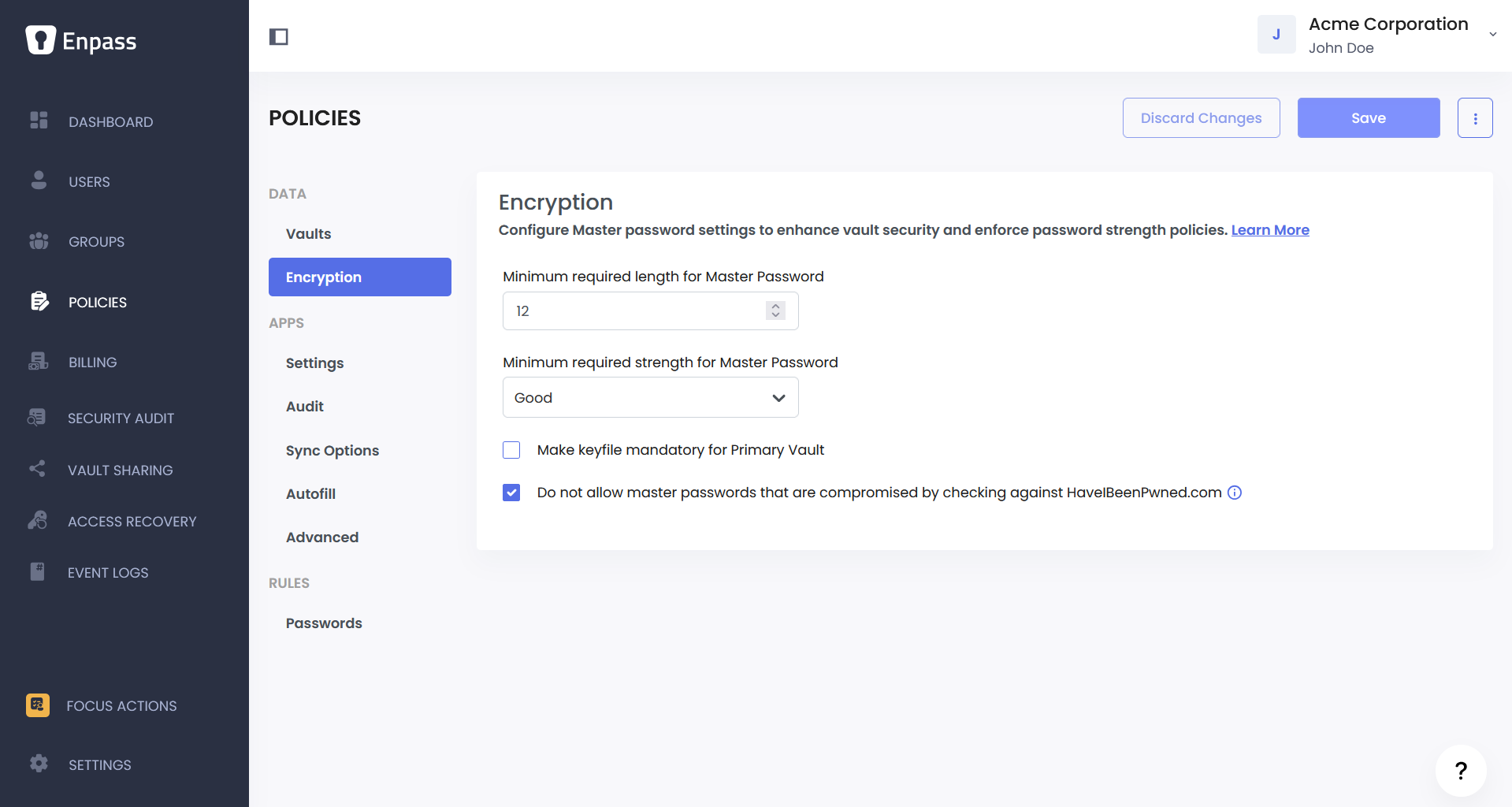
Vault Encryption Policies — Ensure credential vaults meet your organization's encryption and authentication standards. Set Master Password strength requirements and add keyfile-based protection. Addresses password policy and cryptographic controls required by most complaince frameworks.
Vault Encryption Policies
Apps
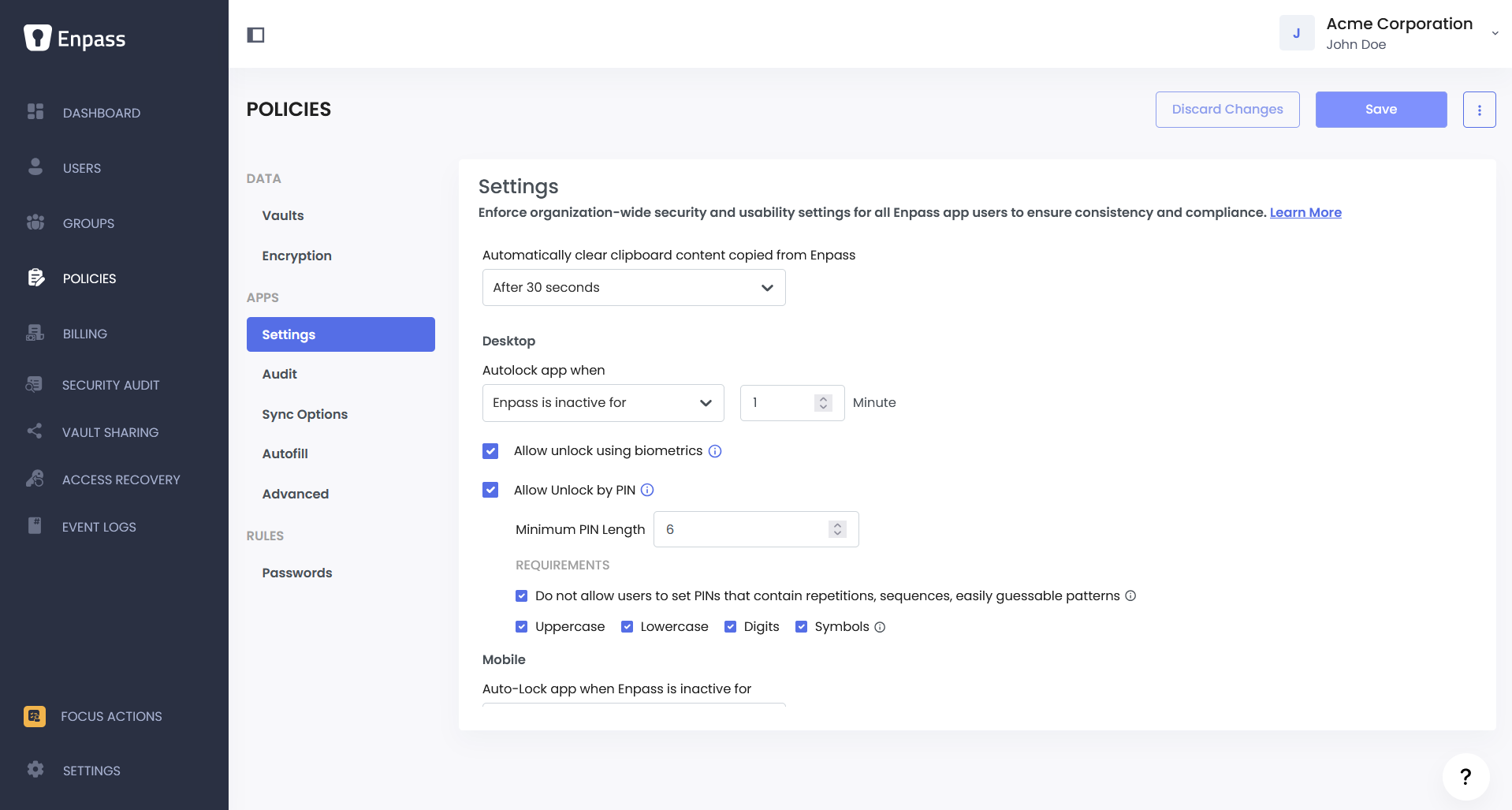
App Security Policies — Enforce session management and device security controls across all user devices. Configure auto-lock behavior, biometric and PIN access, and clipboard handling. Supports compliance with session timeout and endpoint security requirements common in NIST, HIPAA, and SOC 2.
App Security Settings Policies
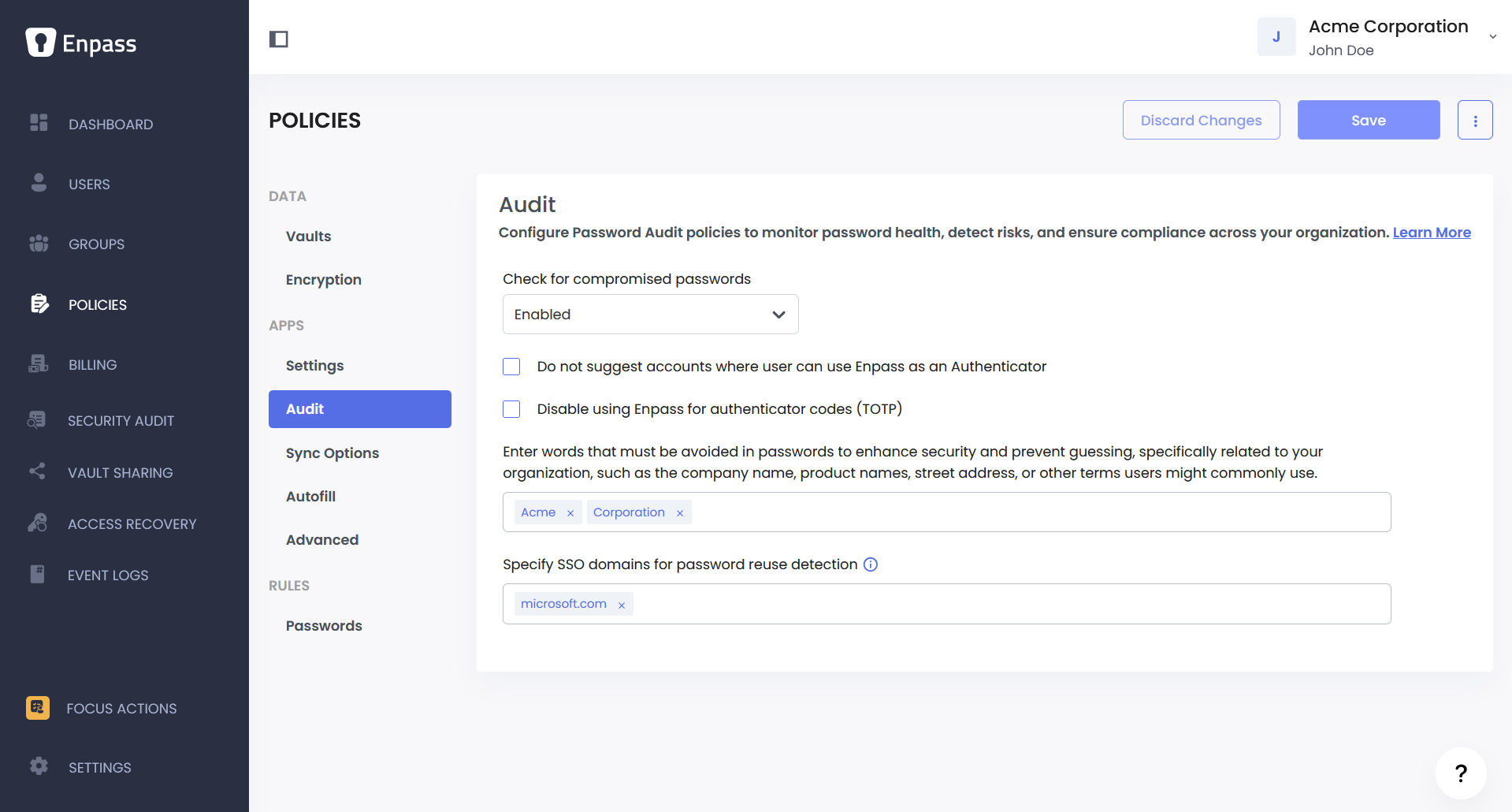
Password Audit Policies — Enable continuous monitoring of credential health across your organization. Configure compromised password detection, banned words, and SSO reuse tracking. Supports ongoing risk assessment and breach monitoring requirements found in most compliance frameworks.
Password Audit Policies
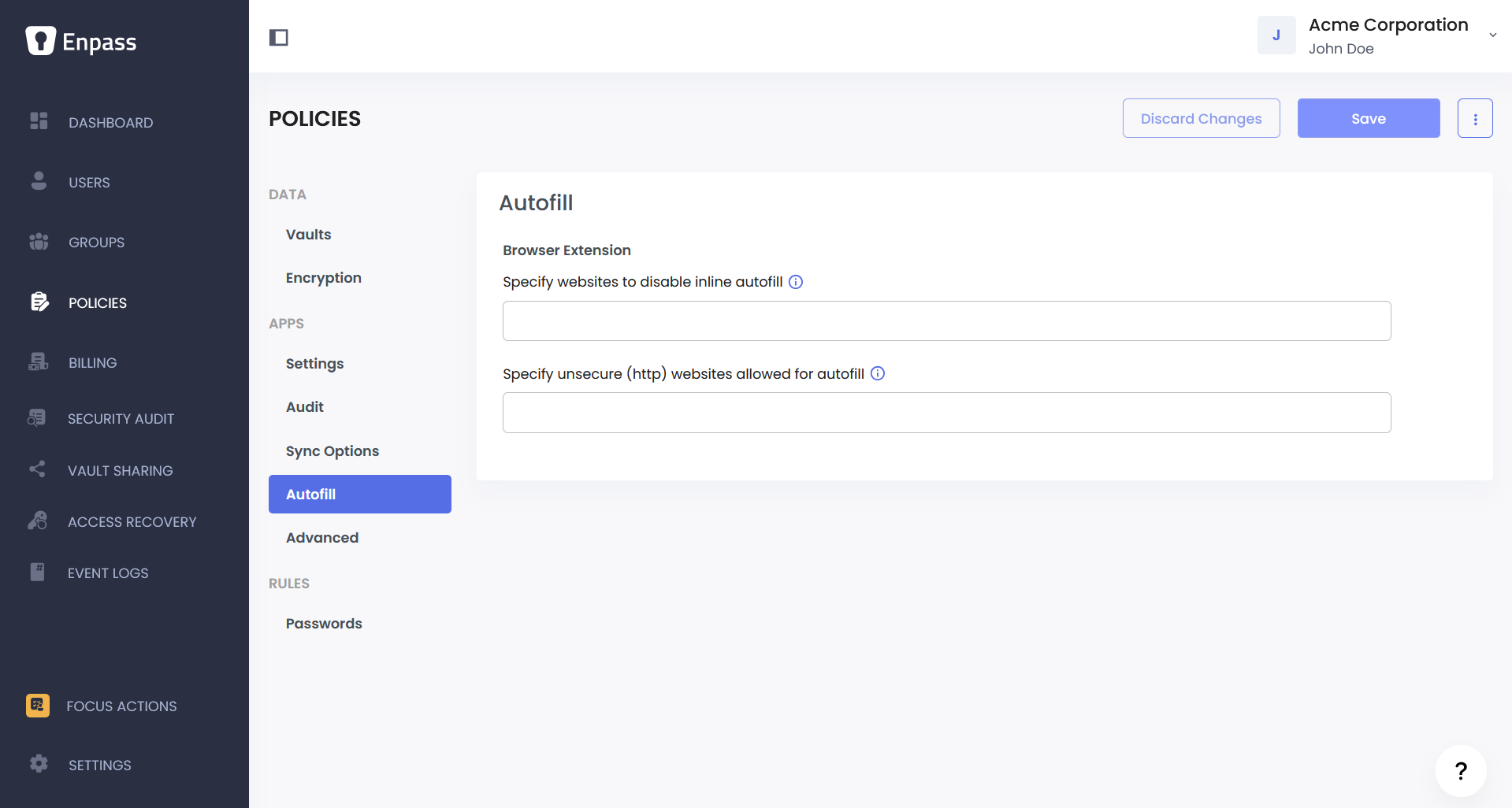
Password Autofill Policies — Control how credentials are delivered to websites through the browser extension. Restrict autofill on specific domains and manage exceptions for internal HTTP sites.
Password Autofill Policies
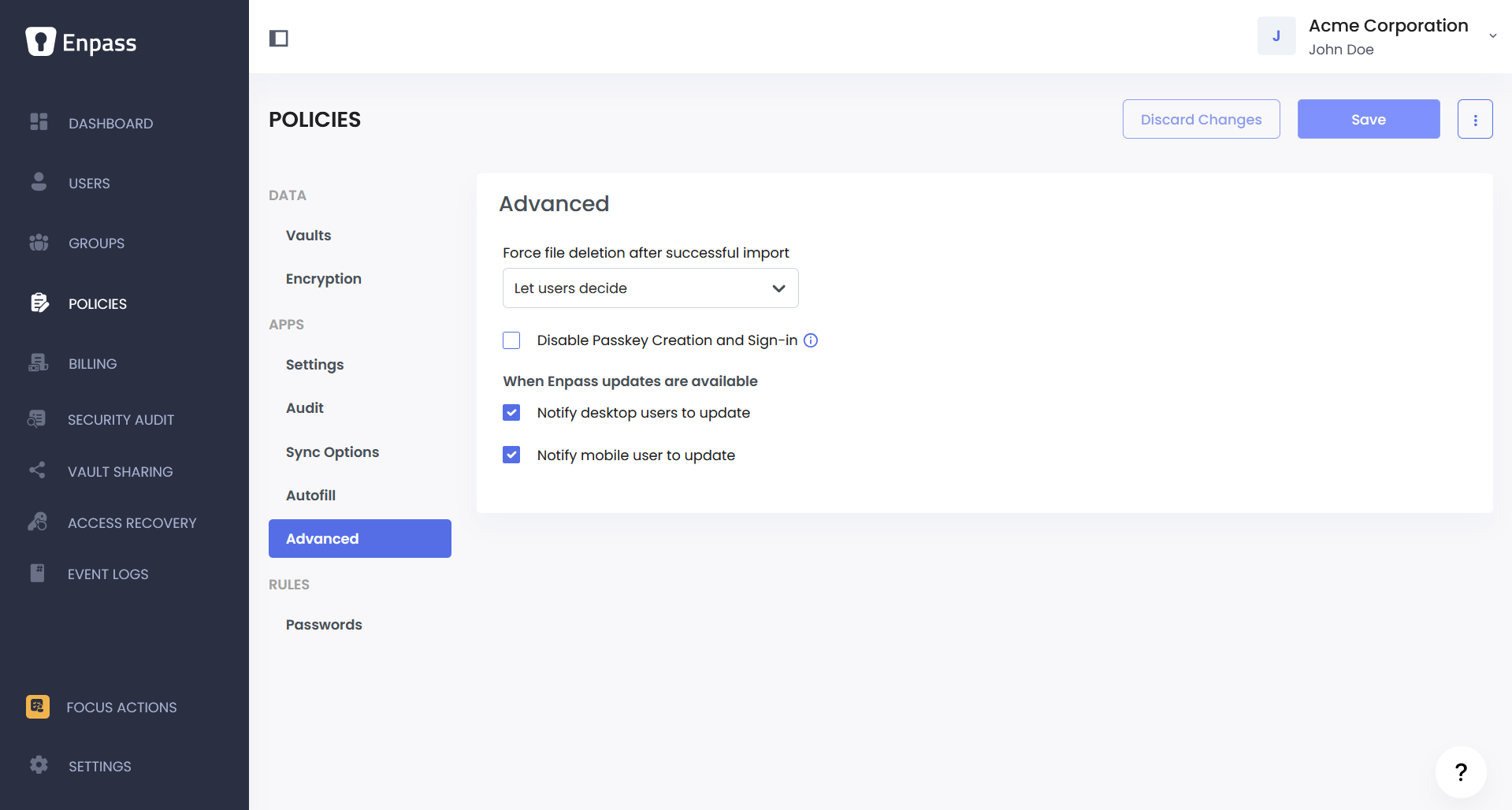
Advanced App Policies — Configure additional security controls including secure handling of import files, passkey management, and update notifications behaviour in MDM/UEM controlled deployments.
Advanced App Policies
Rules
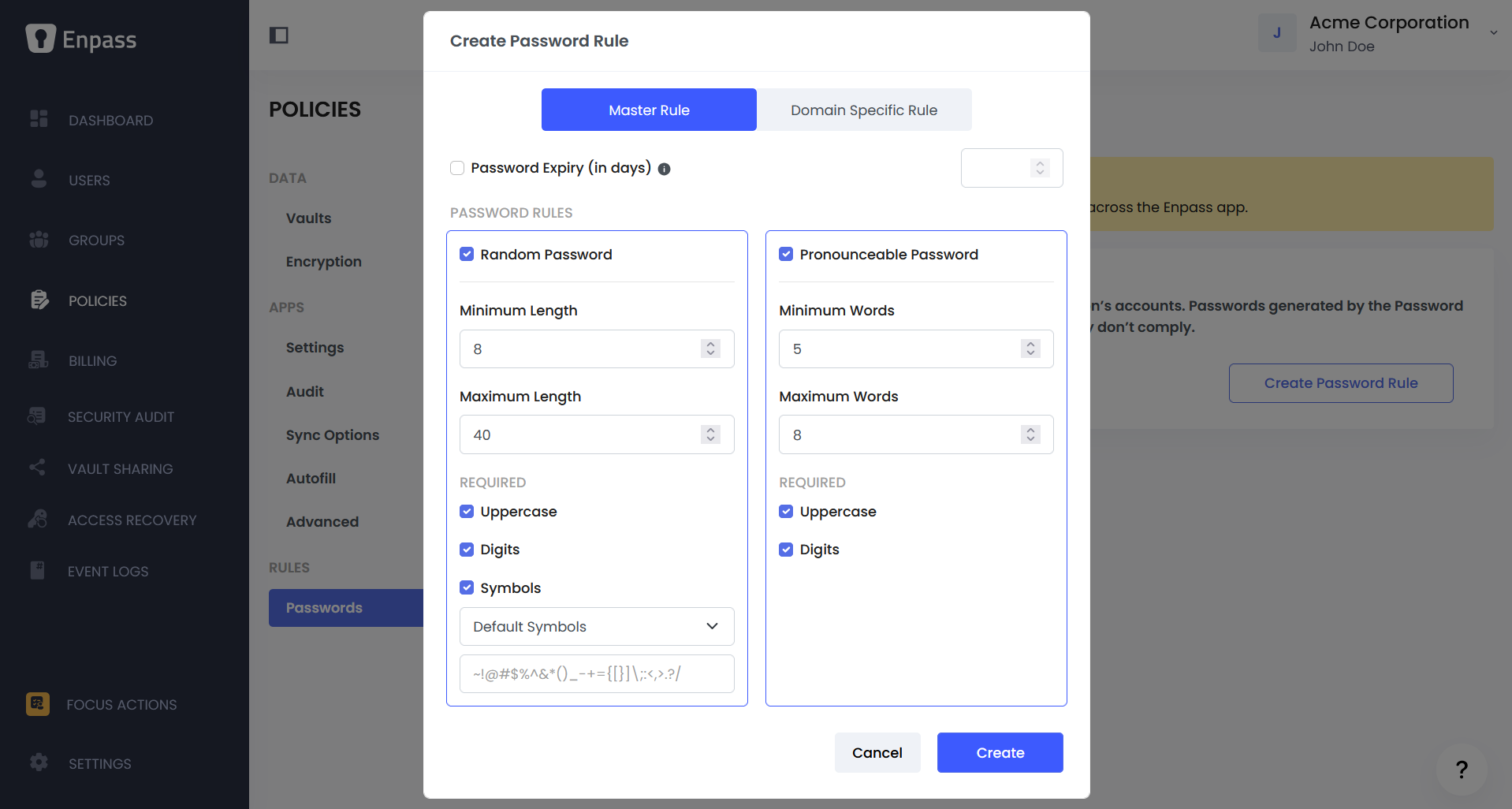
Password Generation Rules — Define the minimum standards for password creation across your organization. Set length, complexity, and expiry requirements that align with your password policy. Directly supports password composition rules required by NIST, PCI DSS, and most internal security policies.
Password Generation Rules
Customizing Policies by Team
Organization-level policies are the default for all users. If different teams have different security needs, you can override specific policies for individual groups without changing the defaults for everyone else.
Read more about managing group policies.Managing Group Policies
Reviewing Policy Changes
Every policy change is automatically logged with details of what was changed, who changed it, and when. Use the policy history to audit changes and verify compliance.
Read more about reviewing policy changes.Reviewing Policy Changes