.svg)
Using folder sync in Enpass
In addition to options for syncing via your own private cloud accounts or via your own local Wi-Fi, Enpass vaults can be stored and synced exclusively in a folder on your local device.
To set up Folder Sync:
-
Go to Settings > Vaults, and select a vault.
-
Click Connect, then choose Folder Sync.
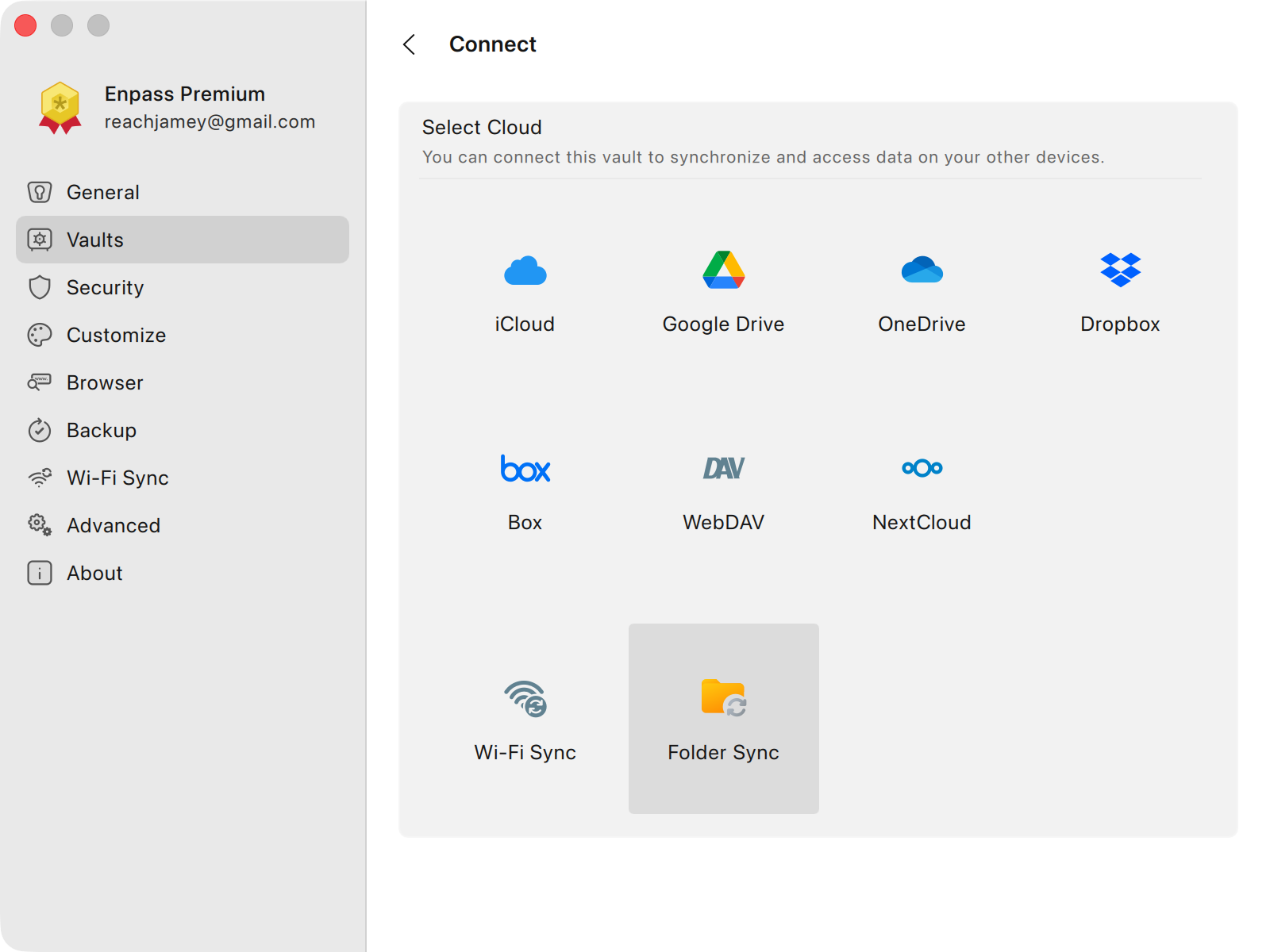
-
Choose a location on your device to store your Enpass vault data.
-
Name your vault, and click Continue.
-
Create a strong password for your new vault, and click Continue.
-
Verify your vault password, and click Done.
While creating your vault password, you can also save it to your Primary Vault by selecting the checkbox below the password field.