.svg)
Managing access to business vaults originally shared via OneDrive instead of within Enpass
Sharing vaults and managing access is much easier from within the Enpass app:
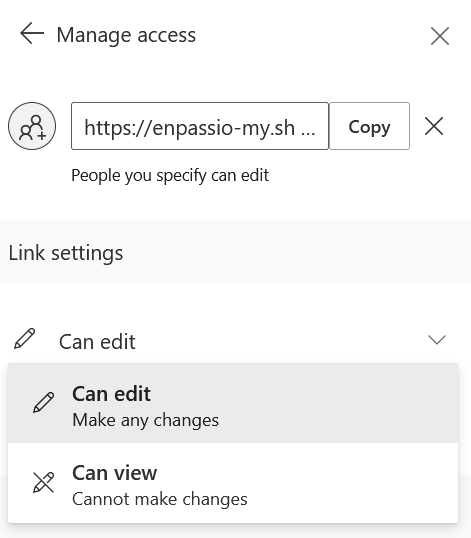
For vaults you originally shared via OneDrive rather than from within the Enpass app, you can grant, change, or revoke access at any time through OneDrive. Team members can be granted view-only or editing rights, and when a team member's access is revoked, they will no longer see the vault in their Enpass app.
To see and manage who has access to a Business vault you've shared via OneDrive:
-
Open your business OneDrive in your browser.
-
Locate the vault folder you want to manage.
-
Click

-
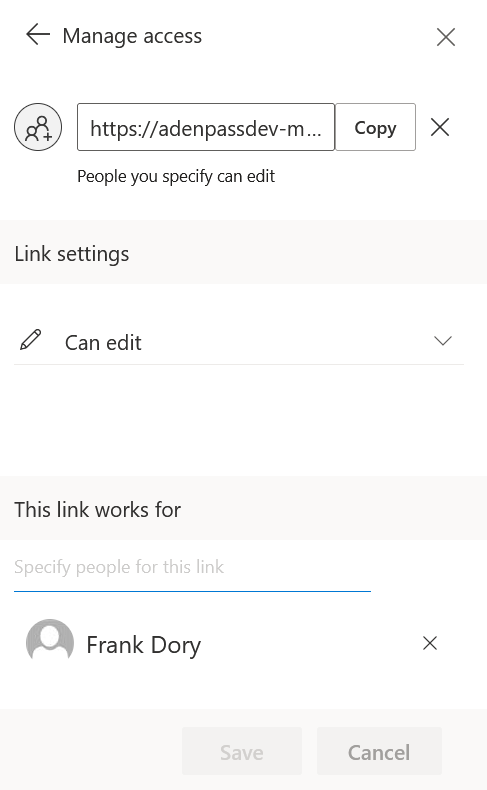
From this screen you can change the file's sharing status or change access for individuals.
-
When finished, click Save, then Change it to apply the setting.
To revoke acess to a Business vault you've shared via OneDrive:
-
Open your business OneDrive in your browser.
-
Locate and select the vault folder that you have shared.
-
Click
-
Click ✖ beside the name of the person whose access you're revoking.
-
Click Remove.