.svg)
Forgetting a Master Password is not uncommon, especially after a long break. Access Recovery gives employees a safe, structured path to regain access with the help of designated recovery administrators. Access Recovery is a privacy-preserving, dual-party process: neither the user nor the Recovery Admin can complete recovery alone. The user initiates the request from the Enpass app, the admin approves it and generates a one-time recovery link, but only the user who raised the recovery request can use that link to set their new Master Password. At no point does any party gain access to the other's vault data or credentials.
Note for Admins: Encourage your employees to always set strong, unique Master Passwords. With Access Recovery in place, there is no need to fall back to insecure practices like using a weak password or writing it down. If they ever get locked out, they can recover access safely through this process.
How It Works
-
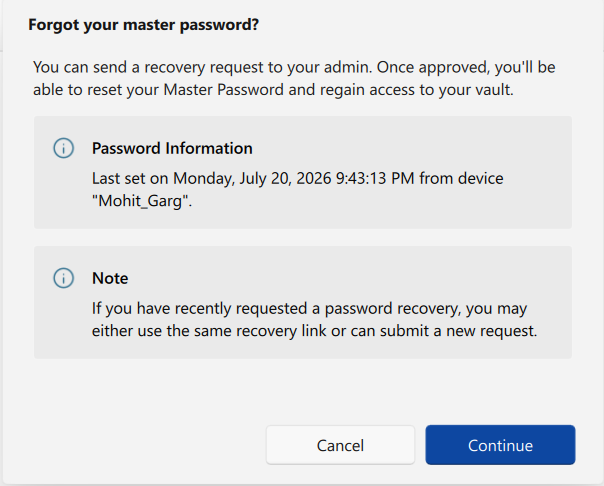
A user forgets their Master Password and submits a recovery request from the Enpass app.
-
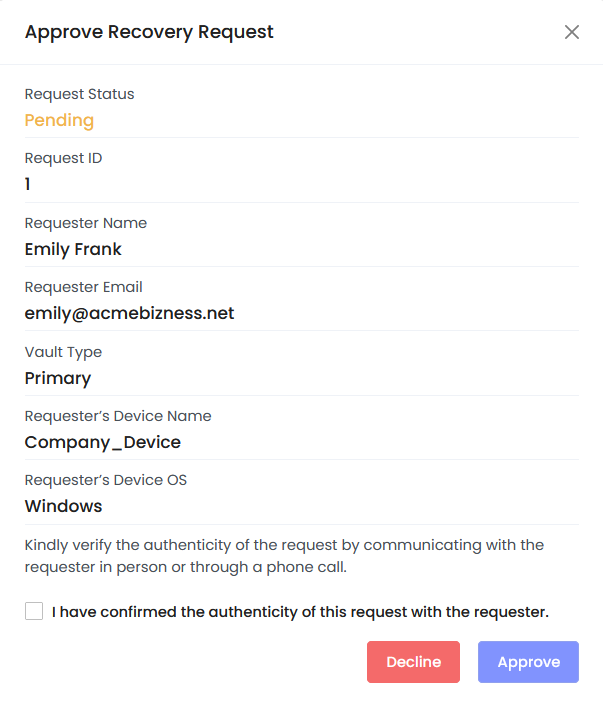
A Recovery Admin receives a notification and reviews the request in the Admin Console.
-
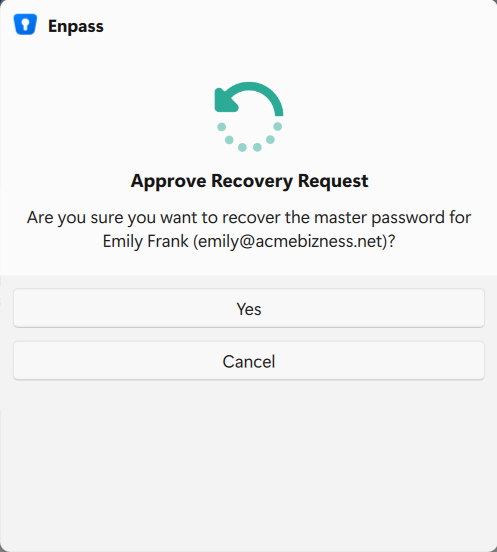
The Recovery Admin approves the request from their Enpass app, generating a recovery link.
-
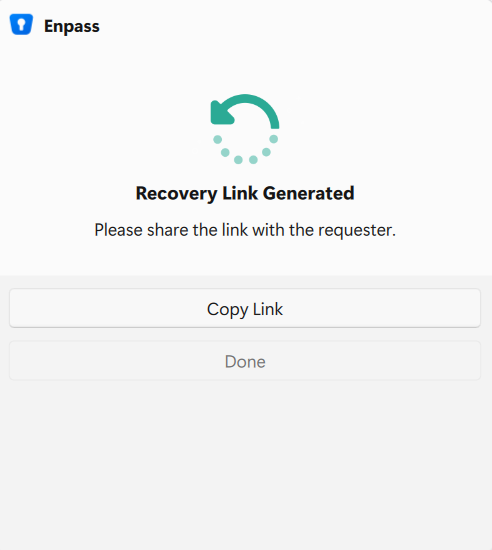
The link is sent to the user, who uses it to set a new Master Password.
-
The user regains access to their vault on all devices.
In This Section
|
Page |
Description |
|---|---|
|
Turn on Access Recovery and set up the Super Admin as the first Recovery Admin. |
|
|
Configure link expiry time, notification recipients, and IT helpdesk forwarding. |
|
|
Add, manage, and remove Recovery Admins in your organization. |
|
|
Review, approve, decline, and understand request statuses. |
Related Links
-
Access Recovery for Users - Learn how users will initiate a master password reset request.