.svg)
Switching vaults in the Enpass browser extension
If you have multiple Enpass vaults and are not seeing the Item you need in the Enpass Autofill pop-up menu, the extension may be displaying Items from only one vault.
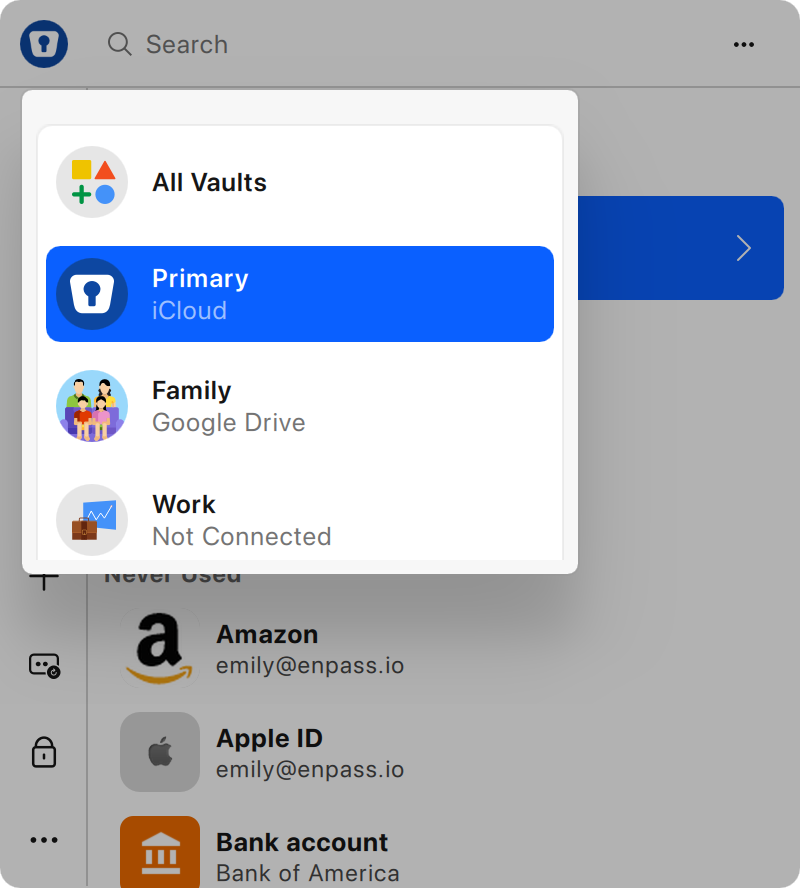
To switch to All Vaults or a different vault in the Enpass browser extension:
-
Click in a login or form field on a webpage.
-
In the Enpass Autofill pop-up, click » at the bottom-right corner to launch the Enpass Assistant overlay.
-
Click the vault icon in top-left corner of Enpass Assistant to select All Vaults or a different vault.